
Pixel 11 Pro vs Galaxy S26 Ultra — Which One Fits Exam Prep?
Last reviewed: August 26, 2026. Evidence-labeled verdict: strong evidence for the Galaxy S26 Ultra as the more complete built-in exam-prep workflow; moderate evidence for the Pixel 11 Pro as the cleaner base that expects students to choose third-party study apps. This is not a universal best-phone decision. It is a workflow comparison for students who need three things to happen without a nightly app-stitching ritual: annotate official practice PDFs, record and search lectures or tutoring sessions, and convert handwritten notes into reviewable text.
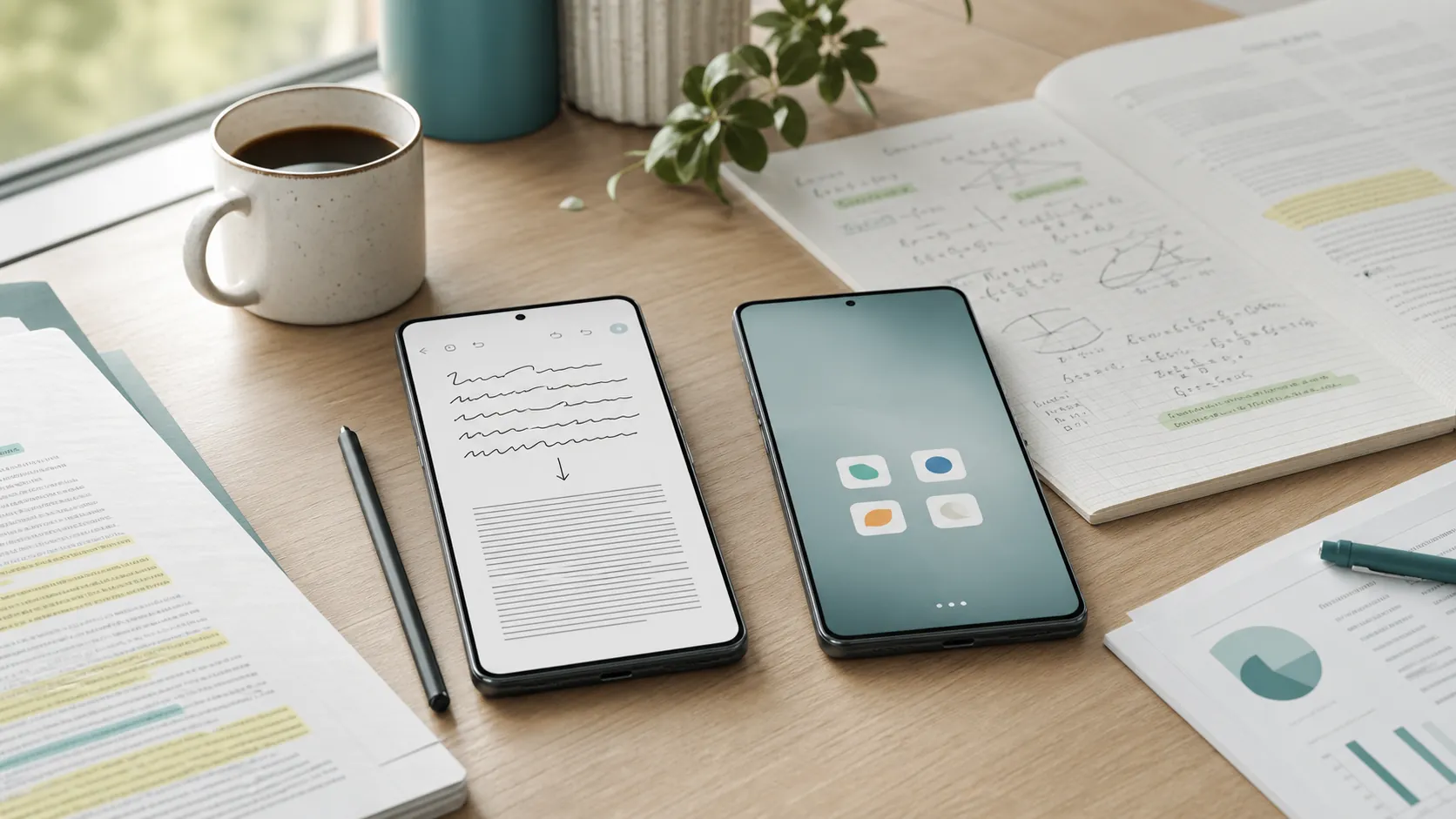
For students comparing the Pixel 11 Pro and Galaxy S26 Ultra for exam prep, the first split is simple: GSMArena’s comparison lists the Galaxy S26 Ultra with an S Pen, while the Pixel 11 Pro has no stylus entry; SamMobile’s Samsung study workflow then builds around that stylus, Samsung Notes, Note Assist, Voice Recorder, and Transcript Assist. CNN’s Pixel 11 Pro review, by contrast, praises the phone as “as bloatware-free as Android gets” and highlights Gemini features such as the Rambler voice keyboard and Gemini Live, but the researched Pixel sources do not document a comparable bundled stylus/PDF/lecture-transcription stack out of the box.[1][2][3]
That distinction matters most after class, when the easy part is over. A practice passage has comments in the margins. A tutor has explained one probability shortcut in minute 38 of a recording. A formula sheet has three half-legible corrections written during review. The phone that wins this comparison is the one that reduces cleanup before the student is tired enough to stop doing it.
The workflow difference shows up before the spec sheet matters
Both phones can run popular note, PDF, recording, flashcard, and AI apps. That is the least interesting fact here. The better question is which phone ships a usable study chain before the student has installed anything else.
| Exam-prep task | Galaxy S26 Ultra out of the box | Pixel 11 Pro out of the box |
|---|---|---|
| Handwritten notes | S Pen plus Samsung Notes and Note Assist for cleanup, text conversion, formatting, and summarization, with SamMobile noting a roughly 200-character minimum for summary features.[2] | No stylus listed in the researched spec comparison; students would choose a third-party note-taking setup or type notes instead.[1] |
| Lecture or review-session recording | Voice Recorder with Transcript Assist for speaker-labeled on-device transcription, plus summarization or translation options described by SamMobile.[2] | Gemini and voice features exist, but the researched Pixel source does not document a bundled lecture-recording/transcription workflow equivalent to Samsung’s stack.[3] |
| Official or course PDFs | Samsung Notes supports PDF translation and annotation in the study workflow described by SamMobile.[2] | Students can use third-party PDF and note apps, but that stack is assembled by the student. |
| Software feel | More bundled study tools, more Samsung layers. | Cleaner Android base; CNN calls it “as bloatware-free as Android gets.”[3] |
That table is why raw chip arguments stay in the background here. Speed helps only if the study material lands somewhere useful. The S26 Ultra’s advantage is not that it has a pen as an accessory; it is that Samsung’s own apps give the pen, notebook, recorder, transcript, summary, and PDF markup somewhere to meet.
How the Galaxy S26 Ultra handles a real study session
Start with handwritten notes, because this is where students usually lose the thread. In SamMobile’s Samsung-focused study workflow, a student can write with the S Pen in Samsung Notes, then use Note Assist to clean up handwriting, convert handwritten notes into text, format notes, and summarize them. SamMobile also notes that Samsung’s summary feature needs about 200 characters of content before it can work.[2]
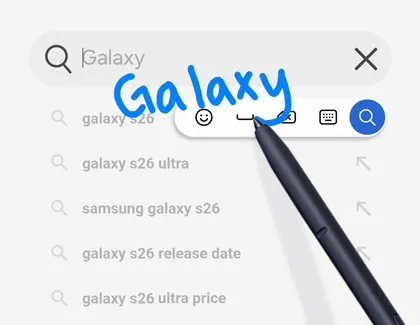
The 200-character floor is not a dealbreaker; it is a reminder to use the feature on actual notes, not one-word fragments. A quick “review enzymes” scribble is still just a reminder. A page of missed MCAT amino acid questions, a GRE quant error log, or a set of SAT grammar exceptions is enough material for cleanup and formatting to matter.
The next piece is audio. SamMobile describes Transcript Assist inside Samsung’s Voice Recorder as producing on-device transcripts with speaker labels, followed by options to summarize or translate the transcript.[2]
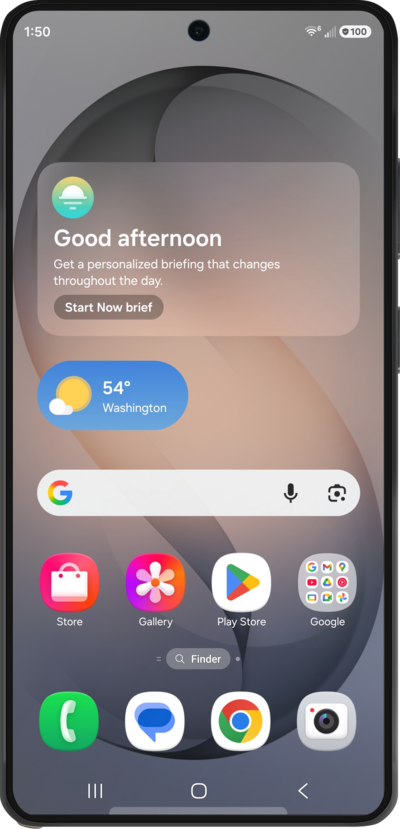
Speaker labels are not a cosmetic feature in exam prep. In a review session, the difference between “student guessed C” and “tutor explained why C is a trap” is the whole point of keeping the recording. A searchable transcript lets the student return to the explanation without replaying an entire session. The on-device part also matters for students handling classroom or tutoring audio, though recording rules still depend on consent, school policy, and local law; our lecture-recording privacy guide is the safer place to sort that out before recording people.
Then there are PDFs. Official practice material often arrives as a PDF: ETS guides, College Board practice sets, AAMC passages, ASVAB prep material, instructor handouts. SamMobile’s workflow describes Samsung Notes handling PDF translation and annotation, which means the phone’s built-in notebook can become the place where the student reads, marks, and keeps review material instead of splitting it between a PDF app, a notes app, and a separate AI summary tool.[2]
That does not make Samsung Notes the best possible app for every course or every test. It does make the S26 Ultra unusually coherent on day one. The student can download a passage set, mark it up with the S Pen, add scratch reasoning nearby, record the review, generate a transcript, and come back later with searchable material instead of a pile of disconnected files.
SamMobile also points to smaller Galaxy AI conveniences such as Browsing Assist and Now Brief in the student context.[2] They are useful background tools, especially for quick web-page digestion or planning notes, but they are not the reason the S26 Ultra leads this specific comparison. The central advantage is still the capture-and-convert workflow: handwriting, audio, transcript, PDF, annotation.
The Pixel 11 Pro path is cleaner, but more assembled
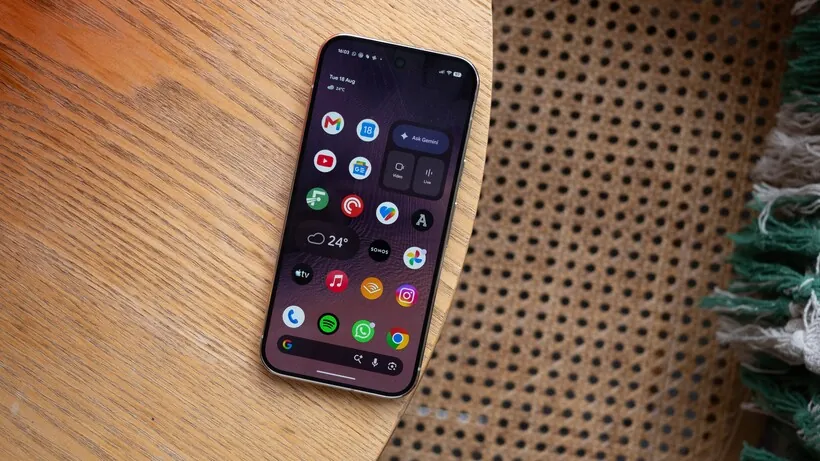
The Pixel 11 Pro should not be punished for being quiet. CNN’s review frames it as clean Android, “as bloatware-free as Android gets,” and highlights Gemini features including the Rambler voice keyboard and Gemini Live.[3] For some students, that is exactly the appeal: fewer duplicate apps, fewer branded layers, and more freedom to choose the note-taking, PDF, recording, and flashcard tools they already trust.
The tradeoff is that the Pixel’s study stack is not bundled in the same way. Based on the researched sources, the Pixel 11 Pro does not ship with a documented equivalent to Samsung’s S Pen-plus-Samsung-Notes-plus-Transcript-Assist workflow. That is a narrower claim than “the Pixel cannot do it.” The Pixel can still be a strong study phone if the student builds the system intentionally.
A Pixel student will usually pick a third-party notes app, a PDF annotation app, and a voice-note or transcription tool. If that sounds like a small decision, it is not. One app may export clean PDFs but handle handwriting poorly. Another may record beautifully but bury transcripts behind a subscription. Another may sync well on a laptop but feel clumsy during a timed passage review. Our college note-taking app comparison is the more useful next stop for that Pixel route.
For recorded classes or tutoring sessions, the Pixel route also puts more weight on app choice. Students comparing Samsung’s Transcript Assist against independent tools should look at our voice AI note-taker testing rather than assuming every transcription app behaves the same under classroom noise, overlapping speakers, or long review sessions.
Gemini belongs in the Pixel discussion, but in the right job. Gemini Live and voice input can help a student brainstorm, rephrase, search, and summarize, and clean voice dictation can reduce friction when typed notes are faster than handwriting.[3] They should not become a primary tutor or a substitute for verified ETS, College Board, AAMC, ACT, SAT, GRE, MCAT, or ASVAB material. Our Gemini study-features review treats it more safely as a research and summarization layer than as an answer authority.
If the student already has a favorite app stack, the Pixel’s cleanliness becomes a real advantage. It stays out of the way. It does not ask the student to decide between Google’s version and Samsung’s version of the same basic function. It is a better fit for students who want a phone to be a stable base for chosen tools, not a prebuilt study workstation.
The S Pen dispute is real, and it changes the recommendation
The S Pen is the hinge of this comparison, but it is not magic. Android Central and Android Authority both treat the Galaxy S26 Ultra’s S Pen more skeptically, noting changes such as no Bluetooth and one-way insertion with the rounded cap, and both reviewers describe rarely using it in daily phone life.[4][5] PCMag takes the other side, calling the S Pen “a valuable companion for note-taking.”[6]
That conflict should not be flattened into a yes-or-no verdict on styluses. It should be applied to the student’s actual behavior. A student who mostly types notes, reads PDFs without marking them up, and records nothing will not suddenly become organized because a phone has a pen tucked inside. For that student, the Android Central and Android Authority skepticism is relevant.
A different student lives in the margins. They circle transition words in reading passages, draw arrows through organic chemistry mechanisms, box missed algebra steps, mark diagrams, and write short explanations beside wrong answers. For that student, PCMag’s note-taking praise lines up better with the work being done. The S Pen matters because it changes how fast the student can capture reasoning at the moment it is still fresh.
The safest test is blunt: if you would not use a stylus on a printed practice test, you probably will not use it enough on the S26 Ultra to justify the workflow advantage. If you already print practice sets because typing comments feels too slow, the S26 Ultra is the rare phone where the built-in pen is tied to the rest of the study system.
Where third-party apps still matter
The Galaxy S26 Ultra wins the out-of-box workflow comparison, but that does not end the app conversation. Some students will still prefer a dedicated PDF reader, a cross-platform notebook, a specialty audio transcription app, or a flashcard system that syncs cleanly with a laptop. The S26 Ultra lowers the starting friction; it does not ban better tools.
The Pixel 11 Pro makes the opposite bargain. It gives students a cleaner Android surface and asks them to assemble the rest. That can be better for students who already know their workflow: for example, a typed-notes student who records through a dedicated note-taker, annotates PDFs on a tablet or laptop, and only needs the phone for search, reminders, voice input, and quick review.
For students who care about local AI speed, device-side workflows, and how phones behave as productivity machines, our earlier on-device AI phone workflow testing is the better place for that benchmark-heavy angle. This comparison is narrower: which phone has the study stack ready when a test-taker opens the box.
Which one fits exam prep?
Choose the Galaxy S26 Ultra if your daily prep routine includes official practice PDFs, handwritten scratch work, margin notes, diagrams, tutoring audio, or review sessions you need to search later. The evidence supports it as the more complete built-in exam-prep stack: S Pen input, Samsung Notes, Note Assist, PDF annotation and translation, Voice Recorder, and Transcript Assist all sit in one Samsung workflow.[2]
Choose the Pixel 11 Pro if clean Android, fewer bundled layers, and choosing your own third-party tools matter more than having the study workflow preassembled. Its strength is not a hidden Samsung-style notebook system; it is the quieter base CNN describes, plus Gemini and voice features that can support research, dictation, and summarization when used carefully.[3]
The S26 Ultra is the workflow pick for students who will actually write, mark up, record, and revisit. The Pixel 11 Pro is the cleaner pick for students who already know which apps will do those jobs.
References
- Compare Samsung Galaxy S26 Ultra vs. Google Pixel 11 Pro, GSMArena
- How to use Galaxy AI on Samsung Galaxy S26 Ultra while studying, SamMobile
- Google Pixel 11 Pro review, CNN Underscored
- Samsung Galaxy S26 Ultra review, Android Central
- Samsung Galaxy S26 Ultra review, Android Authority
- Samsung Galaxy S26 Ultra Review, PCMag
Related comparisons & exam hub
No matching exam hub found
Browse tool comparisons to find other verdicts for this exam.
Did this match your own testing?
Report whether your hands-on experience with this tool matched the verdict, or flag a pricing or accuracy change.
Comments
Join the discussion with an anonymous comment.