We Tested Voice AI Note-Takers on Exam-Style Lectures
Accuracy Warning — Otter, NotebookLM, Coconote, Krisp, Fathom, tl;dv
AI note-takers can drop negations, mangle jargon, and fabricate summary claims; always check against original audio/source.
- Accuracy:
- Moderate
- Tested:
- Transcribing and summarizing noisy lectures, jargon-heavy passages, PDFs, and voice memos into study notes and flashcards, with source-audio verification
- Last tested:
- 2026-08
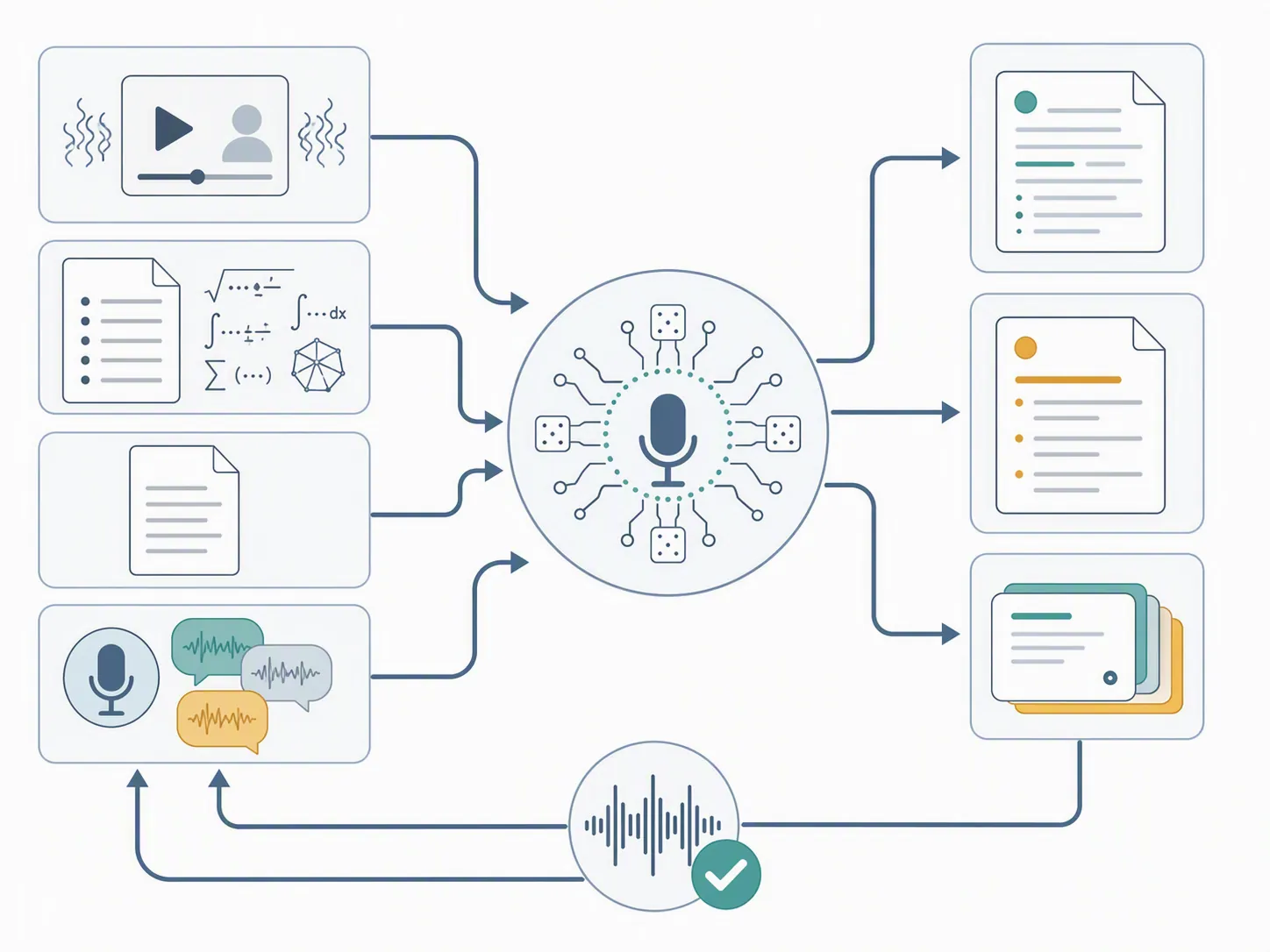
Test date: August 2026. Evidence label: StudyMethod hands-on test unless a sentence is marked with an external citation. Every tool below was run against the same exam-style inputs: one 50-minute noisy lecture recording, one jargon- and formula-heavy MCAT/GRE-style passage, one PDF source, and one rambling self-recorded voice memo. The important check came after the AI note was generated: transcript, summary, flashcards, and quizzes were compared back against the original audio or source document before any verdict was written.
That last step changed several verdicts. A clean AI summary can hide a bad transcript. A confident study guide can turn a hedged lecture comment into a rule. A generated quiz can test a term the professor never said. For exam prep, the question is not whether voice AI note-taking for students feels impressive in a demo. It is whether the output survives the same ugly conditions students actually record: fast speech, HVAC noise, acronyms, formulas, half-finished explanations, and a free plan that may run out before the semester does.
How the test was controlled
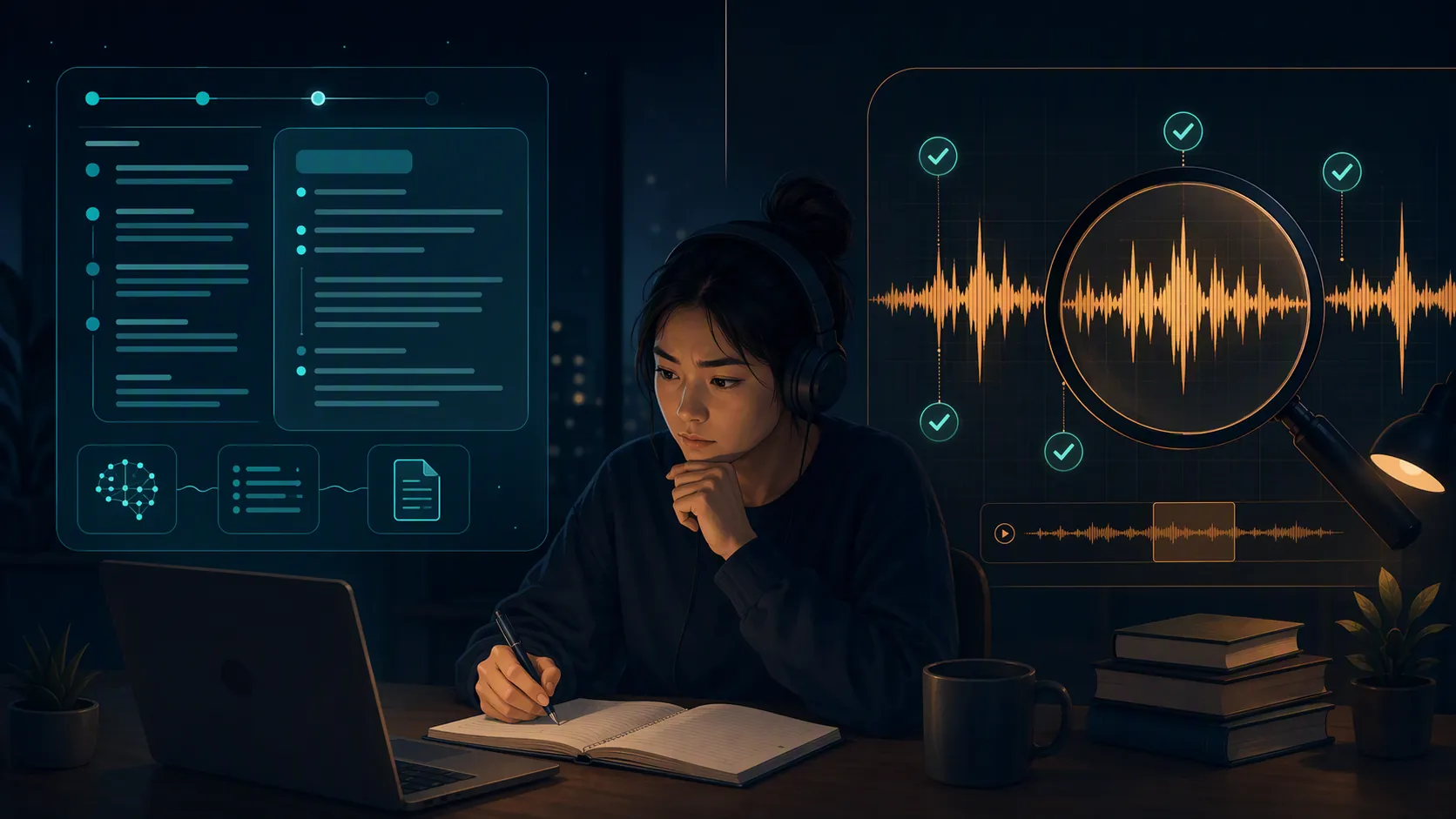
The test followed a same-input protocol rather than a tour of each app’s best use case. WIRED used a similar control idea when it fed the same prerecorded presentation into every AI notetaker device it tested, which is the right instinct: if each tool hears different audio, the comparison mostly measures the source material, not the tool.[1]
The six-tool test set was Otter, NotebookLM, Fathom, Krisp, tl;dv, and Coconote. Granola and Fireflies are discussed only where market context or free-plan constraints matter; they were not treated as equal members of the standardized exam battery.
| Input | What it was meant to expose | What was checked |
|---|---|---|
| 50-minute noisy lecture recording | Whether the tool can survive a real class period with background noise and long-form speech | Dropped sections, speaker confusion, summary omissions, free-plan coverage |
| MCAT/GRE-style jargon and formula passage | Whether dense terms, acronyms, and math language survive transcription | Term fidelity, formula wording, invented explanations |
| PDF source | Whether the tool can produce study output from a fixed document rather than only audio | Source-grounded answers, flashcards, quiz quality |
| Rambling voice memo | Whether the tool can turn messy self-explanation into usable review material without over-cleaning it | Lost qualifiers, fabricated structure, actionability |
The scoring emphasis was deliberately lopsided. Interface polish, calendar features, and meeting collaboration mattered only if they changed the student workflow. A beautiful meeting recap is not much help if the transcript turns “glomerular filtration rate” into something a student will memorize incorrectly.
The first filter: can the transcript be trusted enough to study from?
Marketing accuracy claims are easiest to believe when the audio is clean. They are less useful when the recording sounds like a student’s phone placed on a desk two rows back. HiNoter’s 2026 comparison describes real-world accuracy as dropping roughly 5–10 points from marketing numbers under accents, noise, overlapping speech, and jargon, while noting Otter at about 95% in clean English and custom vocabulary as the difference between a correct technical term such as “Kubernetes” and nonsense.[2] AssemblyAI gives a broader 85–95% typical accuracy band for leading speech-to-text apps and also warns that noise, accents, and jargon reduce performance.[3]
That matched the shape of our exam test. The tools were not useless in noisy lecture audio; most produced something readable. The problem was where the errors landed. Missed filler words do not matter. Missed negations, units, acronyms, and qualifier phrases do. A transcript that drops “except during anaerobic conditions” can turn a decent biology note into a wrong answer trap.
Otter was the most comfortable pure lecture-capture tool in the set. It handled continuous speech better than tools that are shaped primarily around meeting recaps, and its transcript-plus-summary flow is fast enough for a student who wants notes immediately after class. But the free tier matters sharply: Otter Basic lists 300 transcription minutes per month, a 30-minute per-conversation cap, and 3 lifetime audio/video imports.[4] A 30-minute cap is not a small inconvenience when the test input is a 50-minute class. It means the free plan cannot capture a normal lecture as one complete conversation.
Krisp was strongest where audio cleanup mattered. On a noisy recording, that is not cosmetic. If the front end suppresses background sound well enough to preserve words, the downstream transcript and summary both improve. Its weakness for exam prep was study output depth: the tool felt more like a meeting-audio and transcription layer than a complete study system.
Fathom and tl;dv were better when the input resembled a meeting or recorded presentation than when it resembled an exam-content lecture. Their recap habits are useful for action items, decisions, and topic blocks. They are less naturally tuned to the student problem of “what exact term did the instructor use, and can I turn it into a card without changing the claim?” July 2026 free-plan reporting also makes them harder to recommend as no-cost semester tools: Lindy reports that Fathom’s free plan caps AI summaries at 5 per month, and that tl;dv’s free plan allows 10 AI notes with recordings archived after 3 days.[5]
NotebookLM was different because it is not mainly a live lecture recorder. Its advantage appeared after sources were uploaded. For PDF-based study and source-grounded Q&A, it was the safest tool in the test because the answer could stay close to the provided material. Laxu describes Otter as returning transcript plus summary while leaving flashcards to the student, and describes NotebookLM as a strong free option for source-grounded Q&A; that distinction showed up clearly in the test.[6]
Coconote was the most student-shaped tool in the group. Its value was not that it beat every specialist at transcription. It was that lecture notes, study guides, flashcards, and quizzes are closer to the center of the product. For a student who wants quick review material from class audio, that matters. The caution is the same one that applied to every tool in the battery: generated study outputs are only as safe as the transcript and source-checking behind them.
The second filter: did the summary add things the source did not say?
Summary fabrication is the reason the original audio stayed in the test folder until the end. AP’s investigation into Whisper reported that 8 of 10 inspected transcripts contained hallucinations, that one developer saw hallucinations in nearly all of 26,000 transcripts, and that a Cornell/UVA study found 187 hallucinations in more than 13,000 clear-audio snippets, with about 40% judged harmful or concerning.[7] PBS NewsHour covered the same failure mode in medical transcription and quoted a former OpenAI engineer criticizing deletion of source audio: “You can’t catch errors if you take away the ground truth.”[8]
Those are not consumer lecture-app error rates. It would be sloppy to pretend they are. The useful conclusion is narrower and still serious: speech-to-text and summarization systems can produce fluent text that is not in the recording, especially around pauses, noise, and ambiguous speech. For a student, that means the dangerous note is not the messy one. It is the polished one that no longer shows where it came from.
In the rambling voice memo test, the tools often improved readability by imposing structure. That was useful when the student’s own explanation had three false starts. It became unsafe when the AI made a clean causal chain out of a thought that was only tentative. For low-stakes planning, that is fine. For an exam note, the wording has to preserve uncertainty: “the professor suggested,” “one possible interpretation,” “this holds only when,” or “not covered in lecture.”
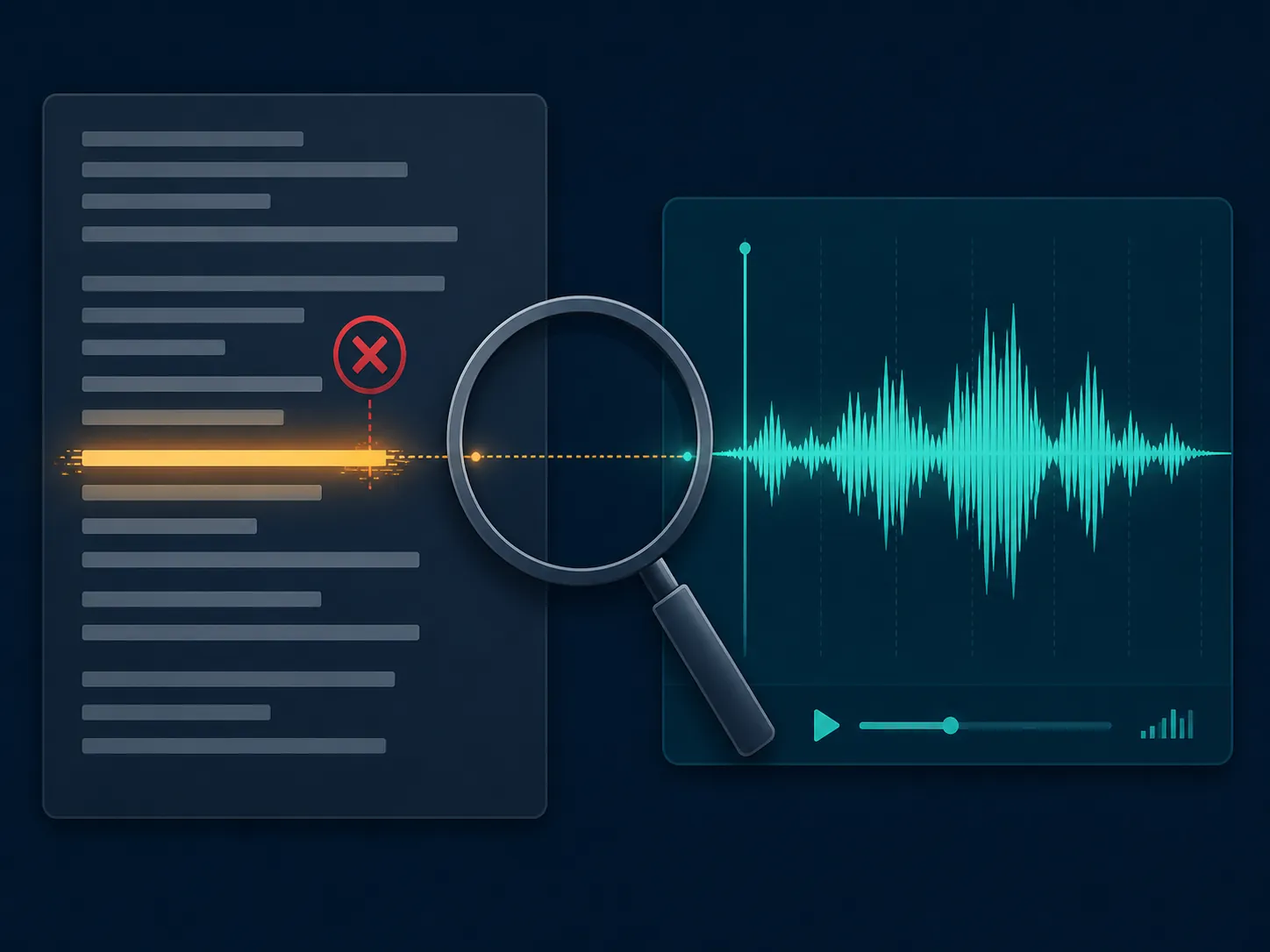
The practical verification workflow is boring and non-negotiable: keep the audio, skim the transcript for terms and negations, compare the summary’s strongest claims against the waveform or source document, then generate cards or quizzes. The same posture applies when checking frontier models on official questions, which is why our frontier-model study-help test used per-exam verdicts instead of one universal winner. For broader safety habits, the verification rules in Is ChatGPT safe for studying? and our AI hallucination case study are more useful than trusting any app’s summary tone.
Study output: flashcards and quizzes helped only after the source survived
Flashcards exposed a different failure mode from summaries. A summary can be vague and still seem acceptable. A flashcard forces a claim into a front and back. If the source transcript is wrong, the card becomes a memorization machine for the wrong fact.
Coconote produced the most immediately student-usable study objects from lecture-style input. Its cards and quizzes required editing, but they were close enough to be worth editing. NotebookLM was better when the source was a PDF and the job was to ask grounded questions, explain sections, or build review prompts from a stable document. Otter, Krisp, Fathom, and tl;dv were more capture-first. They could feed a study workflow, but the student still had to convert notes into retrieval practice.
That conversion matters because rereading a transcript is a weak endpoint. Studr’s 2026 note-taking comparison argues that community deck libraries such as Quizlet matter for standardized exams and that active recall within about 24 hours roughly doubles retention versus rereading.[9] Treat that as a study-design claim, not a reason to accept auto-generated cards untouched. The best use of AI cards was to create a first draft quickly, then delete vague cards, split multi-fact cards, and check every answer that contains a number, formula, exception, or named concept.
For students already comparing flashcard tools, our Knowt flashcard app review is the better place to evaluate spaced repetition and deck-building features. A voice note-taker should be judged first on whether it captured the source accurately enough to become a card source at all.
Free plans are part of the exam verdict, not a pricing footnote
A free tier that works for two demos but not for week six is not a practical student recommendation. This is where official pages and dated reports matter more than roundup optimism.
| Tool or context | Free-plan evidence available in the brief | Exam-prep consequence |
|---|---|---|
| Otter Basic | Official page lists 300 minutes/month, 30-minute per-conversation cap, and 3 lifetime audio/video imports | Cannot record one 50-minute lecture as a complete free-tier conversation |
| Fathom | Lindy July 2026 reports 5 AI summaries/month; older HiNoter January 2025 data reportedly said no caps | Use July 2026 data until re-checked; summary cap limits a lecture-heavy semester |
| tl;dv | Lindy July 2026 reports 10 AI notes and recordings archived after 3 days | Unsafe if the student needs retained audio for later verification |
| Granola context | Laxis July 2026 reports 25 lifetime meetings on the free plan | Useful context, but not a full-semester free lecture solution |
| Otter Pro context | Laxis July 2026 reports Pro cut from 6,000 to 1,200 minutes/month at the same $16.99 price | Paid capacity changed enough that old recommendations may be stale |
The Otter conflict is a good example of why dated verification matters. A Medium college-note-taking test used a 4-input battery as a useful structural precedent, but its reported “600-minute Otter free limit” conflicts with Otter’s official Basic page, which lists 300 monthly transcription minutes.[4][10] The official page wins for a current recommendation.
The Fathom record is also messy. HiNoter’s January 2025 data reportedly described no caps, while July 2026 reporting from Lindy and Laxis points to a 5-summary limit.[5][11] Because students are making decisions in Q3 2026, the newer dated evidence should be treated as more actionable, but the conflict should not be hidden.
Tool-by-tool verdicts from the exam battery
Otter: best lecture-capture fit, weak free-tier fit for normal class length
Otter was the easiest tool to imagine in a lecture hall. It returned the core objects a student expects: transcript and summary. In the noisy 50-minute recording, it was more useful than the meeting-first tools when the task was simply to recover what happened in class.
The downside is not subtle. Otter Basic’s 30-minute per-conversation cap cuts across the exact use case students care about.[4] For a student trying to cover a semester without paying, that cap is more important than a sleek summary. Otter is a good candidate if you can use a paid plan or a school license and if you verify jargon-heavy passages before turning notes into flashcards. It is not the free winner for 50-minute lectures.
NotebookLM: safest for PDFs and source-grounded review, not a lecture recorder replacement
NotebookLM’s best moments came from the PDF and document-based parts of the test. When the source was fixed and visible, its answers were easier to inspect. It was the strongest fit for students who already have slides, chapters, or official prep PDFs and want Q&A grounded in those materials.
It should not be described as the best voice recorder in this group. It is better thought of as the study layer after capture. A practical workflow is to record with a tool that preserves usable audio and transcript, then move verified source material into NotebookLM for questioning and synthesis.
Coconote: most student-shaped output, still needs transcript checking
Coconote was the closest to what many students mean when they ask for an AI note-taker: record class, get notes, get review material. Its generated flashcards and quizzes made the path from capture to practice shorter than in the capture-first tools.
That does not make it safe to use passively. The more a tool packages output as “study-ready,” the more aggressively the student needs to check the original source. Coconote is a strong candidate for students who want all-in-one lecture-to-review flow and are willing to edit cards before memorizing them.
Krisp: useful when noise is the enemy
Krisp’s exam value came from the front of the pipeline: cleaner audio. If your recordings are ruined by background noise, roommates, fans, or crowded rooms, this matters more than another AI summary template. Its limitation is that it does not feel like a complete exam-prep environment by itself.
Use Krisp when the capture problem is severe, then pair the cleaned or transcribed material with a separate study system. It is not the first pick if the student wants built-in flashcards, quizzes, and exam-specific guidance.
Fathom: good meeting notes, awkward student economics
Fathom’s recap style is polished for meetings. In an exam workflow, that polish is less valuable than term fidelity, retained source access, and enough AI summaries to cover recurring classes. The July 2026 reported cap of 5 AI summaries per month makes the free plan a poor match for students recording multiple lectures weekly.[5]
Fathom can still make sense for students whose “lectures” are actually online seminars, tutoring sessions, or group meetings. It is not the tool I would choose first for dense MCAT content review or formula-heavy classes.
tl;dv: recorded-video workflow, but source retention is the concern
tl;dv made more sense around recorded meetings and video review than around phone-on-desk lecture capture. The reported free-plan archive window is the issue: if recordings are archived after 3 days, the student loses the most important protection against fluent wrong summaries.[5]
For low-stakes meeting recaps, that tradeoff may be acceptable. For exam notes, source retention is part of the study method. If the audio cannot be checked later, the summary has to be treated as temporary, not authoritative.
Which tool fits which exam scenario?
MCAT: prioritize jargon transcription and source checking
For MCAT content review, the biggest danger is not missing a pretty summary. It is mangling a scientific term, pathway condition, or exception. Otter is the best lecture-capture candidate if the plan covers the full class period. Coconote is attractive if the student wants quick flashcards and quizzes, but its generated cards need verification. NotebookLM is strongest after the student has PDFs, slides, or corrected transcripts ready for source-grounded review.
The tool should sit underneath the content plan, not replace it. For scheduling and section balance, start with the 12-week MCAT study plan, then decide which lectures are worth recording and converting into retrieval practice.
GRE quant: formulas make summaries less important than exact notation
GRE quant review is a bad place to trust a natural-language recap of math. The test battery’s formula-heavy passage showed the predictable problem: tools can explain around notation more confidently than they preserve it. For GRE, use voice AI to capture explanations, not as the final source for formulas. Check formulas against slides, textbooks, or official prep material before turning them into cards.
NotebookLM is useful when the formula source is a PDF. Otter or Krisp can help when the lecture explanation itself is valuable. For timing, cost, and score-target planning, keep the tool decision inside a broader GRE prep plan.
SAT and ACT: video lessons and class review favor source-grounded tools
SAT and ACT students often study from videos, class lessons, and review packets rather than long university lectures. That makes NotebookLM and Coconote more appealing than a meeting-first recorder. If the source is a PDF, use source-grounded Q&A. If the source is a video or class recording, use the transcript only after checking missed terms, dates, and rule statements.
For students building review from educational videos, the exam-prep pattern in our Crash Course exam prep guide is the better organizing frame: watch actively, extract testable claims, then practice retrieval. AI notes can speed up extraction; they cannot decide what the test will reward.
ASVAB: quick review output matters, but only after vocabulary is checked
ASVAB prep has a wider content mix: word knowledge, arithmetic reasoning, mechanical comprehension, electronics, and general science. Coconote’s quick cards and quizzes are useful for turning recorded explanations into practice. NotebookLM is useful for PDFs and guides. Otter is useful when the student is capturing a live class or tutoring session.
The check is vocabulary. Mechanical and electronics terms are easy for a transcript to distort, and a wrong term can break the concept. Start with the ASVAB exam prep guide or compare apps in ASVAB study apps that boost AFQT score, then use voice notes only for the parts of your prep that genuinely benefit from recording.
What I would actually choose
If I had to record live lectures and could pay or had institutional access, I would start with Otter, then verify jargon and feed corrected material into a study system. If I needed the strongest free source-grounded study layer for PDFs and corrected notes, I would use NotebookLM. If I wanted the most student-shaped lecture-to-flashcard workflow, I would test Coconote first, but I would not memorize its cards until I checked the source. If my recordings were consistently noisy, I would consider Krisp as part of the capture pipeline. I would use Fathom or tl;dv mainly when the study source looked like a meeting or recorded presentation, not a dense exam lecture.
The practical rule is simple enough to survive finals week: choose the voice AI note-taker whose transcript, summary, study outputs, and free-plan limits match the exam scenario you actually face. Keep the original audio. That is the only way to catch the errors fluent AI notes can hide.
References
- Best AI Notetakers, WIRED
- 10 Best AI Note Takers in 2026 Tested & Compared, HiNoter
- Best real-time speech-to-text apps, AssemblyAI
- Start for free, Otter.ai
- AI Note Taking App, Lindy
- Best AI Note Taking Apps 2026, Laxu
- Researchers say an AI-powered transcription tool used in hospitals invents things no one ever said, AP News
- What to know about an AI transcription tool that hallucinates medical interactions, PBS NewsHour
- Best AI Note Taking App for Students, Studr
- I Tested 30 AI Note-Taking Tools for College. Here’s What Actually Works — and What’s a Complete Waste, Medium
- Best AI Note Taker 2026: I Tested 5 Apps Across 200+ Meetings, Laxis
Authoritative source
For the authoritative version of this contentHow to Read the '1 in 4 NFL Players CTE' Study
Report an error in this tool's output
Found something this tool got wrong beyond what's documented above? Report it so the accuracy log stays current.
Comments
Join the discussion with an anonymous comment.