
Free Online Flashcard Makers with AI Generation: Which Tools Actually Turn Your Notes into Cards for Free?
The Manual Card-Creation Time Sink (And Why AI Changes Everything)
If you have ever sat down after a two-hour lecture with a stack of slides and a blank spreadsheet, you know the math does not work in your favor. Manually converting a single 40-slide deck into flashcards — writing the question, typing the answer, formatting the card — takes most students between 45 and 90 minutes. Multiply that by five classes per week, and you are spending roughly a full workday every week just on card creation, not on actual studying.
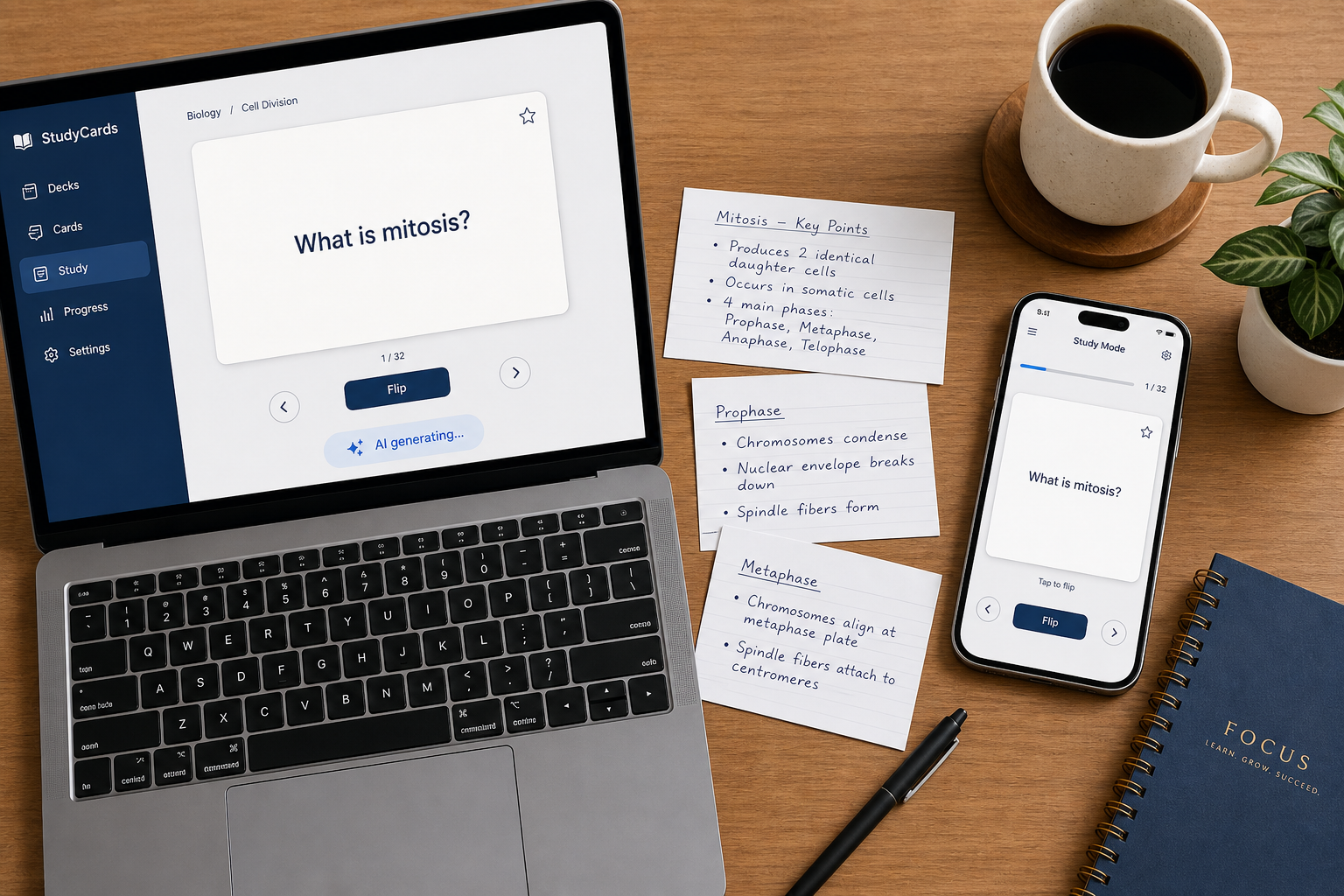
AI-powered flashcard generation promises to collapse that 90-minute task into a few seconds. Upload a PDF, paste your notes, or drop in a lecture video, and the tool spits out a deck of question-and-answer pairs. In 2026, this capability is no longer a futuristic add-on — it is the headline feature of nearly every flashcard app on the market.
The catch? Most articles that compare these tools treat the free tier as an afterthought. They list features, show screenshots, and declare a winner without asking the question that matters to a student on a tight budget: Does the free version actually let you generate usable flashcards, or does it just show you a demo and then ask for a credit card?
What to Look for in AI Flashcard Generation: Context vs. Extraction
Not all AI generation is created equal. Before we compare tools, it helps to understand the two fundamentally different approaches these systems use — because the approach determines whether you get a deck you can actually study from or a pile of unusable fragments.
Contextual Generation (The Good Kind)
A contextual generator reads your source material, identifies the core concepts, and writes original question-and-answer pairs that test understanding. For example, given a paragraph about the Krebs cycle, it might produce: "What is the primary purpose of the Krebs cycle in cellular respiration?" — a question that requires synthesis, not just recall of a single sentence. Tools that use this approach tend to produce cards that feel like they were written by a competent tutor.
Sentence Extraction (The Lazy Kind)
A sentence extractor simply pulls out key sentences from your text and formats them as cloze deletions or question-answer pairs. The result is often a deck where the "question" is a sentence with one word blanked out and the "answer" is that single word. These cards test recognition, not understanding. They are better than nothing, but they miss the point of active recall — you end up memorizing the sentence structure rather than the underlying concept.
When evaluating a tool's free AI tier, ask three questions:
- Does it generate from multiple source types (PDF, notes, slides, video) or only from plain text?
- Does it produce full question-answer pairs or just cloze deletions?
- Can you edit the output before saving, or is it a one-shot generation?
The tools that score well on all three questions are the ones worth your time. The ones that fail on the first two are the ones that will leave you frustrated and back to manual typing.
Tool-by-Tool Breakdown: What Each Free Tier Actually Delivers
Below is an honest, data-driven look at four tools that offer free AI flashcard generation. Each entry covers what you can generate from, the hard limits of the free tier, and where the tool falls short.
Knowt: The Most Generous Free AI Tier
Knowt is used by over 3 million students and teachers, and it offers AI-powered flashcard generation from lecture videos, PDFs, notes, and PowerPoints. You upload a file, press a button, and the tool generates a deck. The free version includes images in flashcards, and you can export decks as PDFs for printing. Knowt also lets you import existing Quizlet sets with a single click, which makes it a natural migration path for students leaving Quizlet's paywalled ecosystem.
The free tier does not appear to cap the number of AI generations per day, which is unusual among free tools. However, Knowt's business model relies on a freemium structure, and heavy users may eventually encounter prompts to upgrade. For most college students with a standard course load, the free tier is genuinely usable without hitting a wall.
For a detailed walkthrough of migrating your study materials, see Switching from Quizlet to Knowt: A Step-by-Step Migration Guide and Honest Trade-Off Assessment.
FlashcardMaker.me: No Signup Required, but Tight Limits
FlashcardMaker.me is a lightweight web tool that generates flashcards from pasted text in under 5 seconds. It supports any language and requires no account to start. The platform reports over 50,000 flashcards created monthly and a 4.9 out of 5 average rating from more than 1,000 active learners.
The free tier limits are clearly stated:
- Without an account: 1 deck per day, up to 10 cards per deck.
- With a free account: 5 decks per day, up to 15 cards per deck.
- Pro subscription ($1.99 first month, then $9.99 per month): unlimited decks, up to 100 cards per deck, PDF import, and AI chat.
For a student who needs to generate a quick deck for a single exam, the free tier works. For a student taking five courses with weekly exams, the 15-card-per-deck limit becomes a bottleneck fast. The tool also includes built-in spaced repetition, quiz mode, and audio learning, which are unusual features for a free-tier tool.
Adobe Student Spaces: Generous File Size, but Requires an Account
Adobe Student Spaces provides a free AI flashcard maker that accepts uploaded PDFs, Word documents, Excel sheets, PowerPoints, and text files — up to 100 MB per file. The tool scans the content and identifies key terms, definitions, formulas, and examples. You can also focus generation on specific pages, chapters, or topics.
The catch: you need a free Adobe account to use it. No credit card is required, but the signup barrier is higher than FlashcardMaker.me's zero-commitment entry. Adobe Student Spaces also allows sharing flashcards via link on email, LinkedIn, WhatsApp, Discord, and Reddit, which is useful for study groups.
Brainscape: Unlimited Card Creation, but AI Is Gated
Brainscape offers unlimited flashcard creation on its free tier, along with sharing and its confidence-based spaced repetition system (where you rate cards 1 to 5). The platform is trusted by institutions including Oxford University and Stanford University.
However, Brainscape's AI-powered flashcard creation from uploaded source materials (PPT, PDF, doc) is a Pro feature. The free tier lets you create cards manually without limits, but the AI generation that turns your lecture slides into a deck requires a paid subscription at $9.99 per month or a $199.99 lifetime purchase. If your primary need is AI generation, Brainscape's free tier is not the solution.
Free AI Limits at a Glance: A Comparison Table
The table below summarizes the key limits of each tool's free AI tier. Use it to quickly identify which tool matches your study load.
| Tool | Source Types | Cards per Deck (Free) | Decks per Day (Free) | File Size Limit | Signup Required | AI Output Quality |
|---|---|---|---|---|---|---|
| Knowt | PDF, notes, slides, video | Unlimited (no stated cap) | Unlimited (no stated cap) | Not specified | Yes (free account) | Contextual — good question-answer pairs |
| FlashcardMaker.me | Pasted text only | 10 (no account) / 15 (free account) | 1 (no account) / 5 (free account) | N/A (text only) | No (optional) | Contextual — good for short text |
| Adobe Student Spaces | PDF, docx, xls, ppt, txt | Not specified | Not specified | 100 MB per file | Yes (free Adobe account) | Contextual — good for structured docs |
| Brainscape | PPT, PDF, doc (Pro only) | Unlimited (manual only) | Unlimited (manual only) | Not specified | Yes (free account) | AI generation is Pro-only |
The Honesty Gap: Which Tools Gate AI Behind Paywalls?
The central thesis of this article is that many flashcard apps advertise AI generation prominently in their marketing but lock the feature behind a subscription. The gap between what is claimed and what is actually free is wider than most students realize.
Quizlet: The Most Expensive Free Tier
Quizlet is the most well-known flashcard platform, with over 500 million sets created. Its AI features — Magic Notes (which turns notes into flashcards) and Q-Chat (an AI tutor) — are locked behind Quizlet Plus, which costs $35.99 per year. The free tier allows you to create and study flashcards manually, but the AI generation that would save you hours of typing is not available without payment.
For a deeper look at what Quizlet offers and its limitations, see the Quizlet Flashcard App Review: Features, Pricing, and Who It's Best For (2026).
Brainscape: AI Generation Is Pro-Only
As noted above, Brainscape's free tier is generous for manual card creation but does not include AI generation from uploaded files. The AI feature is explicitly a Pro benefit. If you sign up for Brainscape expecting to upload your lecture PDFs and get a deck back for free, you will hit a paywall.
The Tools That Pass the Honesty Test
On the other side of the gap, Knowt and FlashcardMaker.me offer genuinely usable free AI generation. Knowt does not appear to cap daily generations, and FlashcardMaker.me's limits (5 decks per day, 15 cards per deck with a free account) are clearly stated and reasonable for light-to-moderate use. Adobe Student Spaces also delivers on its promise, though the account requirement is a friction point.
- Knowt: Free AI generation from PDFs, notes, slides, and video. No stated daily cap. Best for heavy users.
- FlashcardMaker.me: Free AI generation from pasted text. 5 decks/day, 15 cards/deck with free account. Best for light users who want zero signup friction.
- Adobe Student Spaces: Free AI generation from uploaded files up to 100 MB. Requires free Adobe account. Best for students with large PDFs.
- Quizlet: AI generation locked behind $35.99/year Plus subscription. Not suitable for students seeking free AI generation.
- Brainscape: AI generation locked behind $9.99/month Pro subscription. Free tier is manual-only.
How to Get the Most Out of AI-Generated Flashcards
AI-generated flashcards are a starting point, not a finished product. Even the best contextual generators make mistakes — they include irrelevant details, write overly long answers, or miss the nuance of a complex topic. The students who get the most value from AI generation treat the output as a first draft and invest a few minutes in editing.
Common Issues and How to Fix Them
- Overly long answers: AI tools often generate paragraph-length answers. Break them into multiple cards or rewrite the answer as a concise phrase. A good flashcard answer should fit in a single glance.
- Irrelevant details: The AI may pull in tangential information from your source material. Delete cards that test minor points and keep only the ones that target core concepts.
- Poor question framing: If the question is just a sentence with a blank, rewrite it as a proper question. Instead of "The Krebs cycle occurs in the ___," write "Where does the Krebs cycle occur?"
- Missing context: For sequential or procedural topics (e.g., a biological pathway or a historical timeline), the AI may generate isolated facts. Group related cards into a single deck and review them in order.
For a complete walkthrough of the AI generation and editing workflow, see How to Generate Flashcards from a PDF: A Step-by-Step Guide for Students. That guide covers the specific steps for tools like Knowt and Adobe Student Spaces, including how to refine the output.
Final Recommendation: Which Free AI Flashcard Maker Should You Choose?
There is no single best free AI flashcard maker — the right choice depends on your study load, your source material, and your tolerance for signup friction. Here is a breakdown by audience:
- Heavy users with multiple PDFs and lecture slides per week: Choose Knowt. Its free AI generation from PDFs, notes, slides, and video with no stated daily cap is the most generous option available. The 3 million+ student user base also means a large library of pre-made decks.
- Light users who need a quick deck from a short text: Choose FlashcardMaker.me. The no-signup entry and 5-second generation speed make it ideal for last-minute exam prep. The 15-card-per-deck limit is a constraint, but for a single topic it is sufficient.
- Students with large files (up to 100 MB): Choose Adobe Student Spaces. The file size limit is unmatched among free tools, and the ability to focus generation on specific chapters is a genuine time-saver. The account requirement is the main trade-off.
- Power users who want to pair AI-generated cards with a superior spaced repetition algorithm: Generate cards with Knowt or FlashcardMaker.me, then export them to Anki. Anki's FSRS algorithm is widely considered the gold standard for long-term retention. See Is AnkiDroid Better Than Paid Flashcard Apps? 2026 Feature & Algorithm Comparison for details.
The honest bottom line: AI flashcard generation is a genuine breakthrough for students who want to stop typing and start studying. But the tools that deliver on the promise of free AI generation are the exception, not the rule. Knowt and FlashcardMaker.me pass the honesty test. Most others will ask for your credit card before they save you a single minute.
Related case links
No matching exam hub found
Browse the exam hubs directory to find the study plan for this exam.
Did a similar plan work for you?
Share whether a comparable timeline and starting point produced a similar result — this is verification discussion, not general commentary.
Comments
Join the discussion with an anonymous comment.