MULTI-EXAM Planner
Was Google Docs actually hacked? Protect your study notes
If you saw a warning that Google Docs was hacked, your study notes are probably not sitting inside a breached Google server. The recurring headlines usually describe a different failure: someone approved a malicious app, lost control of a Google account, exposed a file through a sharing link, or gave a third-party service access it should not have had. The distinction matters because the fix is usually available in your own Google Account and Drive settings.
What the “Google Docs hacked” incidents actually were
The clearest example is the May 3, 2017 Google Docs worm. It used OAuth consent phishing: a deceptive app asked users to authorize access through Google's legitimate sign-in flow. Once approved, the app could access contacts and send more convincing invitations. Reports estimated that about one million accounts were affected, and Google contained the campaign within a day. The incident prompted a US-CERT alert on May 4, 2017. It was an abuse of account permissions, not evidence that Google's Docs servers had been emptied. [1][2]
A separate August 2025 confirmation from the Google Threat Intelligence Group concerned a Salesforce instance attributed to ShinyHunters and tracked as UNC6040. The exposed information was described as basic and largely publicly available business information, not consumer Google Docs content. That episode may appear in broader “Google hacked” coverage, but it does not establish that students' personal Docs files were breached. [3]
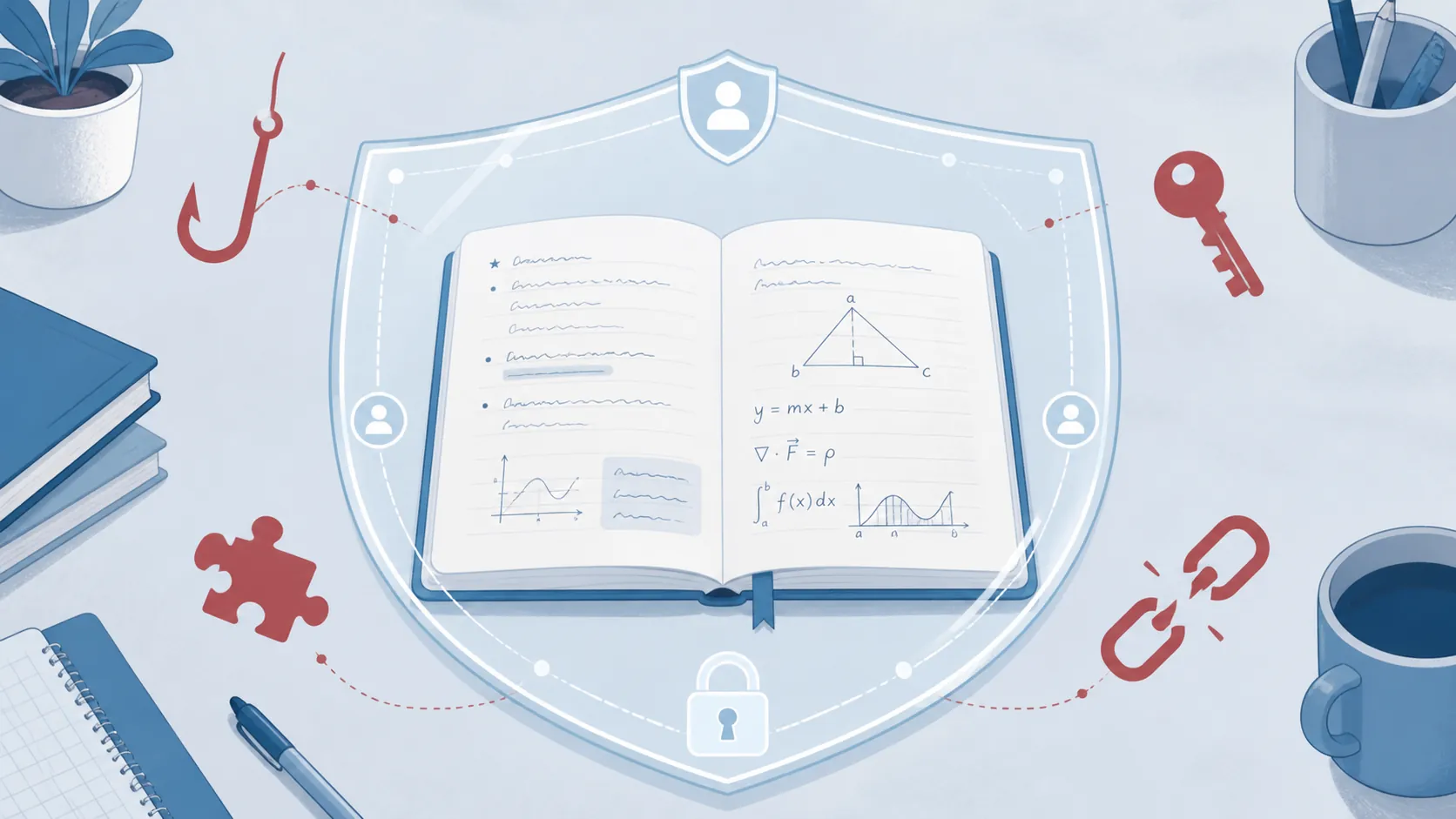
For a student, the useful threat map is therefore narrower:
- Account takeover: an attacker obtains your password or session and opens the files you can open.
- Consent phishing: you authorize an app that can read, edit, or share files.
- Third-party exposure: an extension, integration, or connected service handles your Drive data poorly.
- Accidental link exposure: a document set to “Anyone with the link” travels beyond the study group it was meant for.
That is the perimeter around your CARS mistake log, SAT grammar list, ASVAB schedule, or formula dump. The document itself is only one part of the system.
Secure the account before changing the documents
Start at myaccount.google.com/security and complete Security Checkup. Check the recovery phone number and recovery email first. They are not decorative backup details: Google's 2019 research reported that a recovery phone number blocked up to 100% of automated bots, 99% of bulk phishing attacks, and 66% of targeted attacks. The same research reported that SMS two-step verification blocked 96% of bulk phishing and 76% of targeted attacks. Those figures describe Google's tested protections, not a guarantee against every attack, but they make the first steps unusually clear. [4]
Turn on two-step verification if it is disabled. Google rates passkeys and security keys as stronger options than SMS codes; use one when your devices and account setup support it. Keep a unique password for the Google account as well. A password reused for a flashcard site, tutoring platform, or old forum can become the starting point for an attack elsewhere.
Google and the University of California, Berkeley found that phishing was the largest hijacking threat in their March 2016 to March 2017 analysis. Their figures attributed 12 million stolen credentials to phishing, compared with 788,000 obtained through keyloggers; third-party breaches accounted for 3.3 billion credentials in Google's report. Between phishing and keylogging, 12% to 25% of attacks produced valid passwords. Google estimated that phishing yielded roughly 234,000 valid Google credentials per week, compared with about 15,000 from keyloggers. [5]
The figures are not a forecast of your personal risk, and the BBC reported a different third-party-breach total of 1.9 billion. The practical point survives that discrepancy: a strong sign-in setup addresses the route most directly connected to someone opening your notes.
Audit apps and sessions
In the Security section, review third-party connections and remove anything you no longer recognize or need. Pay particular attention to apps that can view, edit, create, or delete Google Drive files. A familiar-looking app name is not proof that the current authorization is necessary.
Then review the devices and active sessions. Sign out of old laptops, shared computers, school devices, and anything you do not recognize. If you suspect an account takeover, use Google's compromised-account recovery guidance to sign out of all sessions, revoke unknown apps, change the password, and run Security Checkup. [6]
A password change is important, but it is not the entire response. Malware that steals persistent session cookies can let an attacker continue using an authenticated session even after a password reset. Signing out everywhere and authenticating again is the relevant containment step; current browser and account defenses continue to evolve, so keep Chrome and your operating system updated. [7]
Treat sharing links as part of the security setting
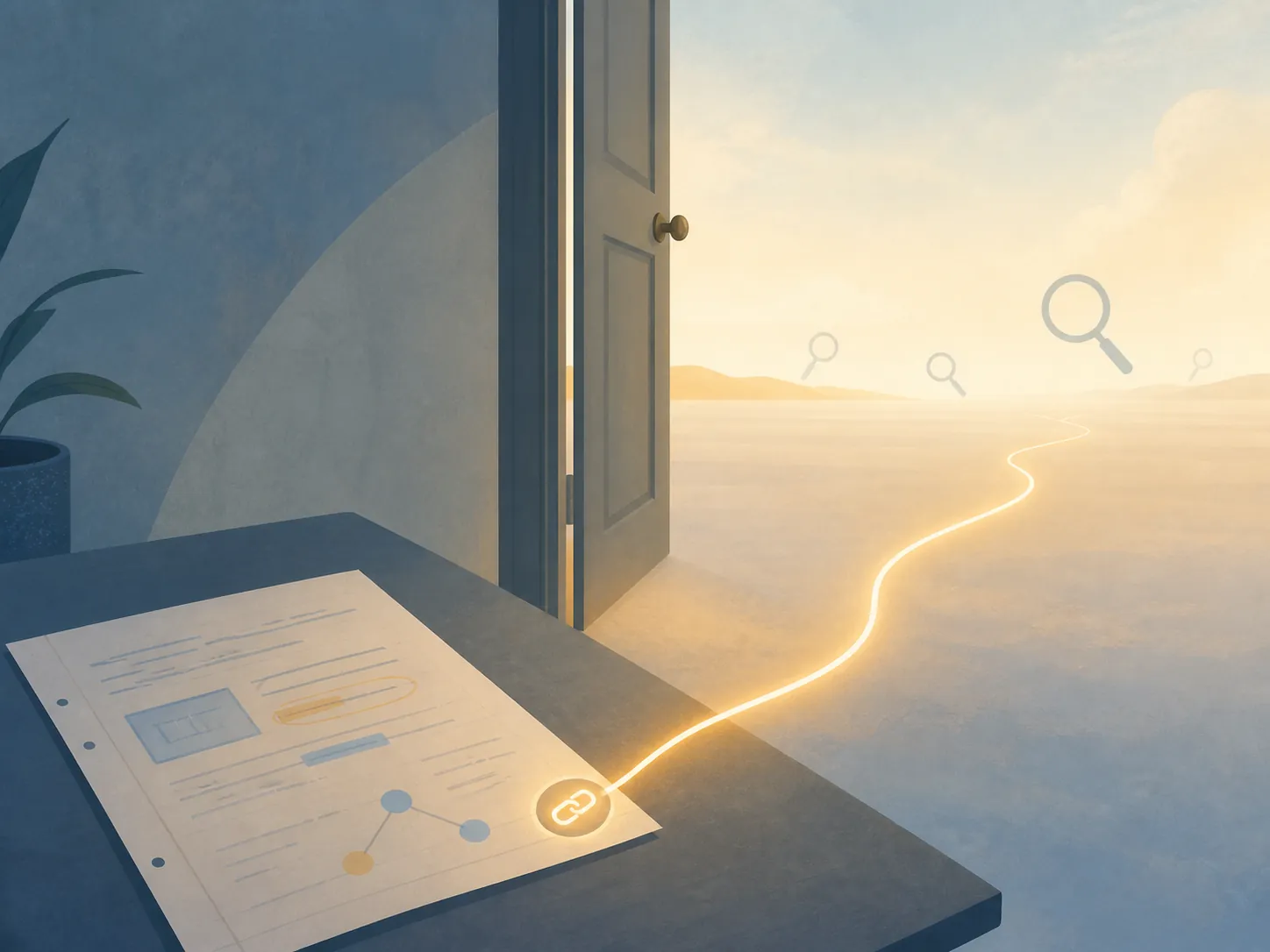
Open the sharing dialog for your important Docs files and inspect the General access setting. “Restricted” means only named people can open the file. “Anyone with the link” means possession of the link is enough for the permission level you selected, such as viewer, commenter, or editor. For a private mistake log or exam schedule, named access is usually the sensible default.
An “Anyone with the link” file is not automatically indexed by Google Search. It can nevertheless become discoverable if the link is posted on a public, crawlable page. That is how a link intended for a small study group can escape its original context. Before posting a document in a forum, group page, or public resource list, make a copy with only the material you are willing to expose, or change the original back to Restricted.
The same rule applies to group study. A shared review document may need broader access than your private notes, but it does not need the same permissions. Give classmates Viewer or Commenter access when editing is unnecessary, and remove people after a course, tutoring arrangement, or exam cycle ends. Keep the core material in the notes format that fits your study system, then share a deliberately limited copy when collaboration calls for it.
Know how to get the notes back
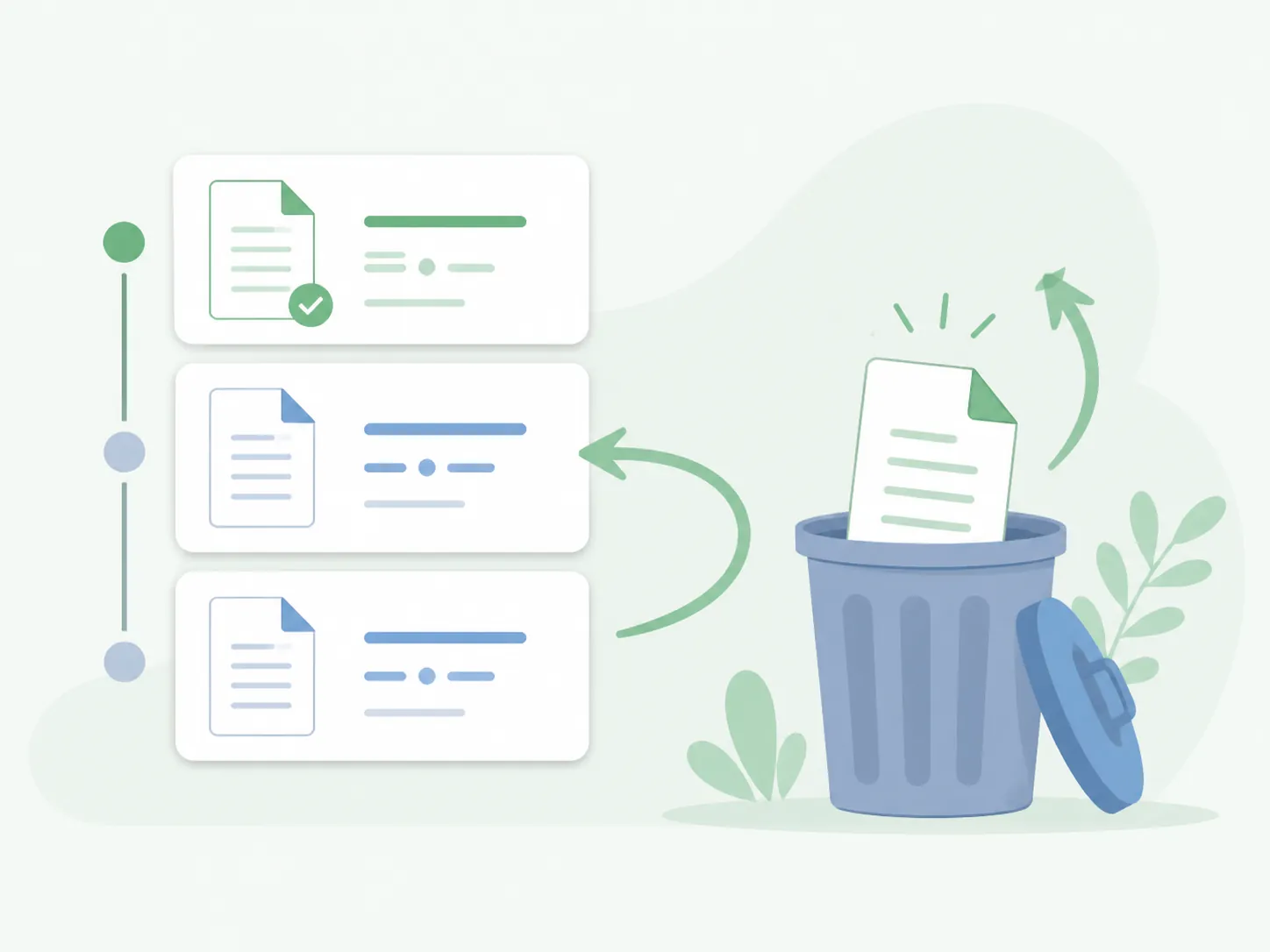
If text was changed or deleted inside a Google Doc, open the document and choose File, Version history, then See version history. Select an earlier state and restore it, or copy the missing material into the current version. Google Docs supports up to 40 named versions per document, so naming major milestones such as “final biology review” or “pre-SAT formula list” gives you a clearer recovery point than relying only on the automatic timeline. [8]
If the entire file was deleted, check Google Drive Trash. Deleted files remain there for 30 days before they are permanently deleted, unless the Trash is emptied sooner. Restore the file first, then review its sharing permissions and the account activity that surrounded the deletion. [9]
Recovery can take longer than the study schedule allows. Google says some account recovery requests may be delayed for 48 hours to three to five days, depending on the situation. That is a reason to keep an offline or downloaded copy of the material you need for the next practice test, not a reason to abandon cloud documents altogether. [6]
For the same reason, a small continuity habit helps: before a major exam week, download the current schedule and essential review notes, and keep a second copy somewhere you control. The offline study tools that work can cover the gap when an account is locked, a connection fails, or a recovery request is still pending.
Google says Docs content is encrypted in transit and at rest and is not used for advertising. That is useful baseline protection, but it does not make a public sharing link private or an approved malicious app trustworthy. [10]
You can keep using Google Docs for GRE, MCAT, ASVAB, SAT, or ACT preparation. Secure the Google account, remove unnecessary app access, sign out sessions you do not trust, restrict links, and test version history and Trash before you urgently need them. The “hacked Docs” headline is usually pointing at the wrong boundary; for your notes, the boundary that needs attention is the account and the permissions around the document.
References
- Google Docs phishing attack — The Guardian, May 3, 2017
- Google Docs Phishing Scam — US-CERT/CISA, May 4, 2017
- Google Confirms Salesforce Breach Exposed Business Data — Forbes, August 9, 2025
- How we protect more people from hijacking — Google Online Security Blog, May 2019
- How We Protect More Than Two Billion Users Every Day — Google Online Security Blog, November 2017
- Secure a hacked or compromised Google Account — Google Account Help
- Google Account Security: Session cookie theft — Malwarebytes, January 2024
- View the activity and versions of a file — Google Docs Editors Help
- Delete or restore files in Google Drive — Google Drive Help
- Understand the basics of privacy in Google Docs — Google Docs Editors Help
Fill in this timeline
This is a skeleton schedule, not a performance claim — for section-by-section strategy to fill in each slot, read the exam hub. For evidence that a similar timeline worked, compare against real outcome logs.