GRE, MCAT, ASVAB, SAT, ACT Exam Hub
Which Offline Study Tools Work When the Internet Goes Down?
Offline prep isn't a downgrade: every major exam has a documented offline stack, while flagship defaults like AAMC Official Prep, Magoosh's web platform, and Bluebook are online-only or unverified offline. Get the verified per-exam list — paper practice-test PDFs, offline-mode apps, and synced flashcards for the GRE, MCAT, ASVAB, SAT, and ACT — plus what to download before the Wi-Fi drops.
- gre
- mcat
- asvab
- sat
- act
- digital-adaptive
- official-material
- section-strategy
- test-date-timeline
As of August 2026, you can study offline for the GRE, MCAT, ASVAB, SAT, and ACT. The catch is not motivation, note-taking style, or whether you own enough highlighters. The catch is verification: the tool has to be installed, downloaded, printed, or synced before the connection disappears.
For anyone trying to figure out how to study when the internet is down, offline study tools have to be judged exam by exam. A PDF practice test that opens from your files is different from a browser dashboard. A mobile app with documented offline downloads is different from the same company’s web product. A community report can warn you about a failure mode, but it should not be treated the same as vendor documentation.
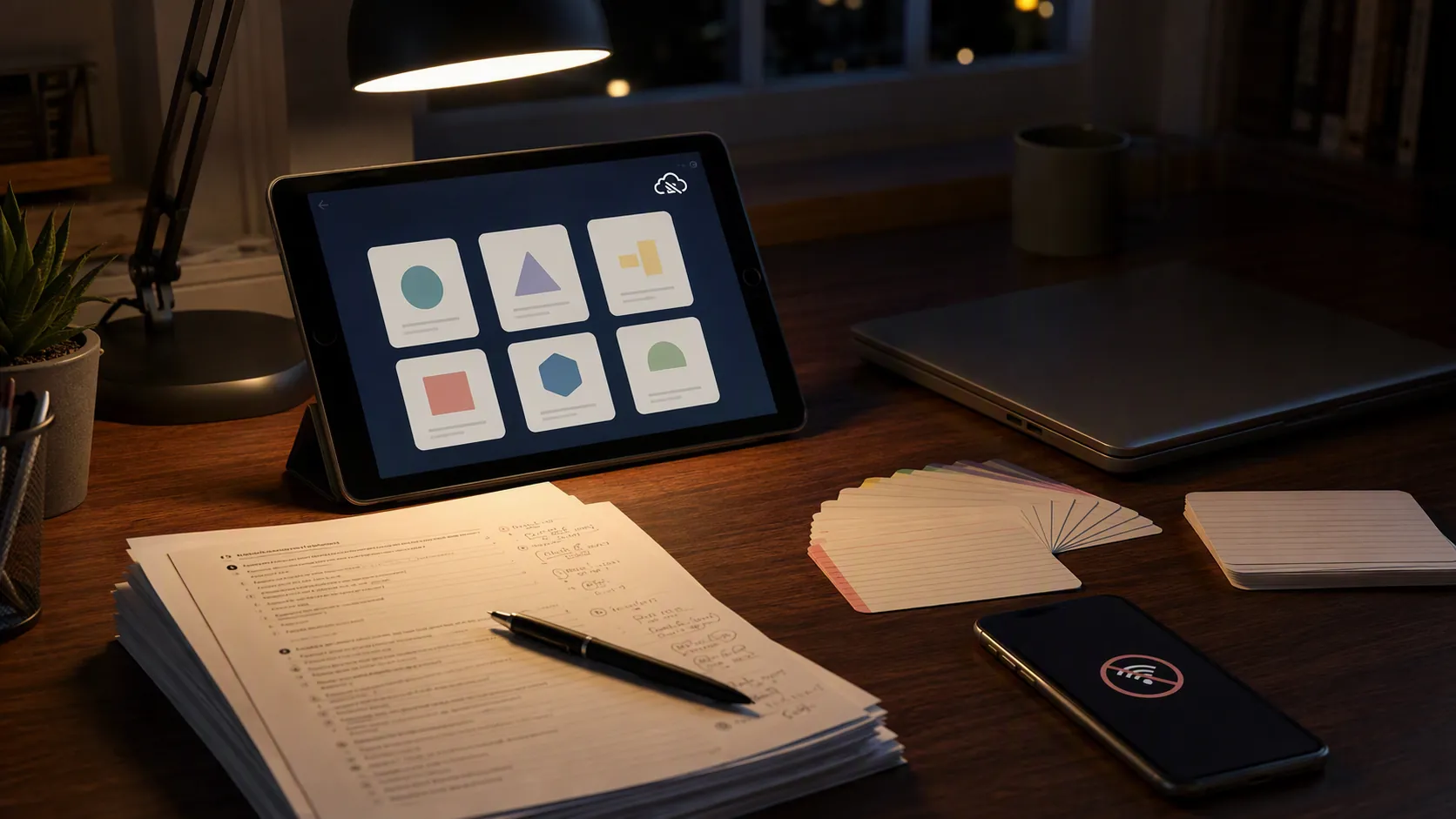
The offline-prep decision table, last reviewed August 2026
Use this table first. It separates tools that have a documented offline route from tools that are useful only while the connection is still alive.
| Exam | Offline stack that deserves trust | Use with caution or avoid offline | Evidence label |
|---|---|---|---|
| GRE | ETS POWERPREP installable practice-test software; Magoosh GRE mobile app with downloaded lessons; downloaded vocab decks or paper books. | Magoosh web platform, because Magoosh’s help documentation says the web product requires internet. | Vendor-documented for ETS installable software and Magoosh app/web split [1][2][3]. Community-reported for some downloaded vocab-kit combinations. |
| MCAT | Anki decks synced locally; downloaded review-sheet PDFs; downloaded audio such as MCAT Go; printed or saved third-party sheets. | AAMC Official Prep should be treated as online-only unless live verification shows otherwise; its products are sold as online products, and community reports warn that AAMC materials do not work with no Wi-Fi. | Vendor/developer-documented for Anki offline behavior and downloadable/audio resources [4][5][6]. AAMC online status is vendor-labeled; no zero-connection claim is established here [7]. |
| SAT | College Board full-length paper, nonadaptive practice-test PDFs printed or saved locally. | Bluebook should not be credited as a zero-connection study tool. The reliable offline path is the paper PDF set. | Vendor-documented for downloadable paper practice tests [8]. Bluebook zero-connection use is not established. |
| ACT | Downloaded or printed ACT practice materials where available; app lessons only if the listing or help page explicitly documents offline downloads before use. | Browser-only ACT prep dashboards and unsynced video lessons. | Partly vendor-documented where a given app listing states offline lessons; re-check the current listing before relying on it. |
| ASVAB | Offline-capable third-party ASVAB practice apps after installation and content download; print books and locally saved practice sets. | Cloud score dashboards, ad-heavy apps that need a connection to load questions, and any app that does not clearly say it works offline. | Third-party app-store documented for some apps, including listings advertising full offline access and large question banks [9]. Not official DoD endorsement. |
| Cross-exam flashcards | Anki works locally once decks are on the device; Quizlet can save some mobile offline progress on paid plans and sync it later. | Quizlet Learn mode should not be assumed offline; community reports warn it may not be available without a connection. | Vendor-documented for Quizlet saved offline progress; limited community-reported warning for Learn mode [10]. |
The ranking matters. Vendor-documented offline mode beats app-store implication. An installed desktop program or saved PDF beats a cloud dashboard. A community report is not proof, but it is a reason to test the tool before the night you need it.
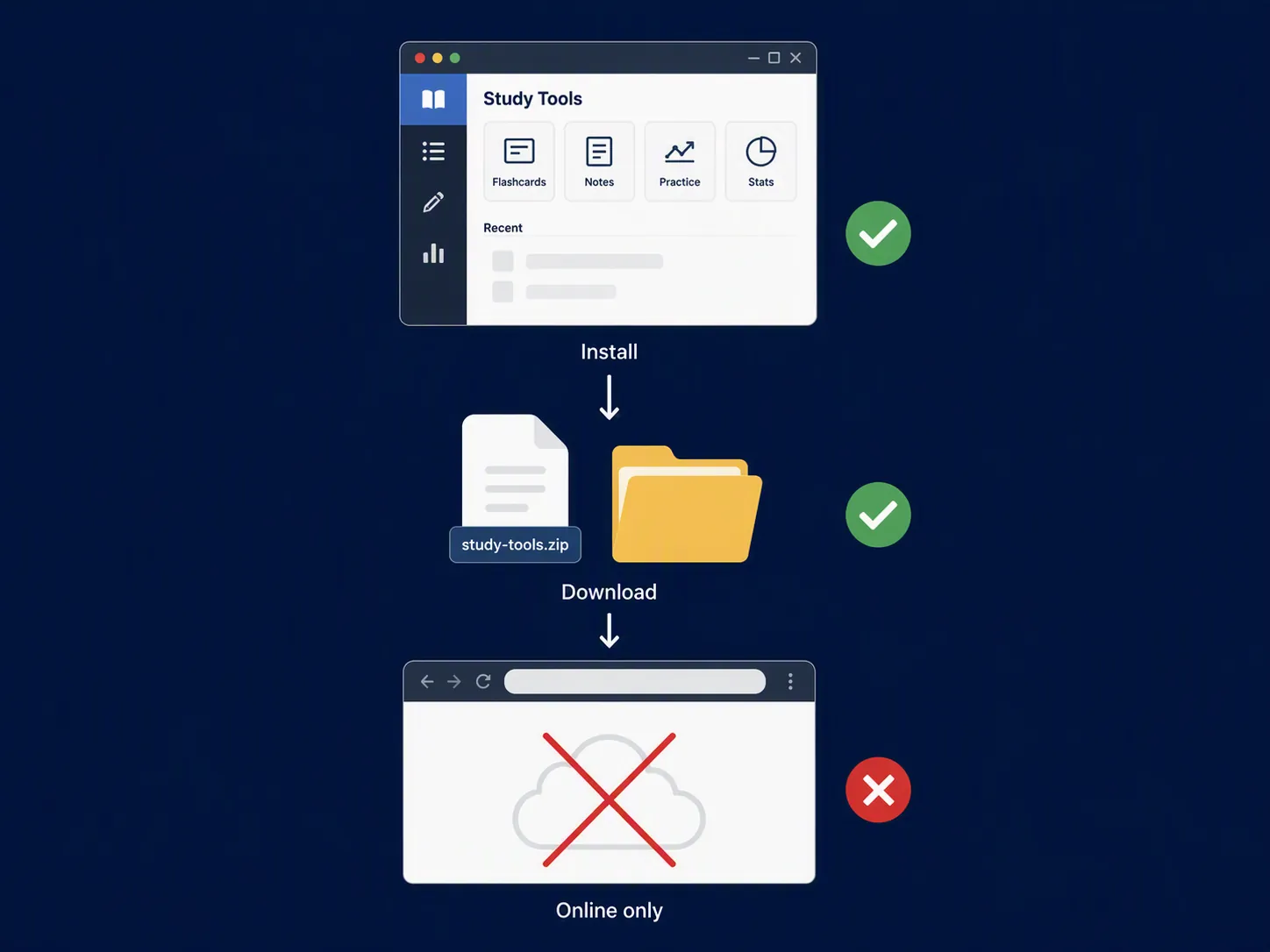
Offline prep is not a niche problem
A student with unreliable access is not being careless by asking for offline tools. NCES reported that in 2019, 5% of U.S. students ages 5 to 17 lived in homes without internet access, about 2.4 million students; the share was 7% for rural students and 11% for students in remote rural areas [11]. Pew’s 2015 Census analysis found that 15% of households with school-age children lacked high-speed internet, with much higher rates in lower-income households [12].
College students and teens have reported the same practical barrier in different surveys. IHEP’s 2021 report found that 1 in 4 college students, and 1 in 3 low-income college students, struggled to connect to course content [13]. Pew reported in 2022 that 12% of teens at least sometimes could not complete homework because of unreliable computer or internet access [14]. These figures come from different years and methods, so they should not be blended into one current estimate. They do show why offline prep deserves a real setup, not a footnote.
GRE: the same brand can split into offline app and online web product
GRE prep has one of the cleanest lessons in this whole comparison: do not trust a brand name by itself. Trust the specific product on the specific device.
ETS POWERPREP is the strongest GRE offline starting point because it is installable practice-test software. That is the kind of offline claim worth taking seriously: the testing organization provides a downloadable software route rather than asking you to keep a browser tab alive [1].
Magoosh is more complicated. Its GRE Prep & Practice mobile app listing documents offline use, including lesson-video downloads added in iOS version 5.5.1 in November 2019 [2]. That does not make the Magoosh web platform offline. Magoosh’s own help center says the web product requires an internet connection [3]. If you bought Magoosh and only bookmarked the web dashboard, you have not built an offline GRE setup.
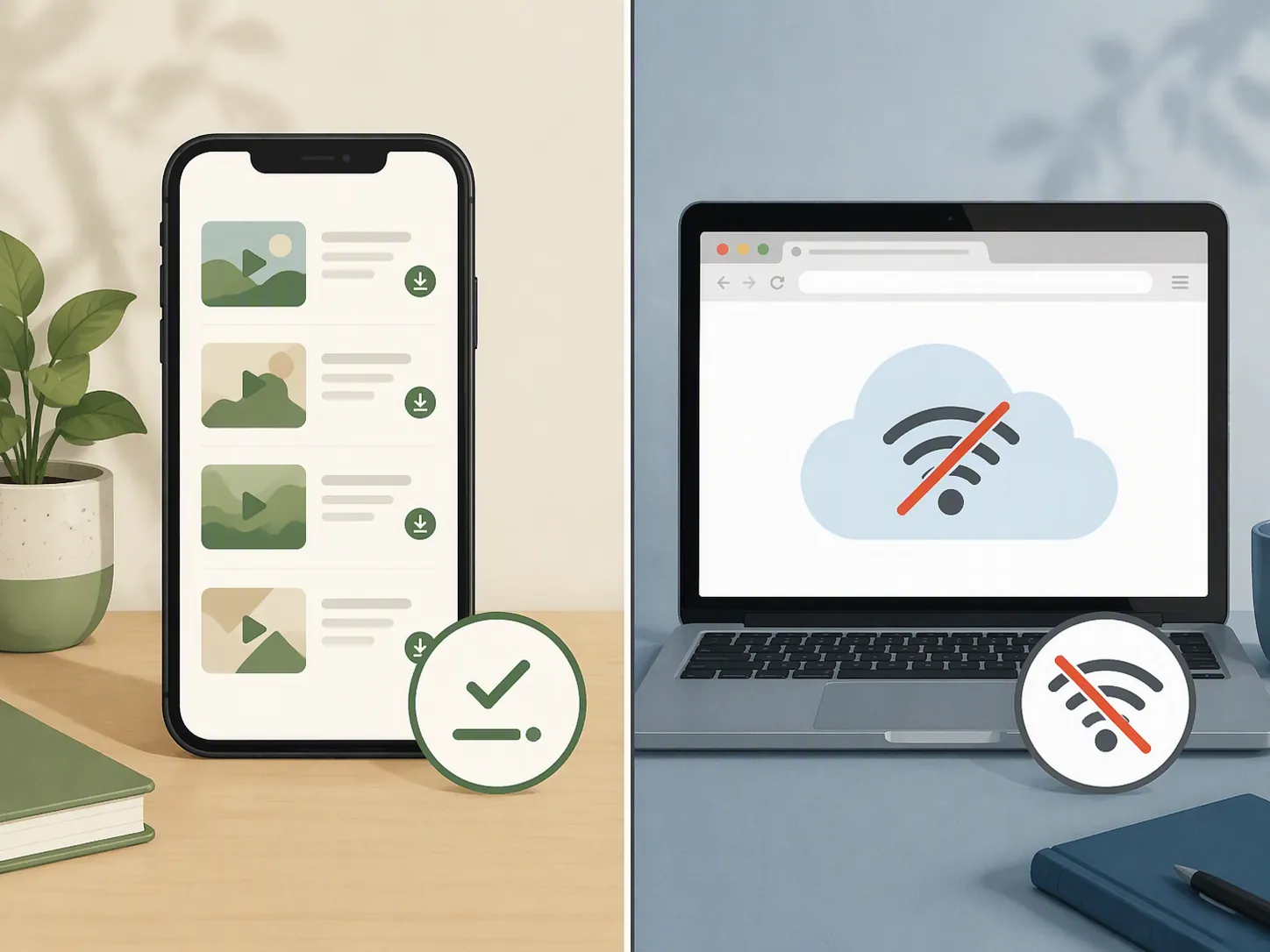
A practical GRE stack looks like this:
- Install ETS POWERPREP while connected, then open it once before you need it offline.
- If using Magoosh, download lessons inside the mobile app; do not assume the browser version will load later.
- Keep quant and verbal practice in a form that opens locally: a print book, saved worksheets, or downloaded question sets.
- Sync vocab flashcards before disconnecting. If the app cannot show the deck in airplane mode during a test run, it is not part of the offline stack.
Community GRE reports often mention combinations such as a Manhattan 5 lb. book and downloaded vocab decks. Treat those as field notes, not official compatibility documentation. They are useful because they point toward low-risk materials: paper, saved files, and decks that can be opened without a server check.
MCAT: build the serious offline stack outside AAMC Official Prep
MCAT students have more content to carry offline, so the stack has to be boringly reliable. A few PDFs and a vague promise that an account will “save progress” are not enough.
Anki is the anchor. In an Anki forum thread, developer dae stated that Anki is offline by default, with the important caution that users should make sure they are using the real Anki apps rather than impostor apps [4]. Once the deck is on the device, Anki is the cleanest offline flashcard route in this set.
For content review, the offline MCAT stack can include downloaded MilesDown materials and Kaplan Quicksheets PDFs; Prospective Doctor’s free MCAT roundup lists resources including the MilesDown deck, MilesDown review-sheet PDFs, and Kaplan Quicksheets PDFs [5]. MCAT Go adds another offline-friendly format if the audio is downloaded before travel or outage; MedSchoolCoach describes MCAT Go as an audio course with about 450 chapters [6].
AAMC Official Prep belongs on the warning list. The AAMC store labels its MCAT practice products as online products [7]. Community reports from MCAT students also warn that AAMC materials cannot be used with no Wi-Fi, but that is limited evidence. The safer wording is: do not plan on AAMC Official Prep as a zero-connection tool unless you personally verify the live product in airplane mode before you need it.
A workable MCAT offline setup:
- Install the real Anki app and sync every MCAT deck to the device.
- Open each deck with Wi-Fi off and confirm that cards, images, and media appear.
- Download review PDFs and keep them in a local folder, not only in a cloud drive.
- Download audio chapters before commuting, flying, or entering a low-connectivity week.
- Keep AAMC Official Prep in the online column until proven otherwise on your own device.
Students following a longer MCAT calendar can pair this with a structured plan such as a 12-week MCAT study plan. The offline version simply changes the storage rule: if the lesson, deck, or passage set is not on the device, it is not available.
SAT: paper PDFs are the reliable route, not Bluebook
For the SAT, keep the distinction sharp. College Board provides downloadable full-length paper, nonadaptive practice-test PDFs [8]. Those PDFs are the reliable offline path. Save them locally, print them if you can, and keep the answer explanations where you can open them without signing in.
Bluebook may be the official digital testing app, but that does not make it a no-connection study tool. Bluebook should not be credited with zero-connection use because the available source verification does not establish that claim. If a student needs a guaranteed offline SAT session at 9:40 p.m., the paper practice-test PDF is the safer instrument.
A practical SAT offline setup is short:
- Download the College Board paper practice-test PDFs.
- Print at least one full test if you have access to a printer.
- Save scoring instructions and answer explanations in the same local folder.
- If using Khan Academy or another online practice source, treat it as a connected tool unless its exact app or download feature has been verified offline.
For connected SAT practice comparisons, including Bluebook and Khan Academy, use the site’s SAT practice tests, Bluebook, and Khan Academy guide, the digital SAT practice test comparison, and the guide on how to use SAT practice tests. For offline reliability, though, the table above does not move: paper PDFs carry the claim.
ACT: verify the exact app, then keep PDFs as the fallback
ACT prep has fewer clean official offline signals in the research base used here, so the safest setup is conservative: downloaded or printed practice materials first, app lessons second, browser dashboards last.
Some third-party ACT apps, including Magoosh’s ACT app, have advertised offline lessons. That can be useful, but the claim has to be checked on the current app listing and then tested on the student’s device. Downloaded lessons that open in airplane mode count. A lesson playlist that only appears while the account is connected does not.
The ACT offline stack should include:
- Locally saved or printed ACT practice sections.
- Downloaded answer explanations, not just links to them.
- Any app lessons downloaded inside the app and opened once with Wi-Fi off.
- A paper timing sheet or local timer, because browser-based timers are the wrong place to discover a connection dependency.
ASVAB: third-party offline apps can help, but label them honestly
ASVAB prep often runs through third-party apps and books. That is fine, as long as the app is not quietly borrowing trust from the official ASVAB program. A Google Play listing for an app titled ASVAB Practice Test 2026 advertises full offline access and more than 1,000 questions, but it is a third-party app, not an official Department of Defense product [9].
For ASVAB, the offline test is simple. Install the app. Download whatever question bank it requires. Turn on airplane mode. Open arithmetic reasoning, word knowledge, paragraph comprehension, and mathematics knowledge questions. If the app loads the question, explanation, and result screen without a connection, it can join the stack. If it stalls on an ad, login, or cloud sync, it is not dependable offline.
A low-connectivity ASVAB setup can combine a print book, a locally working app, and a small notebook for missed concepts. For more connected-tool comparison and AFQT planning, see the site’s guides to ASVAB study apps and the broader ASVAB exam prep guide.
Flashcards: Anki is cleaner offline than Quizlet
Flashcards are where “saved” and “usable” get mixed up. Anki’s offline behavior is comparatively straightforward once the real app and deck are on the device [4]. Quizlet is more conditional: its help documentation describes studying offline in the mobile app and saving progress to sync when the device reconnects, but offline access depends on the app and plan, and community reports warn that Learn mode may not be available offline [10].
That makes the recommendation blunt. Use Anki when you need local-first flashcards. Use Quizlet offline only after testing the exact activity you plan to use. Opening a set is not the same as running Learn mode, taking a test, or preserving progress.
What to download before the connection disappears
Do this while you still have stable internet. Do not leave it for the hotel, bus station, library parking lot, or storm night.
- GRE: install ETS POWERPREP; download Magoosh mobile lessons if using Magoosh; save vocab decks locally.
- MCAT: sync Anki decks; download review PDFs; download audio chapters; keep AAMC Official Prep on the online-only warning list unless you verify otherwise.
- SAT: download and preferably print College Board paper practice-test PDFs, answer keys, and scoring instructions.
- ACT: save practice sections and explanations locally; download app lessons only from apps that document offline use.
- ASVAB: install and test any third-party offline app; keep a print or saved-question fallback.
- All exams: put files in local device storage, not only in Google Drive, iCloud, Dropbox, or a browser downloads page that still needs account access.
- All exams: run a five-minute airplane-mode test. Open the app, load the lesson, answer a question, review an explanation, and close and reopen the tool.
The airplane-mode test is the part students skip because it feels unnecessary while Wi-Fi is working. It is also the part that catches browser locks, missing media files, login checks, unsynced decks, and “downloaded” videos that only saved a thumbnail.
Once the PDFs are local, the software is installed, the flashcards are synced, the lessons or audio are downloaded, and the online-only tools are labeled before they fail, offline prep stops being an emergency workaround. It becomes the study system.
References
- Install POWERPREP Practice Test Software — ETS
- GRE Prep & Practice by Magoosh — App Store
- Can I use Magoosh offline? — Magoosh Help
- Offline mode using — Anki Forums
- How to Study for the MCAT for Free — Prospective Doctor
- MCAT Go — MedSchoolCoach
- Online Practice for the MCAT Exam — AAMC Store
- SAT Practice Tests — College Board
- ASVAB Practice Test 2026 — Google Play
- Studying offline — Quizlet Help Center
- Students’ Internet Access Before and During the Coronavirus Pandemic by Household Socioeconomic Status — National Center for Education Statistics
- 15% of U.S. households with school-age children do not have high-speed internet at home — Pew Research Center, October 26, 2015
- Online Isn’t Optional: Student Polling on Access to Internet and Devices — Institute for Higher Education Policy, 2021
- Teens, Social Media and Technology 2022 — Pew Research Center, August 10, 2022
Related exhibits & inventory
Verified outcomes
No verified outcomes on file for this exam yet
See Methodology for how outcome evidence is disclosed once logged.
Planners
No planner filed for this exam yet
A downloadable timeline template for this exam hasn't been published yet.
Tool verdicts
AI-tool cautions
No AI tools tested for this exam yet
No hands-on AI-accuracy logs have been filed for this exam.
Questions about this plan
Ask a question about a specific section, timeline, or citation in this plan — or flag something that needs correcting.
Comments
Join the discussion with an anonymous comment.