
The Best AI Flashcard Generator for Lecture Notes: Which One Should You Use?
A head-to-head comparison of AI flashcard generators based on how well they convert lecture notes, PDFs, slides, and recordings into flashcards. Find which tool matches your note format and study needs.
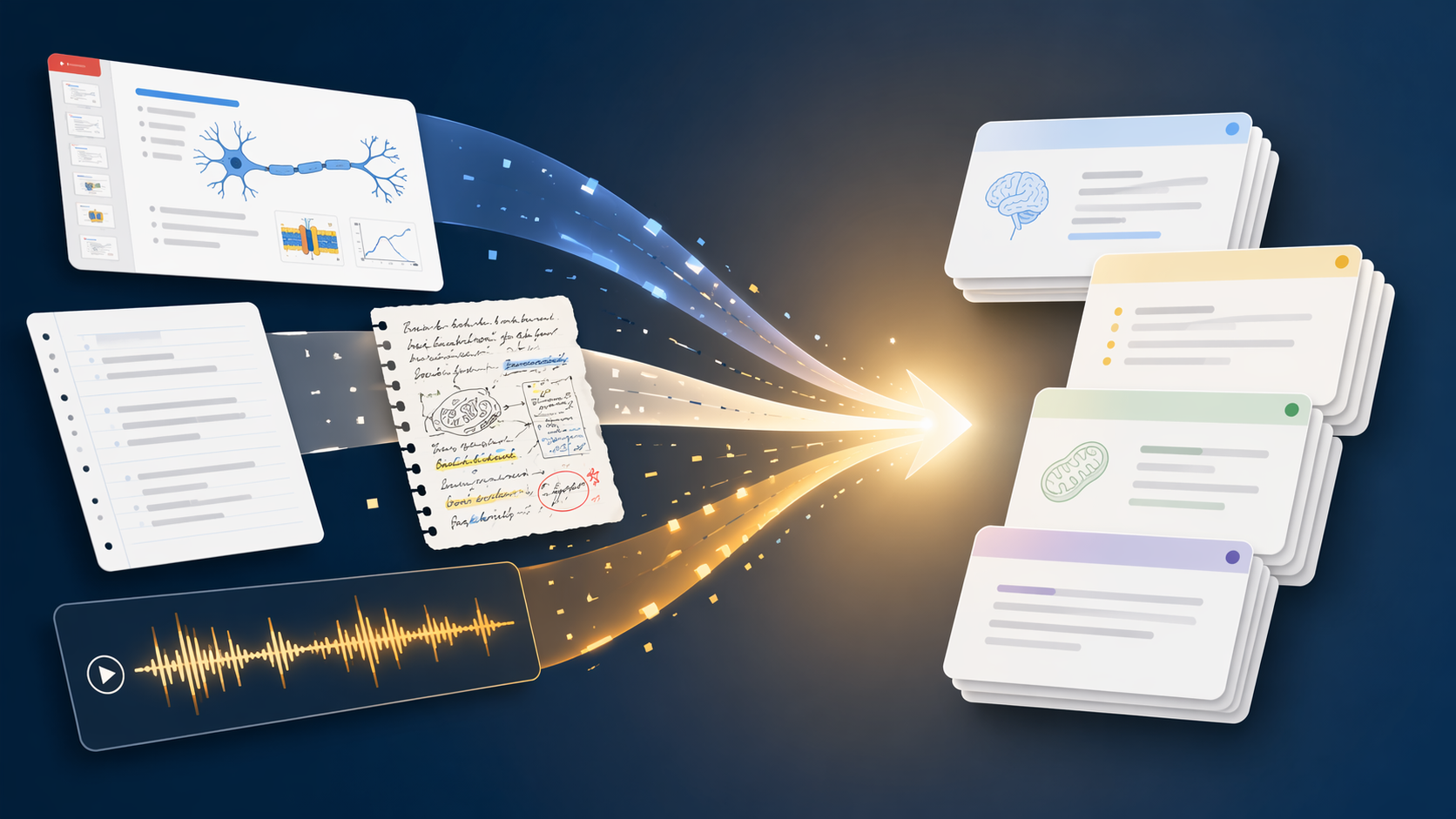
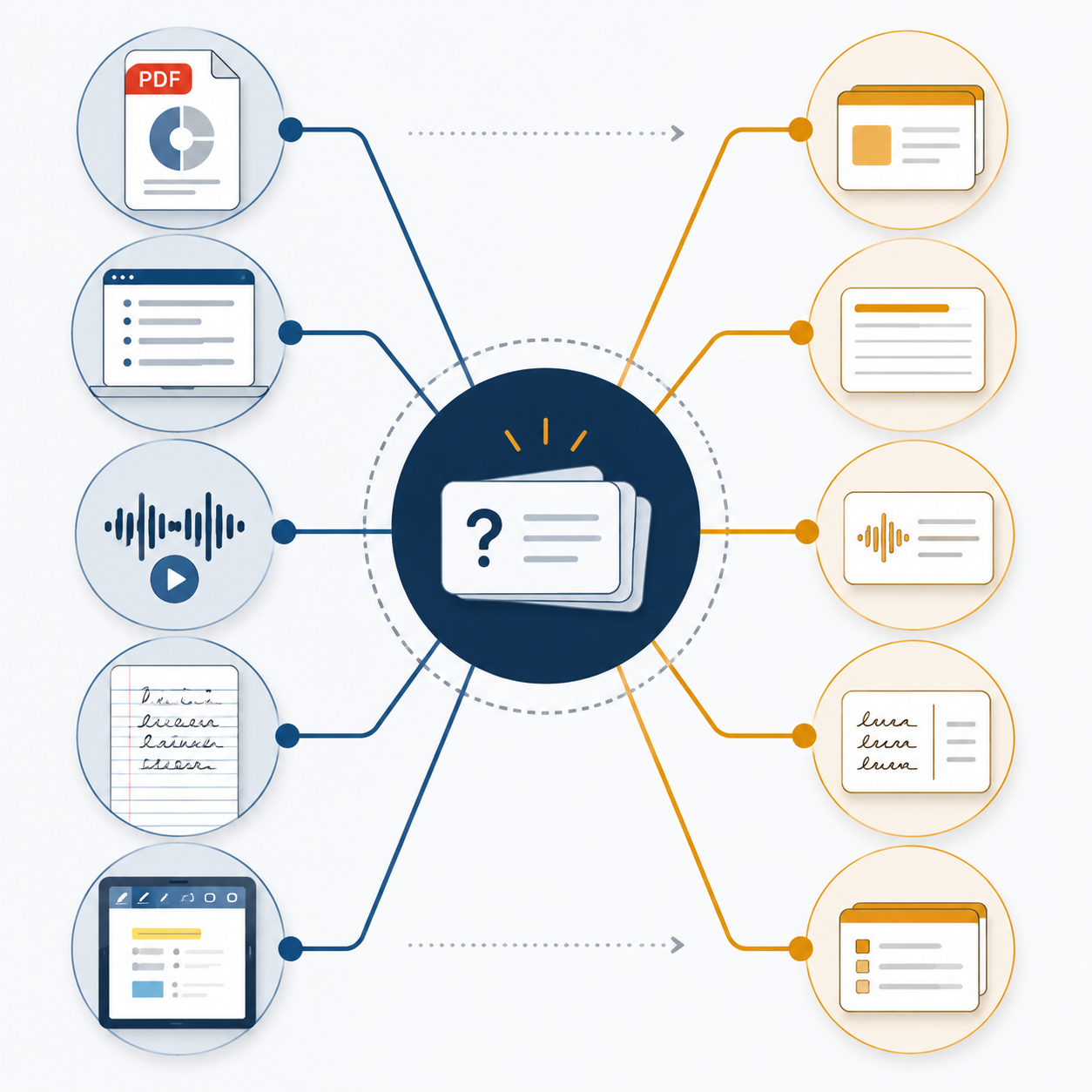
If your lecture folder has PDFs, typed notes, screenshots, recordings, and the occasional photo of a whiteboard, the best AI flashcard generator from lecture notes is not one tool for every student. Start with the messiest format you actually need to convert tonight. StudyGlen is the strongest all-around pick because it supports PDF, text, image, and YouTube inputs, includes FSRS, supports 37 languages, and has a free tier.[1] Notelyn is the better choice for recorded lectures because its benchmark claims a 60-minute lecture can become 15–30 flashcards in under two minutes without a separate transcription step.[2] AnkiDecks is the clearest fit for visual subjects that need Image Occlusion and Anki export.[3] RemNote makes the most sense if your notes already live inside RemNote. Revisely is the narrow but useful pick for handwritten note photos and printable cards, though it does not offer spaced repetition.[4]
The order of decision matters: note format first, spaced repetition second, price third. A polished review interface does not help much if the generator cannot read your actual lecture material. If you want the broader decision framework before comparing named tools, this AI flashcard maker guide is the companion piece; this article stays focused on turning lecture materials into usable cards.
Quick Comparison: Which Tool Fits Which Lecture Format?
| Tool | Input format flexibility | Card quality signals | SRS support | Export or review workflow | Free tier or price position | Best-fit student |
|---|---|---|---|---|---|---|
| StudyGlen | PDF, text, image, YouTube; broad input support | Ranked as a top all-around generator by StudyGlen's own comparison; useful but vendor-authored evidence | FSRS | Built for generation plus review inside the same workflow | Free tier listed; pricing should be verified at publish time | Student with mixed lecture materials who wants one main tool |
| Notelyn | Especially strong for audio-recorded lectures | Vendor benchmark: 60-minute lecture to 15-30 cards in under two minutes | SRS details are less central than the audio conversion workflow in the available evidence | No separate transcription step in the described audio-to-card workflow | Pricing should be verified at publish time | Student with recorded lectures or seminar audio backlog |
| AnkiDecks | 10+ input formats | Automated Image Occlusion makes it stronger for diagrams, anatomy, maps, and visual slides | Depends on Anki after export | Exports to Anki .apkg | Free tier limited to 4 decks per month | Student who wants AI generation but still reviews in Anki |
| RemNote | Best when notes are created inside RemNote | Auto-generated preview cards are useful when the source notes are already structured | SM-2 | Generation and review happen inside RemNote | Pricing should be verified at publish time | Student already using RemNote as a note-taking system |
| Revisely | Accepts handwritten note photos | Useful for turning handwritten material into printable flashcards; narrower evidence base | No SRS | Print-friendly double-sided export | Pricing should be verified at publish time | Student with handwritten notes who wants quick printable cards |
The table should not be read like a lab ranking. Several sources are vendor-authored or come from tool founders, so the safest reading is triangulated and practical: which claim changes a student's workflow, and which claim is just a feature-list flex? A founder comparison from Laxu AI, for example, reports cross-tool estimates such as roughly 35–40 cards from a dense PDF and argues that higher monthly price did not reliably produce better flashcard quality, but those are indicative tests rather than large-sample academic results.[5]
For PDF Slides and Typed Notes, Choose the Tool That Reduces Cleanup
PDF slides and typed notes are the easiest lecture materials for AI flashcard tools to handle, which is exactly why the differences can get blurry. Most generators can turn clean text into question-answer cards. The better question is whether the tool keeps lecture structure intact, avoids turning every bold term into a low-value definition card, and gives you a review system that will still matter next week.
StudyGlen is the safest all-around recommendation here because it combines broad file support with FSRS rather than stopping at card generation.[1] That matters for ordinary course material: a sociology slide deck, a biology outline, and a YouTube lecture summary do not need three separate workflows if one tool can ingest all of them well enough and keep the cards inside a spaced review schedule.
The risk with PDF-to-flashcard generation is overproduction. Laxu AI's founder test gives a useful warning sign: a dense PDF can produce an estimated 35–40 cards, but card count is not the same as card quality.[5] Forty cards are helpful only if they target the concepts likely to be tested. If half of them ask for terms you already know from the slide titles, the generator has moved the bottleneck from creation to cleanup.
For typed notes, the practical review pass is short but non-optional. Delete cards that only ask for isolated definitions, split cards that hide two ideas in one answer, and rewrite anything that would be impossible to answer without seeing the original slide. That ten-minute pass is also where AI flashcards stop being a novelty and start becoming a real study session. For the broader evidence debate around AI tools versus traditional study methods, see this hybrid study tools comparison.
For Recorded Lectures, Notelyn Changes the Workflow
Audio recordings are a separate category because they usually create an extra step before flashcards even begin. A student has to transcribe the lecture, clean the transcript, paste it into a generator, then decide whether the cards reflect what the professor actually emphasized. That is a lot of friction for the night before a quiz.
Notelyn's strongest evidence is precisely about that friction. Its own benchmark says a 60-minute lecture can become 15–30 flashcards in under two minutes, without requiring a separate transcription step.[2] Because that claim comes from Notelyn, it should be treated as a vendor benchmark, not neutral proof. Still, it points to the right workflow advantage: for audio-heavy courses, skipping the transcript handoff can matter more than having the most elegant long-term flashcard ecosystem.
The card count is also sane for lecture audio. Fifteen to thirty cards from an hour-long recording leaves room for the generator to focus on main points, examples, and exam-relevant distinctions instead of trying to turn every sentence into a prompt. The human review pass should check whether the cards captured the professor's emphasis, not just the topic list. If the lecture included a warning like "this will be on the midterm," no generator should be trusted to weigh that perfectly without review.
For Visual Subjects, Image Occlusion Is Not a Bonus Feature
Anatomy diagrams, metabolic pathways, art history slides, geography maps, circuit diagrams, and labeled charts do not convert cleanly into ordinary front-back cards. If a tool turns a diagram into "What is shown in this image?" it has technically made a flashcard and practically made a bad one.
AnkiDecks stands out because it supports 10+ input formats, offers automated Image Occlusion, generates in 50+ languages, and exports decks to Anki .apkg.[3] Image Occlusion lets a card hide part of an image so the student recalls the missing label or region. For visual subjects, that is often closer to the real exam task than a text-only definition card.
The export path matters too. AnkiDecks is a generation tool, but its strongest long-term value comes from handing the deck to Anki. That makes it especially relevant for students who already trust Anki's review environment or who are preparing for memory-heavy exams. If you go this route and want to tune the review side instead of only the generation side, the Anki FSRS settings guide is the logical next read.
There is a price-limit catch: AnkiDecks lists a free tier limited to 4 decks per month.[3] That can be enough for one anatomy unit, but not necessarily for a full semester across multiple visual courses. Before paying, test it on the ugliest slide you have: a crowded diagram, a screenshot with small labels, or a professor's exported slide deck with compressed images. That one file will tell you more than a polished demo.
Pre-med students who choose the Anki route may also want a subject-specific workflow rather than a general app comparison. The MCAT Anki guide is more relevant once the question shifts from "which generator?" to "how should I organize a high-stakes exam deck?"
For Handwritten Notes, Treat Photo Input as Its Own Requirement
Handwritten notes are not just typed notes with worse lighting. They include arrows, margin comments, abbreviations, half-erased formulas, and diagrams that make sense only because you were in the room. A tool that handles PDFs beautifully can still struggle with a blurry notebook page.
Revisely is the distinct pick for this case because it accepts handwritten note photos and offers print-friendly double-sided flashcard export.[4] That is a narrow use case, but a real one. If your study habit is still paper-heavy, printable cards may be more useful than a sophisticated digital review system you will not open.
The trade-off is clear: Revisely does not provide spaced repetition.[4] That does not make it useless. It means the review schedule becomes your responsibility. You can print the cards, sort them manually, or move the content elsewhere, but the tool itself is solving conversion and printing rather than long-term memory scheduling.
For handwritten input, test with a normal page, not your neatest page. Include a page with crossed-out words, a small diagram, and whatever shorthand you actually use under time pressure. If the output needs heavy correction, the tool may still be fine for occasional cards, but it is not a semester-scale lecture-note converter.
If Your Notes Already Live in an App, Do Not Export Them Just to Re-import Them
RemNote belongs in this comparison for a specific student: someone already taking notes inside RemNote. In that case, auto-generated preview cards and SM-2 review can be convenient because the notes and cards are part of the same system. The win is not that RemNote beats every lecture converter on raw input flexibility; it is that it avoids moving material between apps.
That same logic cuts the other way. If your semester's material is mostly downloaded PDFs, lecture recordings, and handwritten notebook photos, choosing RemNote just for AI flashcards may add more setup than it saves. A note-taking ecosystem is only elegant if your notes are actually inside it.
If this comparison makes you realize you need a general-purpose study app rather than a lecture conversion tool, use the broader flashcard app comparison instead. The criteria are different once you care more about daily review, mobile experience, and deck management than importing messy lecture sources.
Card Generation and Review Quality Are Different Problems
AI flashcard tools tend to sell the exciting half of the workflow: upload lecture material, get cards. The less glamorous half is what happens after the cards exist. A deck that looks impressive on Monday can still fail by Thursday if it has vague prompts, overloaded answers, or no spaced review schedule.
The research base behind active recall and spaced repetition is strong enough to matter here. Recallify summarizes evidence including Roediger and Karpicke's 2006 testing-effect work, Dunlosky et al.'s 2013 review of effective learning techniques, and the forgetting-curve tradition associated with Ebbinghaus.[6] Exact performance gains vary by study design, but the direction is not controversial: retrieving information and spacing reviews are more useful than simply rereading notes.
That is why FSRS, SM-2, and no-SRS workflows should not be treated as tiny feature differences. StudyGlen's FSRS support makes it stronger as an all-in-one study system.[1] RemNote's SM-2 support is helpful for students already inside RemNote. AnkiDecks becomes powerful because it exports to Anki, where the review system can carry the deck over time.[3] Revisely's lack of SRS is acceptable only if the student's real plan is printing, manual sorting, or moving the cards somewhere else.[4]
The review pass is where the student fixes what AI cannot reliably infer: what the professor emphasized, what the exam is likely to ask, and which generated cards are too easy to deserve space in the deck. A good workflow is not "AI makes cards, student trusts them." It is closer to upload, generate, delete weak cards, rewrite ambiguous ones, then review on a schedule.
Pricing: Check the Current Plan, but Do Not Assume More Expensive Means Better
Pricing is worth checking, but it should not drive the first decision. The sharper finding from the available comparison material is that higher monthly cost does not reliably map to better flashcard quality. Laxu AI's founder comparison specifically argues that the quality gap between tools around the lower and higher monthly price points was negligible in its testing.[5] That does not prove price never matters; it does mean a student should not pay more just because the pricing page looks more serious.
Verify prices, free-tier limits, and export restrictions at publish time. Free tiers can change, deck limits can tighten, and features such as audio input or Image Occlusion may sit behind paid plans. The better test is still practical: can the tool convert the material from your hardest current course into cards you would actually review?
The Practical Pick
- Choose StudyGlen if your semester mixes PDFs, typed notes, images, and YouTube lectures, and you want FSRS plus a free tier in one broad workflow.
- Choose Notelyn if recorded lectures are your backlog and removing the transcription step would actually change whether you study before the quiz.
- Choose AnkiDecks if your course is visual and you need Image Occlusion, especially if you already plan to review in Anki.
- Choose Revisely if your real source material is handwritten notebook photos and you want printable cards more than built-in spaced repetition.
- Choose RemNote if your lecture notes already live there and exporting them would create extra work.
Students with mixed course loads may be better off using two tools instead of forcing one tool to do everything: AnkiDecks for anatomy diagrams, Notelyn for seminar recordings, StudyGlen for ordinary PDF and typed-note conversion. Pick by the dominant lecture input, test the output on one messy real file, and verify the cards before relying on them.
References
- Best AI Flashcard Generator, StudyGlen
- What Is the Best AI Flashcard Generator, Notelyn
- AnkiDecks, AnkiDecks
- Flashcard Generator, Revisely
- AI Flashcard Generators Comparison, Laxu AI
- Evidence for Active Recall and Spaced Repetition, Recallify
Related Resources
- Free Alphabet Flashcards: 10 Games and Activities That Actually Work →
Got free alphabet flashcards but not sure how to use them? This guide offers 10 play-based, multi-sensory games grounded in early literacy research to help parents and preschool teachers teach letter recognition, letter sounds, and uppercase/lowercase matching.
- Free Flashcard Maker with AI — Do You Even Need to Pay in 2026? →
Several flashcard apps now offer genuinely useful AI generation on their free tiers. This article breaks down the specific limits (daily decks, card counts, pages per month) of tools like Knowt, flashcardmaker.me, StudyPDF, and Cramd, and helps you decide whether your study volume fits within those free caps or justifies a paid upgrade.
- What to Look For in an Online Flashcard Maker: A Feature-Based Decision Framework for 2026 →
Feeling overwhelmed by flashcard tool choices? This guide helps you identify your personal study profile — whether you're a med student, a document-heavy lecture student, or a Quizlet refugee — and maps the top online flashcard makers to your specific needs using concrete decision criteria like AI generation, spaced repetition algorithms, and pricing.
Comments
Join the discussion with an anonymous comment.