
Claude AI Down? Tested Study Alternatives to Switch Now
Accuracy Warning — Claude AI
AI-generated study material can contain unsupported details; always verify against official sources.
- Accuracy:
- Moderate
- Tested:
- Claude outage fallback stack for exam prep
- Last tested:
- 2026-08-25
Current for Q3 2026: this is an AI Study Tools article for students who route prep work through Claude and need a tested way to keep studying when it is unavailable. It is not a live status page, and any AI-generated study material still needs to be checked against official exam guides, released questions, instructor notes, or the source passage itself.
The reason to plan a Claude fallback is no longer a vague feeling that “AI tools are sometimes flaky.” By early August 2026, Claude had 164 documented outages for the year, which works out to roughly one incident every 1.3 days. The Aug. 5 outage alone lasted about 7.5 hours — long enough to erase an evening review block, not just interrupt a quick prompt. The same reliability record put 90-day uptime around 99.34% to 99.46% across services such as claude.ai, the API, Claude Code, and Cowork, or roughly 14 to 23 hours of downtime per service per quarter; by comparison, a 99.9% service target would allow about 2 hours in a quarter. [1]

That does not make Claude useless for studying. It does make a Claude-only workflow brittle. A prep calendar with a fixed test date has less tolerance for “try again later” than casual browsing does. If tonight was reserved for GRE quant error review, MCAT passage debriefing, SAT grammar drills, or ASVAB arithmetic practice, the question is not whether Claude will be excellent tomorrow. The question is what takes over in the next 10 minutes.
First, separate an outage from a bad prompt
If Claude is failing right now, do the shortest possible diagnosis. Do not spend half the study block refreshing the same tab.
- If the site will not load, the chat hangs, or Claude returns a broad service-capacity message, treat the session as at-risk and switch tasks.
- If you see a 529-style overload error, assume capacity is the likely obstacle and avoid rebuilding your whole workflow around repeated retries.
- If you see a 429-style rate-limit message, the problem may be usage limits rather than a platform-wide outage; the practical result for tonight is still the same if you cannot continue the planned task.
For deeper diagnosis, use the site’s separate guides on Claude outage response and fixing the Claude 529 error for studying. This article is about the next step: which study job moves where.
The tested fallback stack is task-matched
The mistake is looking for one replacement that “beats Claude.” In prep work, the tool that saves a session depends on the task. Long-document reasoning, flashcard production, practice-question review, and quick Q&A put different pressure on the system. A fallback stack only works if the student knows in advance which tool or workflow owns each job when Claude is unavailable.
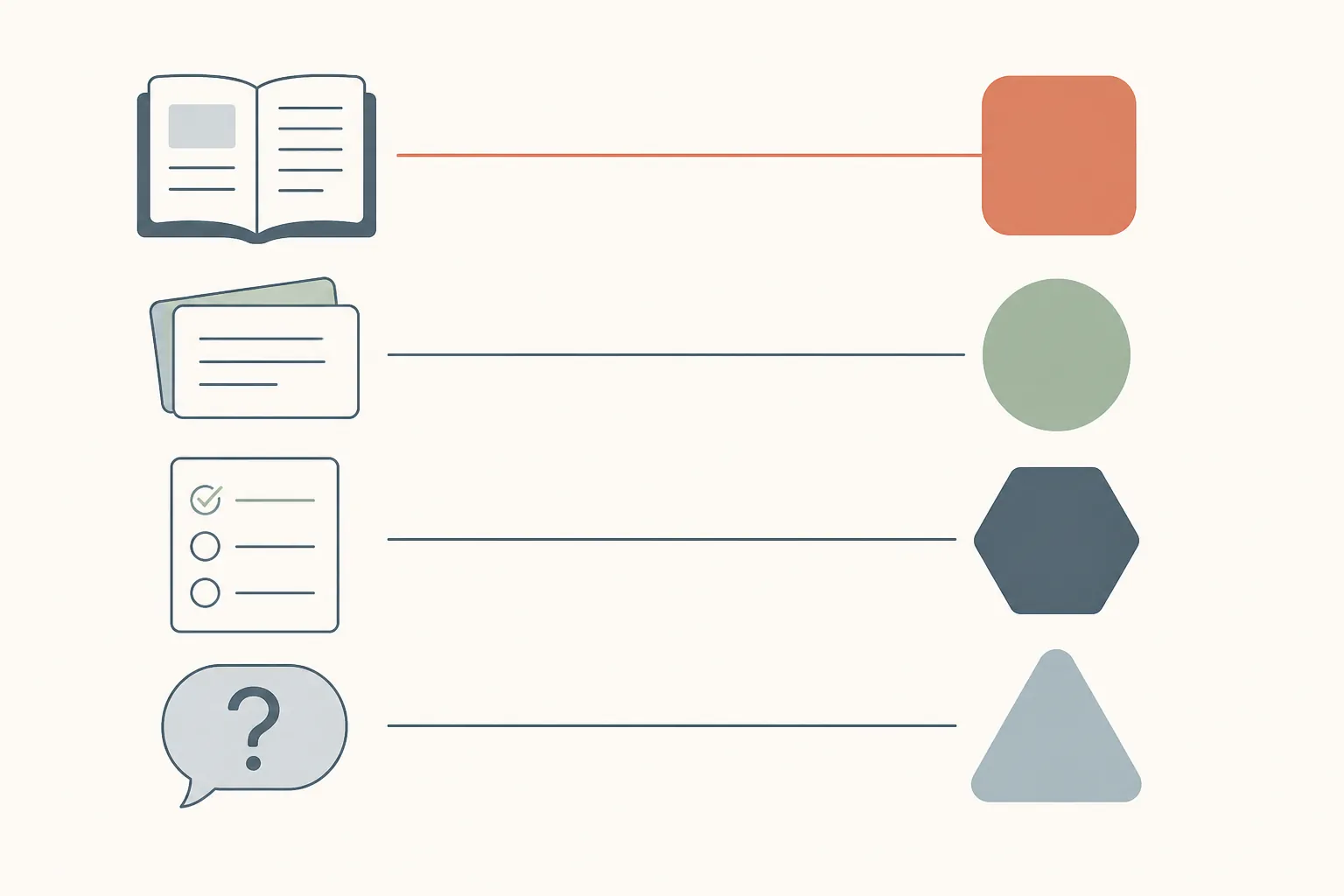
| Study task | Best role for Claude when available | Fallback to preassign | What to verify before trusting it |
|---|---|---|---|
| Long-form document analysis | Primary tool for dense passages, long explanations, syllabi, and source packets | A secondary long-context reader or AI workspace with the same source packet already saved | Whether the answer points back to the actual source text, not just a plausible summary |
| Flashcard generation | Useful for turning source material into candidate cards, but not the best place to store the system | A dedicated spaced-repetition or import-friendly flashcard tool | Whether each card is atomic, answerable, and checked against an official or instructor-approved source |
| Practice review | Helpful for explaining why an answer path failed after you provide the question, your work, and the official explanation | Official explanations plus a structured error log; a backup AI only for rephrasing or drilling the weak concept | Whether the review preserves the official answer logic |
| Summarization | Strong for condensing long notes or passages when the source is available | A notes template and a backup summarizer that can work from pasted source text | Whether the summary keeps definitions, exceptions, and formulas intact |
| Study Q&A | Good for Socratic follow-ups and untangling confusing wording | A secondary AI assistant or tutor-style workflow limited to the chapter, passage, or official explanation you provide | Whether the response stays inside the supplied material when accuracy matters |
This is deliberately less exciting than a ranking. It is also more useful during an outage. A student who knows “flashcards go to my SRS tool, review goes to the official explanation plus my error log, long-document analysis waits for Claude unless urgent” loses less time than a student who opens five shiny chatbots and starts auditioning them under pressure.
Keep Claude for long-form document analysis
The cleanest backup plan still gives Claude an important job. In testing, its most defensible study role is long-form document analysis: reading dense source material, comparing explanations, tracing a passage argument, and helping a student reason through a block of text without flattening it into generic advice.
For MCAT CARS, that might mean unpacking why an author’s concession does not weaken the main claim. For GRE verbal, it might mean comparing two answer choices against the same sentence. For a class-based exam, it might mean turning a professor’s messy slide deck into a coherent concept map. Those are tasks where context handling and careful reasoning matter more than speed alone.
The fallback should not try to recreate the whole Claude session from memory. Keep a source packet outside Claude: the passage, notes, official explanation, chapter excerpt, or PDF segment. If Claude drops, move only the narrow question that must be answered tonight into a secondary long-context tool. Leave broad synthesis work for the next stable window unless the deadline demands it.
Move flashcard generation out of the fragile part of the system
Flashcards are where a Claude-only setup often looks organized until the outage happens. The student has a transcript full of good raw material, but the cards are not in a review system yet. When the chat is inaccessible, the spaced-repetition queue is empty, and tomorrow’s review is already damaged.
The safer workflow is to treat Claude, or any AI, as a card-drafting assistant rather than the card system. The actual fallback is a flashcard tool that can import a simple table and continue scheduling reviews without Claude. The format can be plain: front, back, source, tag. If you like cloze cards, add a cloze field. If your exam has sections, add a section tag.
| Field | What it should contain | Why it matters during an outage |
|---|---|---|
| Front | One testable prompt or cue | Prevents giant cards that require another AI explanation before review |
| Back | The shortest correct answer with one necessary detail | Keeps review possible on a phone, in transit, or offline |
| Source | Official guide, passage, lecture note, or explanation reference | Gives you something to check when the AI draft feels suspicious |
| Tag | Exam, subject, weakness, or question type | Lets you salvage only tonight’s target deck if time is short |
A practical prompt for any available AI tool is simple: “Create import-ready flashcards from the source below. Use columns: Front, Back, Source, Tag. Keep each card atomic. Do not add facts not present in the source.” The final sentence matters. Flashcards are dangerous when they sound fluent but smuggle in unsupported details.
During an outage, do not wait for the perfect Claude-generated deck. Create fewer cards from the most testable material, import them, and start the review schedule. A small verified deck beats a beautiful transcript trapped behind a service banner.
Practice review needs an error log, not just another chatbot
Practice review is the other place where switching tools changes the workflow. When Claude is available, it can be very good at reading a student’s attempted solution and explaining where the reasoning split from the official path. When it is down, replacing that with an unconstrained chatbot answer is risky, especially for exams where wording and official rationale matter.
The fallback should start with the official explanation and your own error log. The AI’s job, if you use one, is narrower: restate the official reasoning, classify the mistake, generate a similar drill, or explain the prerequisite concept. It should not be asked to decide from scratch whether the official answer is right unless you are prepared to verify that answer independently.
| Error-log column | Example entry type | How it helps when Claude is down |
|---|---|---|
| Question or source ID | Book, test, passage, set, or problem label | Lets you return to the official material without the chat history |
| Chosen answer / final result | What you picked or calculated | Preserves your actual mistake instead of the AI’s reconstruction |
| Official reason | The explanation’s core rule or reasoning step | Keeps review anchored to exam-approved logic |
| Mistake type | Content gap, trap answer, timing, misread, algebra slip | Turns one missed question into a pattern |
| Next drill | One targeted action before the next full set | Keeps the session moving even without Claude |
A hypothetical example: if a student misses a reading-comprehension question because they chose an answer that matches one vivid phrase but ignores the passage’s main claim, the backup review does not need a long philosophical explanation. It needs the official rationale copied into the log, a mistake type such as “scope trap,” and two or three similar questions scheduled later. That is enough to preserve the learning loop.
Use backup AI for bounded Q&A and summaries
For quick Q&A and summarization, the fallback can be another AI assistant, but only if the task is bounded. Paste the paragraph, explanation, formula sheet, or answer rationale. Ask the tool to work from that material. Require it to say when the source does not contain enough information.
The safest backup prompts are boring:
- “Explain this official explanation in simpler language. Do not change the answer.”
- “List the assumptions used in this solution, using only the text below.”
- “Turn these notes into a 5-bullet review sheet. Flag anything that needs verification.”
- “Ask me 5 conceptual questions from this passage, then wait for my answers.”
That constraint matters more than the logo on the page. During an outage, students are often tired and annoyed; that is exactly when a confident but unsupported answer is easiest to accept. The backup tool should be boxed into the material you can verify.
The 10-minute failover routine
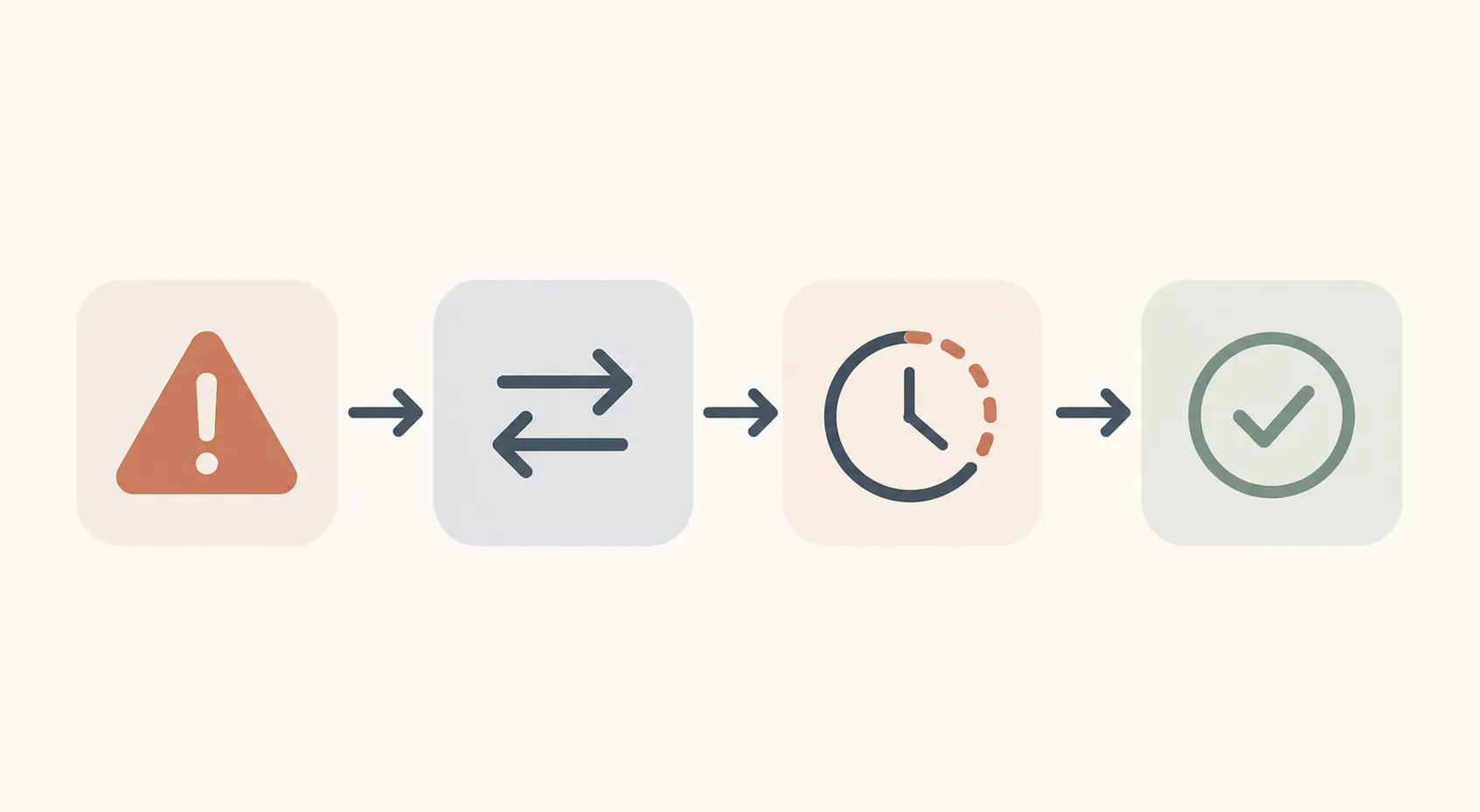
The point of a failover routine is to avoid making tool decisions while the study block is already bleeding time. Ten minutes is enough to decide whether Claude gets a retry or the task moves.
| Time | Action | Decision rule |
|---|---|---|
| 0:00–2:00 | Check whether the failure is persistent: reload once, try a clean tab, confirm your connection, and note any error message. | If the same failure repeats, stop troubleshooting. |
| 2:00–4:00 | Open the saved source packet: passage, notes, question set, official explanation, or flashcard draft. | If the source only exists inside Claude, switch to a task that does not need that lost context. |
| 4:00–7:00 | Move the task to its assigned fallback: flashcards to the card tool, review to the error log, bounded Q&A to backup AI, summaries to the notes template. | Do not compare multiple tools during the outage. |
| 7:00–9:00 | Verify the first output against the source before continuing. | If the fallback invents details, narrow the prompt or use manual review. |
| 9:00–10:00 | Leave a breadcrumb for your future self: what moved, what still needs Claude, and what to resume later. | End the switch and study for the remaining block. |
The routine is intentionally modest. It does not rescue every lost transcript. It does not make downtime harmless. It keeps the next part of the prep session from becoming another casualty.
What to prepare before the next outage
The best time to build the fallback stack is not while Claude is returning errors. Set it up once, then rehearse it with a low-stakes study block.
- Keep source material outside Claude: PDFs, copied passages, official explanations, notes, and problem IDs should live in a folder or note system you can open independently.
- Create one import format for flashcards and use it every time, even when Claude is working.
- Maintain an error-log template before you start full practice sets.
- Choose one backup AI workspace for bounded Q&A and summaries, then test it with material you already understand.
- Mark which tasks are allowed to wait for Claude. Long-form synthesis often can; tonight’s scheduled review usually cannot.
A rehearsal can be simple: pretend Claude is unavailable for one study session. Generate cards without it. Review missed questions from the official explanation and your log. Ask the backup AI one bounded question from a passage. The first run will feel clunky, which is the point. The clunkiness is cheaper during rehearsal than during the week before a test.
A stable setup is smaller than a perfect AI stack
Claude still belongs in a serious study workflow when the task rewards long-context reading and careful explanation. The outage record just means it should not be the only place where the workflow exists. Flashcards need a home outside the chat. Practice review needs official explanations and an error log. Backup Q&A needs strict source boundaries.
The usable rule is small: keep Claude where it tested well, preassign backups for the tasks where interruption hurts most, and practice the switch before the next reserved prep block depends on it.
References
- Claude Goes Down Again: $71B Compute Deal Cannot Prevent Anthropic's 164th Outage — TechTimes, Aug. 5, 2026
Authoritative source
For the authoritative version of this contentHow to Read the '1 in 4 NFL Players CTE' Study
Report an error in this tool's output
Found something this tool got wrong beyond what's documented above? Report it so the accuracy log stays current.
Comments
Join the discussion with an anonymous comment.