
Quizlet vs NotebookLM for Flashcards: Which Should You Use?
NotebookLM and Quizlet both generate flashcards, but they serve different study scenarios. This comparison breaks down their strengths, limits, and the hybrid workflow that uses NotebookLM for source-grounded generation and Anki for spaced repetition drilling.
Updated:
Last reviewed: July 4, 2026. Category: tool-comparisons.
If you are choosing between Quizlet vs NotebookLM for flashcards, the useful answer is not “which app has AI?” anymore. Both can generate cards. The better question is what you are starting from.
- Use NotebookLM when your real study material is your own: lecture PDFs, slides, readings, notes, study guides, or professor-uploaded documents.
- Use Quizlet when a strong premade deck already exists for your textbook, course unit, language list, anatomy chapter, certification exam, or standardized-test topic.
- Use NotebookLM plus Anki when you want the strongest workflow: source-grounded card creation first, then serious spaced-repetition drilling.
That last option is less tidy than staying inside one app. It is also the setup most likely to survive a real exam cycle, because card generation and memory scheduling are different jobs.
Quick Comparison
| Question | NotebookLM | Quizlet |
|---|---|---|
| Best starting point | Your own uploaded sources: PDFs, slides, notes, readings | Existing community sets or manually created study sets |
| Flashcard generation | Generates from selected notebook sources | Can support AI-assisted creation, with upload-based AI features tied to paid access in third-party pricing reporting |
| Source trust | Cards can cite source sentences from your uploaded material | Community decks depend on the creator; accuracy varies by set |
| Library advantage | No comparable public deck marketplace | More than 500M community-made study sets reported |
| Drilling experience | Useful for review, but not a full spaced-repetition system as of mid-2026 | Polished mobile drill experience; Learn and test limits depend on tier |
| Free tier | Standard tier includes stated daily and notebook limits | Free access is more restricted, especially around advanced study modes and AI upload features |
| Power-user path | Export through a third-party extension, then drill in Anki | Mostly stays inside Quizlet’s own ecosystem |
The table is the map. The workflow is where the difference becomes obvious.
If Your Materials Are Messy, NotebookLM Starts in the Right Place
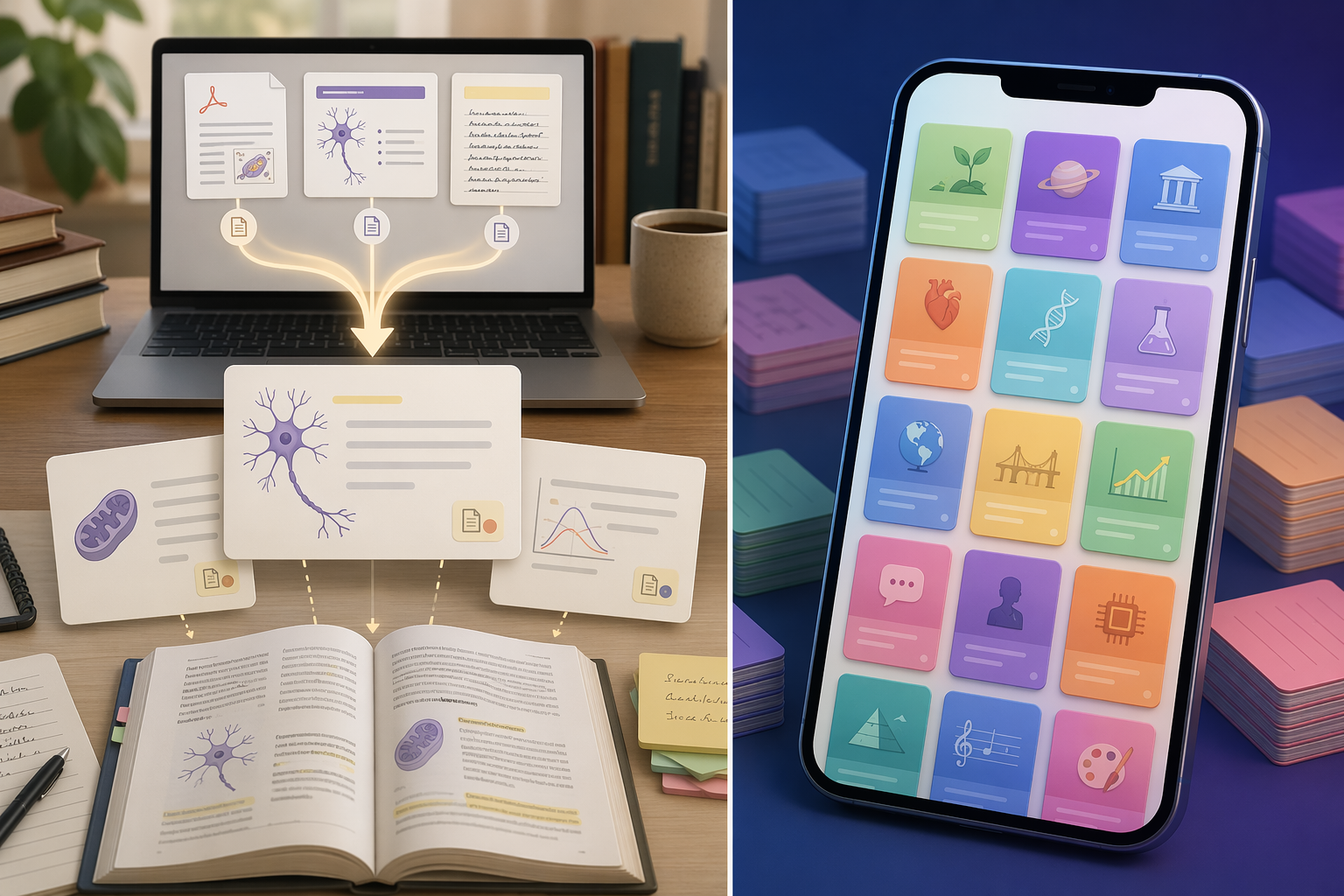
Most student flashcard problems begin before the first review session. The cards may be too broad, too easy, copied from someone else’s class, or detached from what the professor actually emphasized. NotebookLM’s advantage is that it asks for the course material first.
Google announced NotebookLM flashcards and quizzes as study tools built from a user’s uploaded sources, not as a generic deck marketplace.[1] In practice, that matters because the student can put the exam packet, lecture slides, reading excerpts, and class notes into the notebook, then generate cards from that bounded material instead of hoping a public deck happens to match the course.
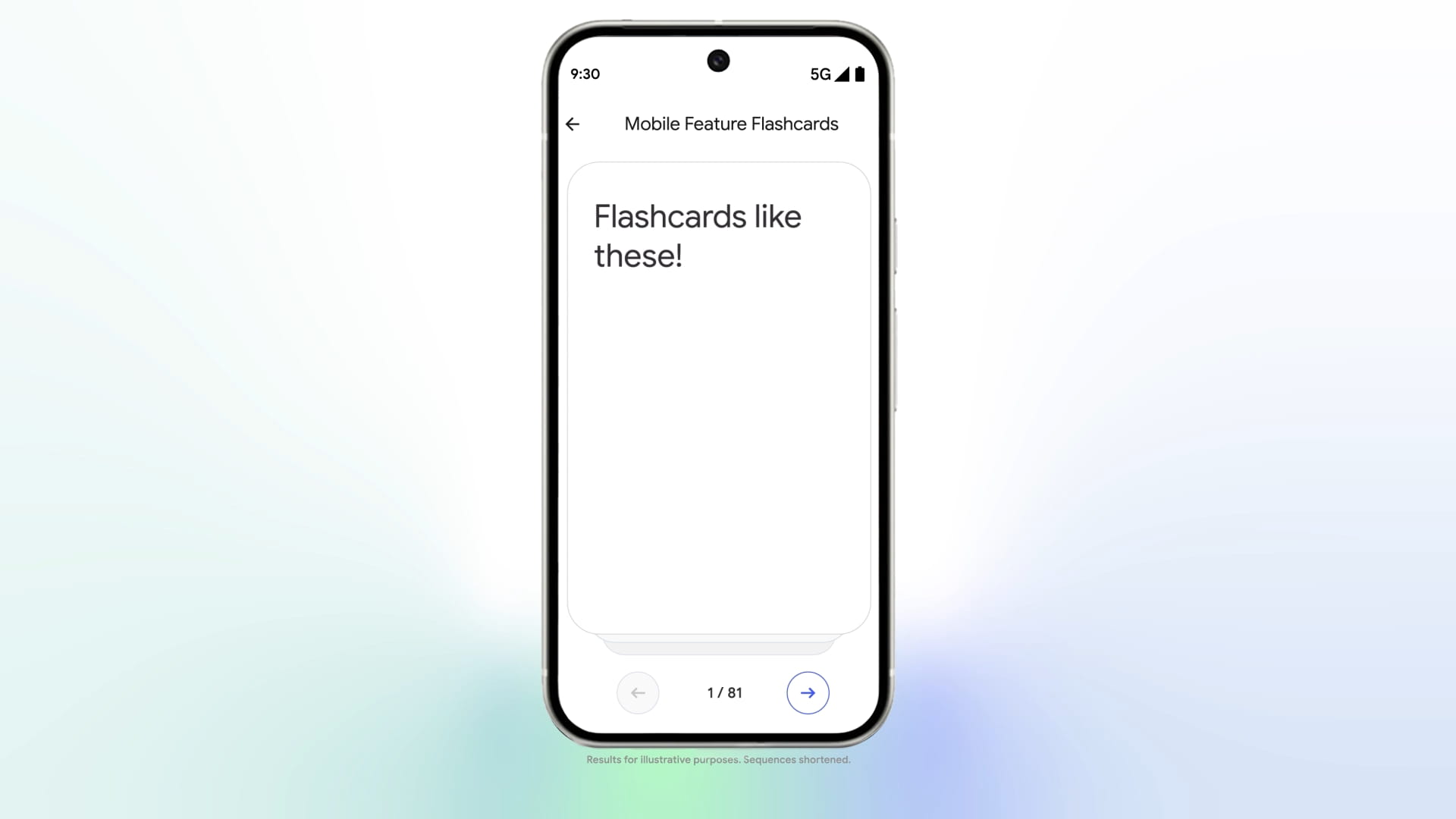
The source link is not a decorative feature. Google’s NotebookLM materials describe the product as grounded in the sources added to a notebook, and the flashcard interface can point back to source text.[1][2] When a card looks suspicious, you can inspect where it came from. That does not make every generated card automatically good, but it gives the student a way to audit the chain from source sentence to card.
That audit trail is the main reason NotebookLM is more convincing than a generic AI flashcard generator. A flashcard about “renal autoregulation,” “federalism,” or “operant conditioning” is only useful if it reflects the version your class is testing. Source grounding narrows the gap between the professor’s material and the review deck.
The most concrete public example in the research set comes from XDA-developers, where the author generated 73 flashcards from 2 NotebookLM sources in one session.[3] That is the kind of number that matters because it describes a real study action: upload sources, generate a deck-sized batch, then start checking and reviewing.
NotebookLM’s standard tier is also unusually generous for this use case. Google’s support limits list 10 flashcard sets per day, 10 quiz sets per day, 3 audio overviews per day, 50 chat queries per day, and 100 notebooks for the standard tier.[2] For a normal exam week, that is usually enough to build several course-specific sets without paying first.
There is still a limit to what “generated from your sources” should be asked to do. NotebookLM can produce the first draft of cards quickly, but students still need to delete weak cards, split overloaded ones, and rewrite questions that give away the answer. The tool improves the source-to-card step. It does not remove the judgment step.
Quizlet Is Fastest When the Right Deck Already Exists
Quizlet’s strongest argument is not that it has AI. It is that millions of students and teachers have already made sets. Quizlet reports more than 500M community-made study sets, which is the one advantage NotebookLM does not really try to match.[4]
That library can be genuinely valuable. If you are studying Spanish verb forms, common biology terms, state capitals, AP vocabulary, medical terminology, or a widely used textbook chapter, a decent public set may get you drilling in under a minute. For a nervous student on a bus before a quiz, that matters.
Quizlet also remains easier to explain to someone who just wants to tap through cards on a phone. Its mobile study experience, familiar card layout, and built-in modes are a real convenience. A student who already has five classes organized in Quizlet may not want to rebuild a study routine around NotebookLM unless the source accuracy problem is serious.
The catch is that a community deck is only as good as its fit. A public deck may follow a different edition, a different instructor, or a different emphasis. In classes where the exam depends heavily on lecture-specific framing, the fastest deck can become a false comfort: plenty of cards, not enough alignment.
The Price Question Is Not Just “Free vs Paid”
Pricing is volatile enough here that any exact claim should be checked against the current billing page before publication or purchase. NotebookLM’s May 2026 tier changes are a reminder that AI study tools can rearrange limits quickly.[2] The safer comparison is to look at what blocks the actual study workflow.
For NotebookLM, the main free-tier question is whether the daily generation and notebook limits are enough. As of the cited Google support limits, 10 flashcard sets per day and 100 notebooks on the standard tier make the answer “yes” for many students, especially if they are preparing for one or two exams at a time.[2]
For Quizlet, the friction is more about which study modes and AI creation features sit behind paid access. AIStudyMaster’s April 2026 pricing review reported Quizlet Plus at $35.99 per year when billed annually, with Learn mode capped at 20 rounds per month and practice tests capped at 3 per month; it also reported that Magic Notes, Quizlet’s upload-based AI generation feature, requires Plus.[5] Because that comes from a third-party review rather than Quizlet’s own current checkout screen, treat it as a verification signal, not a permanent pricing fact.
That distinction changes the recommendation. If you need AI from your own files and do not want to pay first, NotebookLM is the cleaner starting point under the current cited limits. If you mainly want access to an existing deck and basic mobile review, Quizlet may still be the faster route, but its free tier needs to be tested against the exact modes you plan to use.
Generation Is Only Half the Flashcard System
A deck that appears in thirty seconds can still fail in three days. The missing question is how the cards come back to you after the first pass.
Quizlet is comfortable for immediate drilling. You can open a set, flip cards, run through study modes, and keep everything inside one app. That makes it suitable for short-cycle studying: vocabulary quizzes, quick recognition practice, or review when the exam is close and the deck is already trustworthy.
NotebookLM’s built-in flashcards are better viewed as source-grounded review assets than as a complete spaced-repetition system. As of mid-2026, the research set does not support saying NotebookLM has native Anki-style spaced repetition. If that changes, the comparison changes with it.
This is where Anki enters the picture. Anki and AnkiDroid are attractive not because they are prettier than Quizlet, but because they are built around scheduled review. The FSRS scheduling algorithm is part of the current Anki ecosystem, and that makes Anki a better home for cards that need to be remembered over weeks instead of skimmed tonight.[6]
The Strongest Workflow: NotebookLM to Anki
The strongest 2026 flashcard workflow is not the smoothest one. It looks like this:
- Upload the actual course sources to NotebookLM.
- Generate flashcards from the relevant sources.
- Open the citations and remove or rewrite weak cards.
- Export the cleaned cards through a third-party extension.
- Import into Anki or AnkiDroid for spaced repetition.
The important caveat is that the export step is not an official Google feature. XDA-developers covered a NotebookLM-to-PDF/Anki Chrome extension workflow, and Chrome Web Store listings document extensions built for this kind of export path.[7][8] Before using one, check its current status, permissions, reviews, and whether it handles your data in a way you are comfortable with.
That friction is annoying, but the division of labor is sound. NotebookLM is doing the part where source custody matters: turning your professor’s documents into cards you can trace. Anki is doing the part where memory scheduling matters: deciding when those cards should come back.
A practical version of the workflow does not require perfection. For a biology exam, for example, a student might upload lecture slides and a study guide, generate a large first pass, delete duplicated definition cards, rewrite process questions into smaller steps, then move only the keeper cards into Anki. The discarded cards are not waste; they are the cost of turning raw material into something reviewable.
Which Tool Should You Use?
Use NotebookLM if your exam depends on your own course materials. This is the clearest recommendation in the comparison. Uploaded sources, citation-backed cards, and generous standard-tier limits make it the better flashcard generator for lecture-heavy classes, professor-specific exams, and courses where the assigned reading matters.
Use Quizlet if the right deck already exists and you can verify it quickly. That means scanning the cards, checking whether the deck matches your class or textbook edition, and making sure the study mode you need is available on your current tier. Quizlet’s library and mobile polish are still useful; they just do not solve the source-alignment problem by themselves.
Use NotebookLM plus Anki if the material matters for more than a short quiz. This is the best fit for cumulative finals, professional exams, dense science courses, language retention, and any class where forgetting after the first review would be expensive. It asks for more setup, but it gives each tool the job it is actually good at.
The practical judgment is simple: NotebookLM is the better generator for your own materials, Quizlet remains useful when the right premade set already exists, and the strongest current setup is NotebookLM for source-grounded creation plus Anki for spaced repetition. That remains true unless NotebookLM adds native spaced repetition or Quizlet materially changes its paywall and AI upload limits.
References
- NotebookLM flashcard and quiz launch announcement, Google Blog, https://blog.google
- NotebookLM support limits and pricing page, Google Support, https://support.google.com/notebooklm
- NotebookLM's new feature beats Quizlet at its own game, XDA-developers, https://www.xda-developers.com
- Quizlet review 2026 with pros and cons, Atomi Systems, https://atomisystems.com
- Quizlet Plus pricing breakdown, AIStudyMaster, April 2026, https://aistudymaster.com
- Anki manual and FSRS scheduling documentation, Anki, https://docs.ankiweb.net
- NotebookLM-to-PDF/Anki Chrome extension coverage, XDA-developers, https://www.xda-developers.com
- NotebookLM export extension listing, Chrome Web Store, https://chromewebstore.google.com
Individual Tool Profiles
Related Comparisons
- Quizlet's AI Test Generator vs. Newer AI Test Makers — Which Generates Better Practice Questions from Your Notes?
We compare Quizlet's Magic Notes and AI Test Generator against Cuflow, Studygenie, and QuizFlex to see which tool produces the most accurate, exam-level practice questions from your course materials. This guide helps tech-savvy students choose the right AI test maker for their study workflow.
- Quizlet Learn Free in 2026: What You Actually Get vs. What's Paywalled (With Exact Numbers)
A definitive audit of Quizlet's free tier in 2026. We break down exactly what's free (flashcards, basic flip), what's capped (Learn mode rounds, Test mode), the exact pricing of Plus vs. Plus Unlimited, and the teacher bypass loophole — so you can decide whether to upgrade or switch.
- Quizlet vs. Top Flashcard Apps in 2026: A Feature-by-Feature Comparison
A detailed comparison of Quizlet against Anki, Knowt, Brainscape, RemNote, and AI-first flashcard tools. This guide helps students evaluate the trade-offs between convenience, cost, AI automation, and spaced repetition quality to choose the right app for their study needs.
Comments
Join the discussion with an anonymous comment.