
Does the Dell XPS 13 or MacBook Air pass exam device checks?
Last reviewed: August 26, 2026.
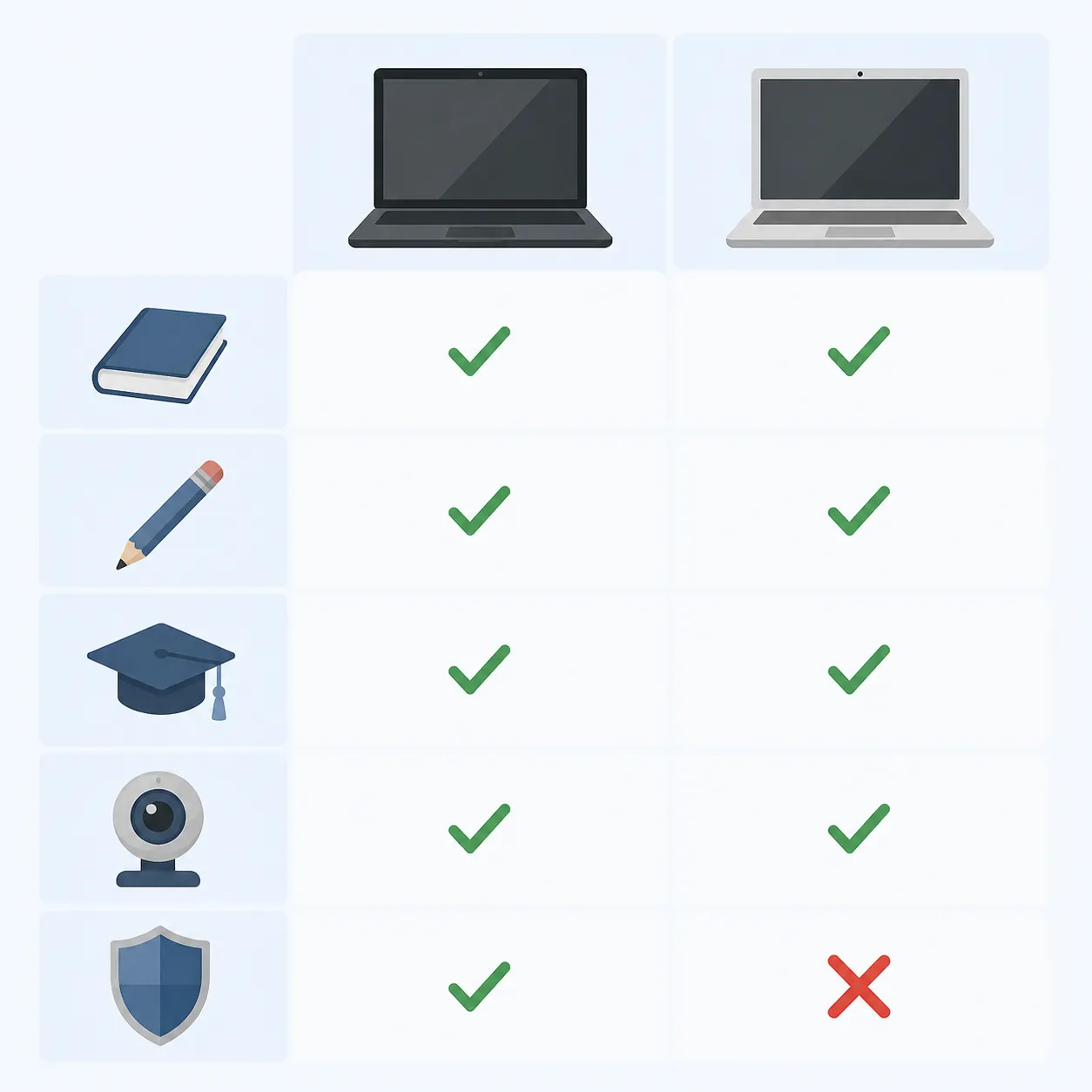
If you are comparing the Dell XPS 13 vs MacBook Air for college students, start with the exam software, not the processor. Both laptops clear the main device checks for Bluebook/digital SAT, ACT online BYOD, GRE at home, and ProctorU. CLEP remote proctoring is the exception that can turn a good MacBook Air purchase into the wrong exam-day machine, because College Board lists CLEP remote proctoring as Windows 10/11 only.[1][2][3][4][5][6]
| Exam or platform | Dell XPS 13, 2026 Windows model | MacBook Air, 2026 M5 model | The device-check detail that matters |
|---|---|---|---|
| Digital SAT / Bluebook | Passes, assuming a supported Windows 11 build and enough storage/battery. | Passes, assuming macOS 15+ and enough storage/battery. | Bluebook supports Windows 11 24H2+ and macOS 15+, requires 1 GB free space, and expects the device to hold charge for 3–4 hours. Windows S mode and Windows 11 SE are unsupported.[1][2] |
| ACT online BYOD through ACT Gateway | Passes as a personal Windows laptop. | Passes as a personal Mac laptop. | ACT BYOD allows personal Windows and Mac laptops, but not iPads/tablets or personal Chromebooks. The readiness check must pass before the posted deadline; for the September 19, 2026 test date, ACT lists September 14, 2026 as the deadline.[3] |
| GRE General Test at home | Passes the OS category, with Windows 11 recommended. | Passes the OS category with Mac OS X 11+. | ETS requires a licensed desktop or laptop OS, Chrome, a single monitor/keyboard setup, and a smartphone second camera; tablets, Chromebooks, and Surface Pro devices are not allowed.[4] |
| ProctorU-proctored exams | Passes the published baseline for a normal current Windows configuration. | Passes the published baseline for a normal current Mac configuration. | ProctorU lists Windows 10+ and Mac OS 11.0+, 8 GB RAM, a 4-core CPU at 2.4 GHz, 3 Mbps up/down, and a 640x480 webcam; it bans VMs, Boot Camp, and remote-control software.[5] |
| CLEP remote proctoring | Passes if it is running Windows 10 or 11 and the rest of the setup is compliant. | Fails the remote-proctoring device check unless the student has another compliant Windows machine available. | College Board’s CLEP remote-proctoring page lists Windows 10 or 11 only, plus Chrome 100+, the ETS Online Test app, and Proctortrack. It does not list macOS as supported.[6] |
The one exam that changes the laptop answer
CLEP remote proctoring is the hard stop. College Board’s requirement is not phrased as “Windows recommended” or “Mac users should check first.” It lists Windows 10 or 11 as the operating system requirement, along with Chrome 100+, the ETS Online Test app, and Proctortrack.[6]
That means a student who may take CLEP remotely should buy the Dell XPS 13 over the MacBook Air, or at least make sure a separate compliant Windows laptop is available before registration and test day. The MacBook Air may be the more comfortable daily machine for some students, but comfort does not matter if the proctoring setup rejects the operating system.
This is also why the answer should not be reduced to “Windows is always safer.” For Bluebook, ACT online, GRE at home, and ProctorU, current Windows and macOS laptops are both inside the published device rules. CLEP is the specific official exception, and it is strong enough to decide the purchase for any student who might use CLEP credits.
Bluebook: both pass, but do not treat OS updates casually
Bluebook is the most forgiving major exam app in this comparison for a current XPS 13 or MacBook Air. College Board lists Windows 11 24H2+ and macOS 15+ as supported, with 1 GB of free space and enough battery to last 3–4 hours. It also excludes Windows S mode and Windows 11 SE, which matters more for cheaper school-issued Windows devices than for a standard XPS 13.[1][2]
The practical risk is not that either of these laptops is too weak. It is that a student buys a good machine, leaves no storage cushion, ignores the battery expectation, or installs a major early-fall operating-system update before Bluebook support has caught up. On a normal week, that is annoying. On test week, it becomes a line at the help desk.
For SAT students, the device check belongs in the same routine as Bluebook practice. If you are setting up the SAT workflow now, pair this device check with how Khan Academy SAT Practice works with Bluebook and a realistic look at which free SAT practice tests actually help in 2026.
ACT Gateway and GRE at home reward early checking
ACT’s online BYOD rules are friendly to both laptops but strict about timing. ACT allows personal Windows and Mac laptops for online testing, while excluding iPads, tablets, and personal Chromebooks. The readiness check has to pass before ACT’s posted deadline; ACT lists September 14, 2026 as the deadline for a September 19, 2026 test date, and says registration is cancelled if the requirement is not met.[3]
That deadline is the detail families tend to underestimate. A student who checks the laptop the night before the ACT may discover the problem after the useful decision window has closed. With the XPS 13 and MacBook Air, the likely outcome is a pass, but the check still needs to happen when there is time to fix account, browser, camera, or permission issues.
GRE at home has a different kind of timing pressure. ETS allows licensed Windows and Mac laptops, recommends Windows 11 for Windows users, lists Mac OS X 11+ for Mac users, and requires Chrome. It also requires a smartphone as a second camera, with iOS 12+ or Android 8+, and bans tablets, Chromebooks, and Surface Pro devices.[4]
The expensive part of a failed GRE setup is not usually the laptop specification; it is the consequence. ETS tells test-takers to complete the ID verification check at least 72 hours before the appointment and states that if equipment or environment requirements are not met on test day, the test fee is not refunded and the test cannot be rescheduled for free.[4]
ProctorU is broad, but it still has non-negotiables
ProctorU’s published equipment baseline includes Windows 10+ or Mac OS 11.0+, 8 GB RAM, a 4-core CPU at 2.4 GHz, 3 Mbps upload and download speeds, and a 640x480 webcam. It also bans virtual machines, Boot Camp, and remote-control software.[5]
A normal 2026 XPS 13 or M5 MacBook Air is not the weak point here. The weak point is the machine’s condition: old remote-access tools left installed, browser permissions blocked, a poor dorm-room connection, or a camera/microphone permission that the student has never tested. For a university exam using ProctorU, run the platform check on the exact laptop, network, webcam, and browser profile you plan to use.
After compatibility, price favors the XPS 13
Pricing is a Q3 2026 snapshot, not a permanent law. The current budget Dell XPS 13 discussed here is the 2026 DX13260 class, not the older premium OLED-heavy XPS configurations that still appear in many comparisons. XDA’s 2026 review described the XPS 13 as starting at $599 with a student discount or $699 generally, with a base 8 GB configuration and a 16 GB step around $799–$899.[7][8]
The 13-inch M5 MacBook Air sits in a different price lane. PCMag’s 2026 review lists a $1,099 starting price and notes a June 2026 increase to $1,299.[9] If CLEP is in the picture, that price gap is not the main reason to choose Dell; the Windows-only CLEP rule is. If CLEP is not relevant, the lower XPS 13 price becomes a straightforward tie-breaker for students who do not care strongly about macOS.
Do not overread display details for this purchase. Current third-party material is not perfectly aligned: Notebookcheck’s XPS 13 2026 listing and XDA’s review/spec discussion do not present the display resolution in exactly the same way.[7][8] That is worth noticing if screen quality is your hobby. It is not what determines whether Bluebook, ACT Gateway, GRE at home, ProctorU, or CLEP lets the student test.
Battery is reassuring, not decisive
Bluebook’s stated battery expectation is 3–4 hours, and the GRE General Test at home is much shorter than an all-day laptop endurance trial.[1][2][4] Review-tested battery numbers for both laptops sit well beyond those exam windows, but they should not be averaged because publications use different testing routines.
For the XPS 13, XDA reported 16 hours and 40 minutes in its 2026 review testing.[8] For the M5 MacBook Air, PCMag reported 18 hours and 4 minutes in its battery testing.[9] Those numbers are useful as margin, not as a promise that either laptop will last that long during a proctored exam with camera, browser, screen brightness, and network activity all in play.
The safer exam habit is still boring: charge the laptop fully, bring the charger if the rules and room setup allow it, close unnecessary apps, and do not walk into a readiness check with a battery that is already half gone.
The buying rule
- Buy the Dell XPS 13 if CLEP remote proctoring is even a realistic possibility, or if the family wants the safer default for Windows-only exam software.
- Buy the MacBook Air if CLEP is not relevant and the student prefers macOS enough to justify the higher Q3 2026 price.
- If the student will only use Bluebook, ACT online BYOD, GRE at home, or ProctorU, both laptops are legitimate choices, but the readiness check should be run early on the exact machine.
- For exams delivered on test-center equipment rather than the student’s own laptop, treat this comparison as a prep-workflow purchase, not as a test-day admission requirement.
For most exams, both pass. For CLEP remote proctoring, the MacBook Air does not.
References
- Approved Devices – Bluebook for Students — College Board
- Device Requirements – Bluebook — College Board
- ACT Gateway – Student Resources — ACT
- Taking the GRE General Test at Home — ETS
- Equipment Requirements – ProctorU — ProctorU
- CLEP Remote Proctoring Requirements — College Board
- Dell XPS 13 (2026) DX13260 – Reviews and Specs — Notebookcheck
- Dell's XPS 13 is the laptop I'd recommend, except for this one problem — XDA Developers
- Apple MacBook Air 13-Inch (2026, M5) Review — PCMag
Related comparisons & exam hub
No matching exam hub found
Browse tool comparisons to find other verdicts for this exam.
Did this match your own testing?
Report whether your hands-on experience with this tool matched the verdict, or flag a pricing or accuracy change.
Comments
Join the discussion with an anonymous comment.