
The Best PDF Summarizer for Students Depends on Your Study Phase
Not all PDF summarizers are created equal. This guide breaks down which tools work best for pre-class reading, exam revision, and research writing, so you can pick the one that matches what you need right now.
Updated:
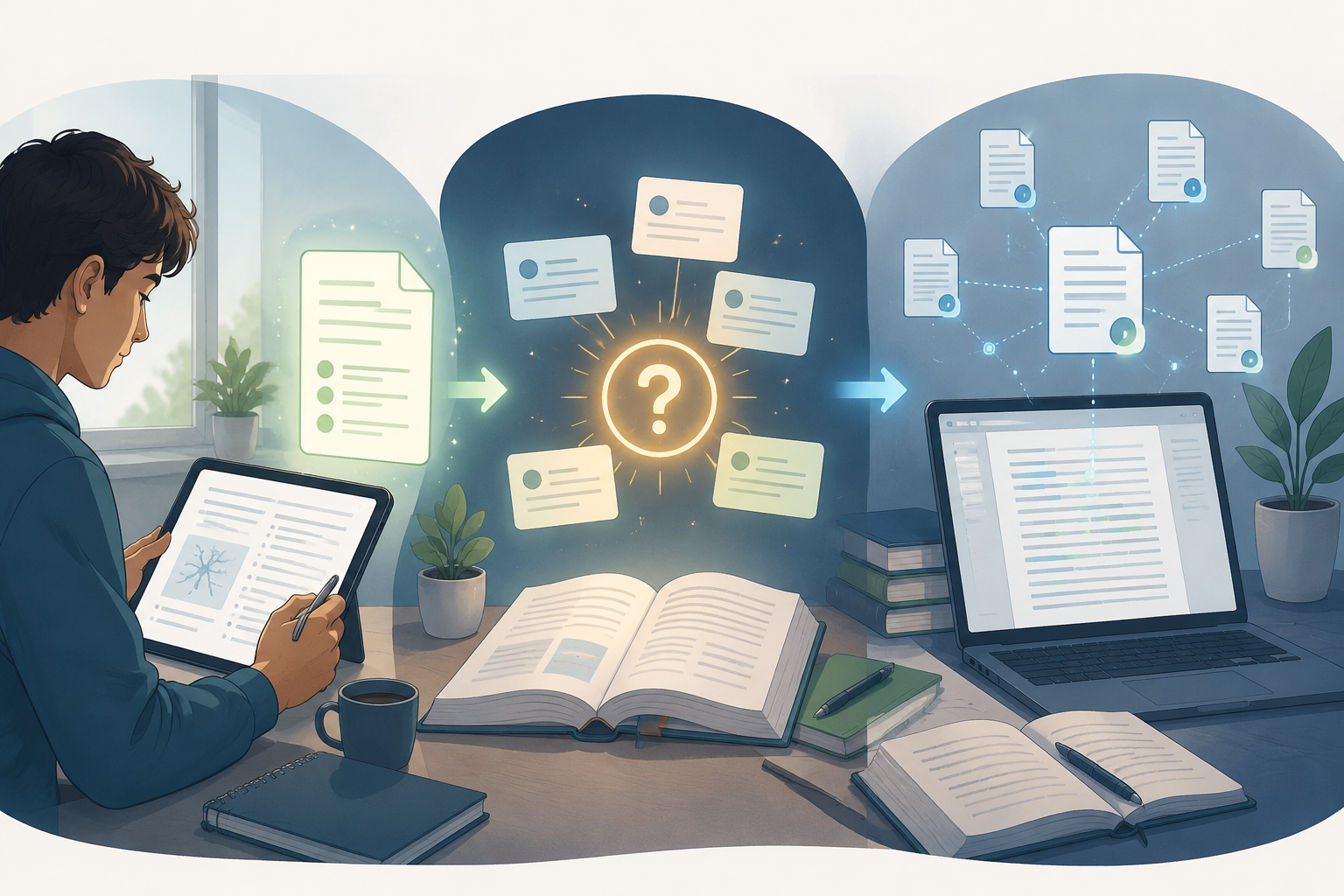
The same PDF can be three different assignments depending on the week. On Monday afternoon, it is the article you need to skim before seminar so you can follow the discussion. On Sunday night, it is exam material that needs to turn into recall. During a research essay, it is evidence, methods, limitations, and citations that can get you in trouble if you treat a smooth summary as proof.
That is why looking for one generic PDF summarizer for research papers that students can use for everything is usually the wrong starting point. The better question is smaller: what do you need the PDF to become right now?
| If your next task is... | You need the PDF to become... | Start with... |
|---|---|---|
| Walking into class prepared | A fast orientation: thesis, structure, key terms, and questions | NotebookLM, ChatPDF, or Smallpdf |
| Studying for an exam | Flashcards, practice questions, and repeatable retrieval practice | Knowt, Scholarly, Cuflow-style workflows, or Cramd-style exam tools |
| Writing a research essay | Traceable claims, source-linked answers, methods, limitations, and citation checks | SciSpace, Scholarcy, Humata, NotebookLM, or Papersflow-style reading systems |
A phase-based choice sounds less exciting than a top-ten list, but it is more honest. Cuflow’s 2026 student-focused comparison explicitly separates PDF summarizer tools by study phase, which is useful because the success condition changes: a pre-class tool saves you from walking in cold, while an exam tool should help you remember, and a research-writing tool should help you verify claims before you cite them.[1]
Before class, use the tool that gets you oriented fastest
For pre-class reading, the standard is not perfection. You need enough of the paper’s argument, evidence, and vocabulary to listen intelligently, ask one decent question, and notice when the professor spends twenty minutes on a section the summary barely mentioned.
NotebookLM is the easiest first recommendation here because its free setup is unusually student-friendly. Paperguide’s 2026 review describes NotebookLM as fully free, with unlimited queries, cross-document Q&A, support for 50 sources per notebook, and audio summaries.[2] That combination matters for ordinary weekly reading. A student can drop in lecture PDFs, assigned papers, and notes from the same unit, then ask what the readings agree on, where they differ, and which terms keep recurring.
The useful move is not “summarize this PDF” and then stop. A better pre-class sequence is: ask for the central claim, ask which sections carry the evidence, ask for three discussion questions, and then open the PDF at the sections the tool identified. If you already use NotebookLM, a workflow like How to Use NotebookLM for Studying fits this phase better than treating NotebookLM as a magic abstract generator.
ChatPDF still has a place, especially when the job is one article and a few quick questions. Its free tier is commonly listed as 2 PDFs per day, up to 120 pages each, which is enough for light weekly reading but not built for a pile of exam-week uploads.[2] Smallpdf fits a similar lightweight lane: useful when the PDF task is simple and you do not need a whole study system around it.[1]
The mistake in this phase is overbuying. A citation-heavy research assistant can be excellent and still be too much for a ten-minute orientation before class. If the paper is assigned for discussion rather than for your bibliography, you usually need a map, not a full literature-review machine.
Before an exam, a summary can become a trap
Exam prep is where PDF summarizers most often feel productive while doing the wrong job. Reading a clean summary creates recognition: the material looks familiar, so the evening feels less wasted. But exams usually ask for retrieval, comparison, application, or explanation without the PDF in front of you. A summary can support that work, but it does not automatically create it.
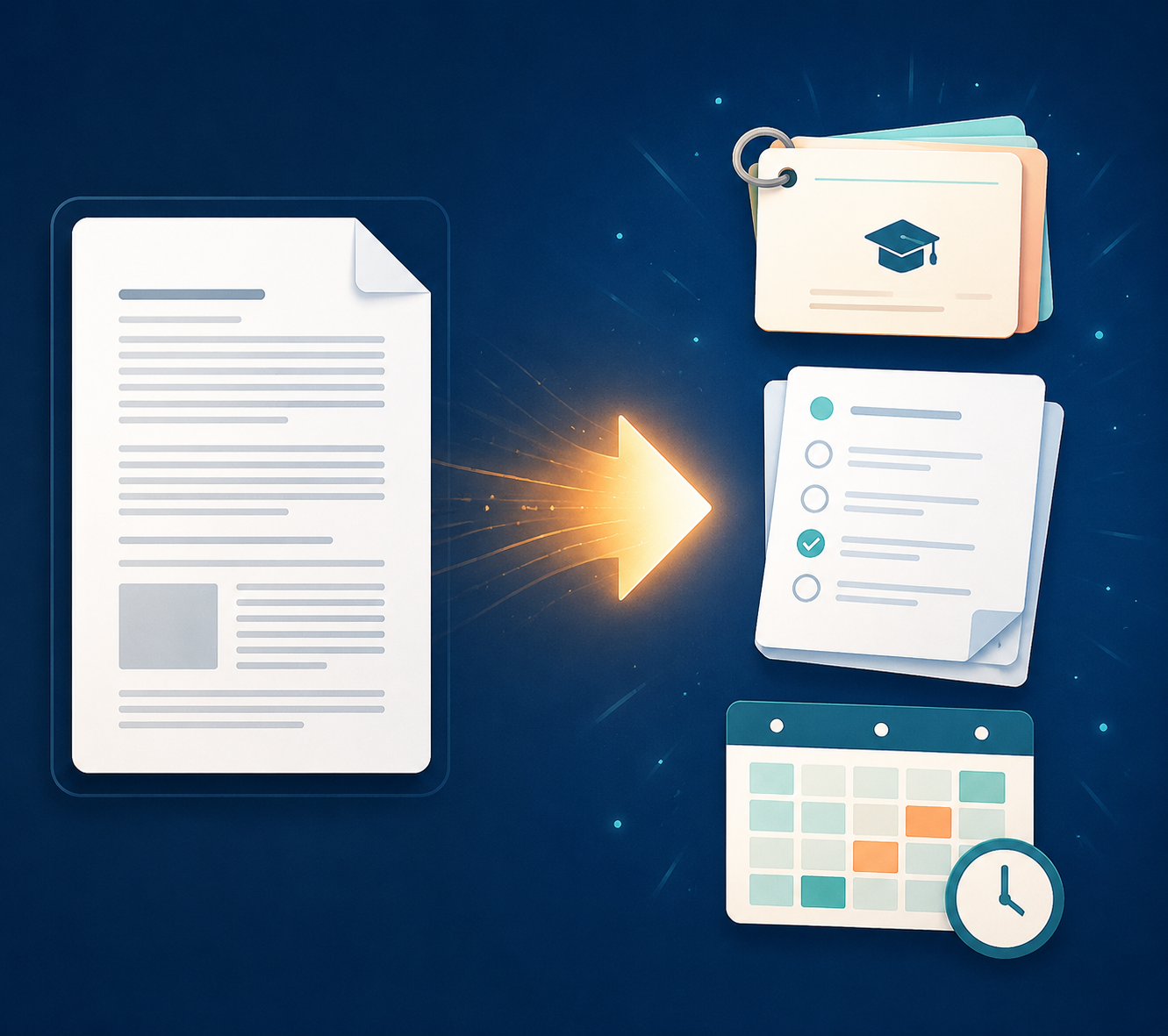
For exam week, the better output is a study artifact: flashcards, practice questions, missed-question review, or a spaced repetition queue. This is where Knowt deserves attention. Knowt’s own AI PDF Summarizer page says students can generate flashcards from PDFs, and Scholarly’s comparison also identifies PDF-to-study-material conversion as part of this exam-prep lane.[3][4] That changes the task from “I read a shorter version” to “I have something I can test myself with.”
A useful exam workflow looks more like this:
- Upload the chapter, article, or lecture PDF and generate a short summary only to identify the examinable units.
- Turn each unit into flashcards or practice questions.
- Answer without looking, then mark what you missed.
- Return to the original PDF for the missed or vague points.
- Repeat the weakest cards or questions later instead of rereading the whole summary.
The first step can be fast. The middle steps are where the studying happens. If a tool gives you a beautiful paragraph but no way to practice, it may still be fine for pre-class prep, but it is not doing enough for exam prep.
Scholarly and Cuflow-style workflows belong in this conversation because they focus less on passive compression and more on turning reading into study outputs.[1][4] Cramd’s 2026 comparison also covers exam-prep use cases, but its claims should be read with the usual caution applied to vendor comparisons that promote their own tool.[5] That does not make the tool useless; it means the safest test is whether the free or trial version actually produces the kind of questions your course asks.
Here is a quick way to check. Take one old lecture PDF and ask the tool for practice questions. If every question can be answered by copying a sentence from the summary, the tool is mostly testing recognition. If it asks you to compare two concepts, explain a method, apply a theory to a new example, or identify a limitation, it is closer to exam work.
Knowt is strongest when flashcards are the next action. If you want a deeper comparison of flashcard-focused tools, the broader guide to AI flashcard makers is more relevant than another generic PDF summarizer roundup. The important distinction is that exam prep does not reward the tool that summarizes most elegantly; it rewards the tool that makes you retrieve accurately before the test does.
For research essays, speed matters less than traceability
Research writing is the phase where a vague AI answer can do the most damage. If you are using a paper to support a claim, you need to know where the claim appears, what the authors actually studied, which methods they used, and what limits they acknowledged. A source-linked answer is not a luxury here. It is the difference between having a lead and having evidence.
SciSpace and Scholarcy are better suited to this phase because they are built around research-paper reading rather than casual document compression. Paperguide’s comparison identifies SciSpace as offering citation-aware summaries, and its broader review treats tools like SciSpace and Scholarcy as research-paper summarizers rather than generic PDF chat tools.[2] That matters when your question is not “what is this about?” but “can I safely use this paper in paragraph four of my literature review?”
Scholarcy is especially relevant when you need structured extraction: claims, methods, findings, and sections that help you decide whether the paper is worth deeper reading. SciSpace is useful when you are trying to understand dense academic language while keeping the citation trail visible. Neither replaces reading the important sections yourself, but both can reduce the time wasted on papers that are adjacent to your topic rather than actually useful.
Humata fits the same research-writing lane from a different angle: Q&A over PDFs with source highlighting. Mapify’s 2026 comparison describes Humata as a PDF Q&A tool that highlights sources, which is exactly the feature students need when they are checking whether an answer came from the uploaded paper or from the model’s general fluency.[6]
NotebookLM can also work in research essays, but the job changes. In pre-class mode, it is there to orient you. In research mode, it becomes a cross-document comparison space: which papers define the key term the same way, which one uses a different sample, which source actually supports the sentence you want to write. Its 50-source notebook capacity and cross-document Q&A make it unusually useful for this kind of sorting, especially before you decide which papers deserve close reading.[2]
Papersflow’s guide is useful less as a single-tool endorsement and more as a reminder that research-paper summarizing is a workflow: screen the paper, inspect the methods, capture the claims, and keep notes tied to sources.[7] If your essay depends on empirical research, do not let the AI summary flatten the method section into “the study found.” The method is often where the usable boundary of the finding lives.
What to verify before you cite anything
Before a summarized point enters your draft, check four things in the original PDF:
- The claim: Does the paper actually say this, or did the tool infer it too broadly?
- The scope: Was the finding limited to a specific population, setting, model, or sample?
- The method: Was the evidence experimental, observational, theoretical, qualitative, or a review?
- The citation: Is the reference real, complete, and actually connected to the claim?
Paperpal’s reviewed list of AI summarizer tools and Quetext’s guide both draw attention to proper usage boundaries for academic summarizing, with Quetext emphasizing AI summaries as tools for triage and filtering rather than text to submit as original work.[8][9] That distinction is not a formality. Summaries can drop caveats, especially methodological ones, and AI tools can report references or findings with more confidence than the source supports.
If you are already building a larger literature workflow, NotebookLM Deep Research for Students is the more natural next read than another list of summarizers. The goal is not to make AI sound more academic. The goal is to leave yourself an evidence trail you can defend.
Free plans are useful, but only if they survive the phase
A free PDF summarizer is not automatically student-friendly. A free plan that handles one article beautifully and then blocks the third upload may be fine in week three and useless in finals week. The real test is whether the limit appears exactly when the workload spikes.
As of Q3 2026, NotebookLM is the strongest zero-cost anchor because the cited reviews identify it as fully free, with unlimited queries and cross-document Q&A rather than a tiny daily allowance.[2] Knowt can cover the exam-prep gap because its free tool page supports PDF-to-flashcard generation.[3] For privacy-first work, PDFgear is worth noting: Okti’s 2026 free-tier comparison describes it as fully free and offline, with AI running on-device, while also noting the tradeoff that a local model may be less powerful than cloud systems.[10]
That makes a realistic $0 setup possible for many students: NotebookLM for pre-class orientation and cross-document Q&A, Knowt for flashcards, and a citation-aware or source-highlighting tool’s free allowance only when a research paper needs closer handling. Pricing and feature gates change quickly in AI tools, so the responsible habit is boring but necessary: check the current upload limits, export options, and citation features before building a whole semester workflow around one platform.
The practical verdict
Choose by study phase first, price second, and interface preference third. If you are trying to survive tomorrow’s discussion, use NotebookLM, ChatPDF, or Smallpdf to get oriented, then read the sections that matter. If you are preparing for an exam, choose a tool that turns the PDF into flashcards or practice questions; Knowt is the cleanest free starting point. If you are writing a research essay, use SciSpace, Scholarcy, Humata, NotebookLM, or a Papersflow-style system only if you are willing to verify the claims against the original text.
AI summaries are allowed to save you from friction. They are not allowed to become fake reading, fake citations, or fake confidence. The right tool should leave you with a next action: read this section, test this concept, check this method, or verify this source. If it only leaves you with a nicer paragraph, keep moving.
References
- Best PDF Document Summarizer Tools for Students in 2026, Cuflow
- 9 Best AI Research Paper Summarizers in 2026 (Free + Paid), Paperguide
- AI PDF Summarizer, Knowt
- PDF Summarizer — Free & Instant PDF Summaries, Scholarly
- 10 Best PDF Summarizers (AI-Powered): 2026, Cramd
- 7 Best AI PDF Summarizer Tools in 2026, Mapify
- Best AI Paper Summarizers in 2026, Papersflow
- 4 Best AI Summarizer Tools in 2026 (Reviewed), Paperpal
- Best AI Summarizers for Research Papers: How to Use Them, Quetext
- Best Free AI PDF Summarizers 2026: Top 10 Tools Compared, Okti
Related Resources
- 7 AI Essay Feedback Tools Compared: Which One Fits Your Writing Needs? →
A comparison of seven dedicated AI essay feedback tools in 2026, covering pricing, feedback depth (grammar-only vs. structural and rubric-aligned coaching), and which tool best suits different writing tasks — from college applications to everyday coursework.
- AI Study Tools vs. Traditional Study Tools: What Actually Works in 2026 →
A practical, evidence-based guide for students who want to know when AI study tools genuinely save time and when traditional methods like Anki and handwritten notes still outperform them. This article argues for a deliberate hybrid workflow, backed by cognitive science and real-world testing.
- Are AI Flashcard Makers Accurate? A Data-Driven Look at Quality, Hallucinations, and the Hybrid Workflow →
AI flashcard makers can save hours of study time, but they also introduce errors. This article examines the accuracy of top tools, reveals common hallucination patterns, and presents a practical hybrid workflow that balances automation with human curation for high-stakes exam prep.
Comments
Join the discussion with an anonymous comment.