
How Microsoft MFA Outages Disrupt Student Exam Access
Accuracy Warning — Microsoft MFA
MFA outages can block exam access; students may be marked no-show without recourse.
- Accuracy:
- Limited
- Tested:
- Launching proctored exam via Microsoft authentication
- Last tested:
- 2026-03-25
The cruelest Microsoft MFA outage is not the one that happens on an ordinary Tuesday afternoon. It is the one that appears after a student has already done the responsible things: registered for the exam, cleared the desk, opened the proctoring flow, checked the ID rules, and started the login that is supposed to prove they are the right person.
At that point, “try again later” is not a neutral message. Later may mean the exam window is gone. Later may mean the registration portal has closed. Later may mean the OneDrive folder with the final project is still locked while the deadline keeps moving toward midnight.
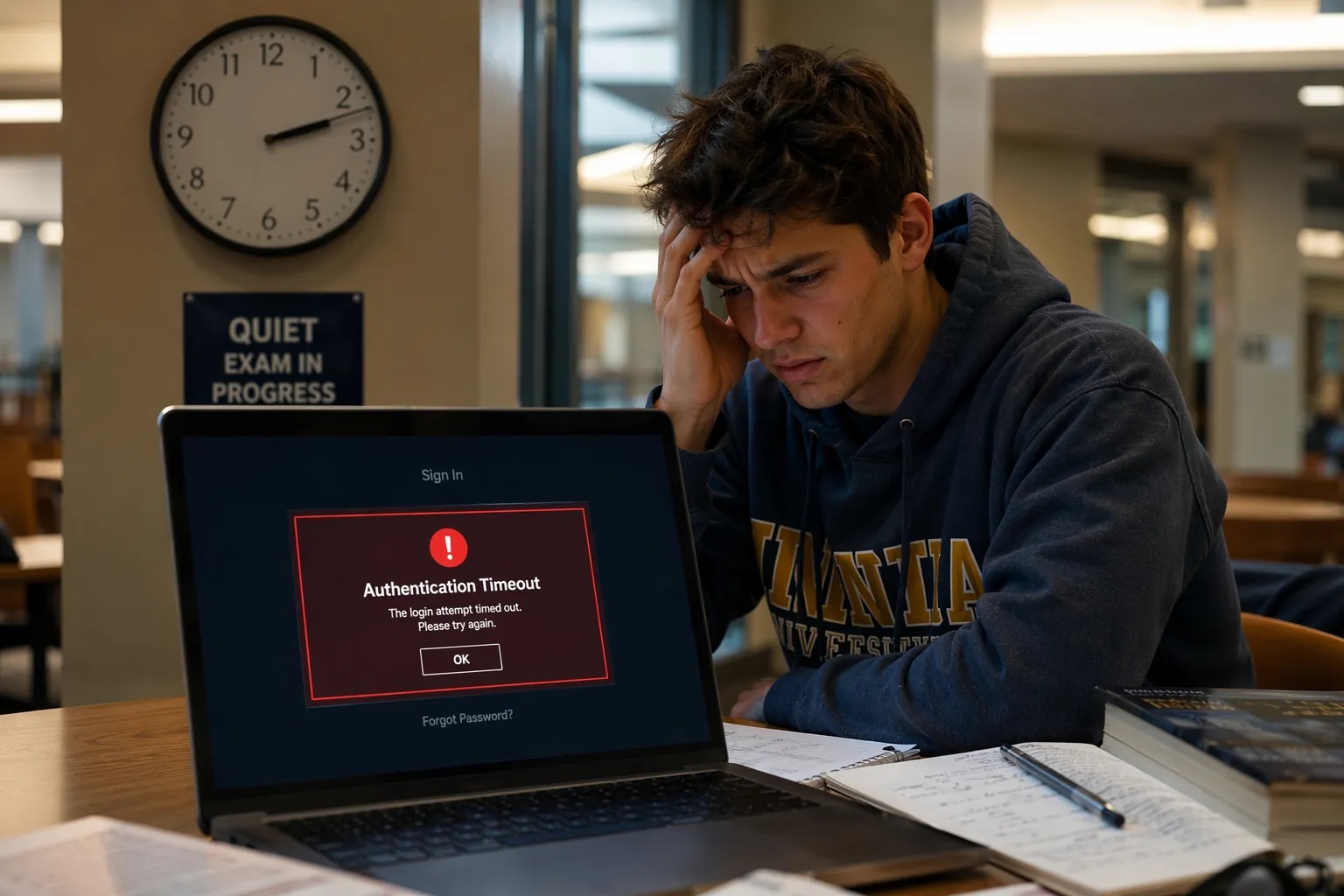
A March 25, 2026 Microsoft Q&A thread shows the problem in its most unforgiving form. A test-taker reported being marked as a no-show for an AI-900 proctored exam after a system outage prevented exam delivery. The student said they made four support calls, had a case number, and still had to push the issue through Pearson VUE and Microsoft Certification Support to get the no-show status addressed.[1]
That thread does not prove MFA was the root cause. It documents a system outage, a failed exam delivery experience, and the support escalation that followed. The reason it matters in a discussion of student login issues during Microsoft MFA outages is narrower and more practical: when identity, exam delivery, and vendor support all meet at the same locked door, the student is the one left proving that the absence was not their fault.
The lockout often starts before the exam screen
Proctored exams make the failure dramatic, but the same dependency can show up much earlier in the study process. Microsoft Q&A threads describe students caught in MFA loops where Microsoft Authenticator, the recovery method, or the account needed to approve the sign-in is itself unavailable. In one student Azure account case, the student could not access the Azure student subscription because the recovery MFA codes were tied to the same locked account.[2]
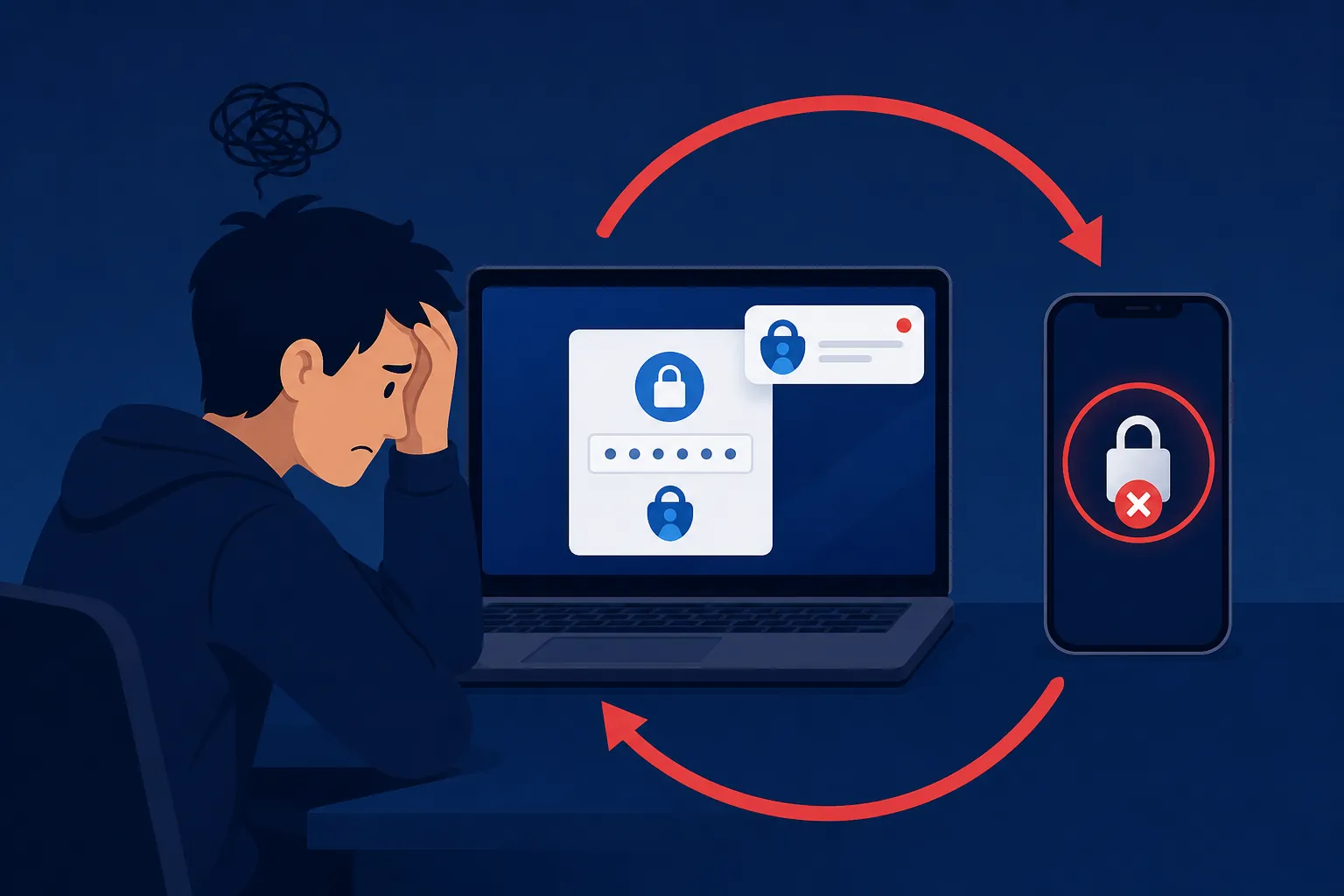
That is the authentication loop at its worst. The system asks for proof from the very device, app, or account that the student is trying to recover. A campus help desk can sometimes reset methods or confirm ownership, but many students do not know who controls the tenant, whether the account belongs to the university or Microsoft directly, or whether support can act before the deadline.
Another Microsoft Q&A case puts the same pattern into ordinary coursework rather than certification testing. A university student reported being locked out of an account and losing access to important OneDrive files 10 days before a major project deadline. The thread describes a tenant-identity conflict made worse by MFA enforcement, leaving the student without access to files needed for submission.[3]
Ten days sounds generous until the work is in a folder the student cannot open. If the final report, shared notes, recorded lecture links, data files, or AI-assisted study drafts live behind the same Microsoft sign-in, the outage is not merely an inconvenience. It changes what the student can study, submit, or prove.
Why the same protection can become the single point of failure
MFA deserves its security reputation. Microsoft Research reported in a 2023 peer-reviewed study using Azure AD data that MFA reduced compromise risk by 99.22% overall.[4] That figure should stop any lazy version of the argument that treats authentication as needless friction. Account takeover is real, and students are attractive targets because their accounts often connect email, cloud storage, institutional portals, payment systems, and software licenses.
The hard part is that effective security centralizes the decision. Conditional Access policies can require a successful MFA challenge before a student reaches Microsoft 365, Entra ID-connected apps, Azure student resources, Teams, SharePoint, OneDrive, LMS integrations, VPN, or a third-party service that relies on Microsoft identity. When the MFA step works, the student barely notices it. When it fails, everything downstream looks broken at once.
That is why exam access gets hit so cleanly. A student may not be logging in “to MFA.” They may be trying to open a Pearson VUE flow, reach an LMS quiz, pull the official study guide from OneDrive, check a Teams announcement, access a SharePoint folder, launch an Azure lab, or use a Microsoft-authenticated Copilot-style study workflow. The failed proof of identity sits upstream of all of those tasks.
Secured Intel’s post-incident analysis of a February 23, 2026 Microsoft authentication disruption described 504 Gateway Timeouts blocking access to services including Exchange, Teams, SharePoint, and VPN, and made the broader point that stronger security enforcement can amplify the blast radius of authentication infrastructure failures.[5] That is not an argument against stronger enforcement. It is a warning that enforcement without a humane recovery path transfers the outage cost to the person standing at the exam launch screen.
The recurrence matters more than any single outage
A one-off failure can be treated as bad luck. The more useful pattern is recurrence. Public reporting and post-incident writeups document Microsoft authentication or MFA-related disruptions affecting access in January 2025, July 2025, October 2025, January 2026, February 2026, and June 2026.[5][6][7][8] The incidents differ in scope and reporting detail, so they should not be collapsed into one identical cause. For students, the practical lesson is simpler: Microsoft authentication is not an invisible utility that can be assumed available during every critical window.
| Where the failure appears | What the student loses first | Who usually has to untangle it |
|---|---|---|
| OneDrive, SharePoint, Teams, or Microsoft 365 | Study files, shared notes, project work, course messages | Campus IT, tenant administrators, sometimes Microsoft support |
| LMS, registration portal, or Azure student account | Registration access, lab access, class resources, eligibility checks | Campus IT, identity administrators, platform support |
| Proctored certification or remote exam flow | Exam start eligibility, session delivery, attendance status | Exam vendor support, certification support, sometimes campus IT |
Purdue’s decision in December 2025 to postpone its systemwide move to Microsoft MFA is worth pausing on because it is not a student complaint after the damage is done. Purdue IT explicitly cited disruption concerns when delaying the rollout.[9] Institutions know the tradeoff exists: the university needs stronger account protection, but a poorly timed or poorly supported authentication change can interfere with the academic calendar.
Microsoft has also acknowledged the student-specific difficulty. In an August 2024 Microsoft Education Blog post, the company wrote that traditional MFA processes can be unrealistic for students and cited NIST data saying 81% of middle and high school students reuse passwords.[10] The password-reuse statistic should be read carefully because the blog post does not provide a direct NIST document link in the available brief. Still, Microsoft’s larger admission matters: student authentication cannot simply copy the employee model and expect the same behavior, support access, or recovery maturity.
Why students are especially exposed
A staff member locked out of an enterprise account may have a manager, an internal device inventory, a service desk with identity privileges, and a workday path for escalation. A student often has a phone, a personal laptop, a university email address, and a deadline. If the phone was replaced, the Authenticator app was reset, the recovery number is old, or the account belongs to a school tenant the student barely understands, the recovery path becomes a scavenger hunt.
The timing is also worse. Students do not need access evenly across the semester. They need it at sharp peaks: the night before a registration deadline, the hour before an online proctored exam, the final stretch before a project submission, the day a certification voucher expires. A two-hour login issue during those windows can be more damaging than a much longer outage during a quiet week.
AI study tools add another dependency rather than a separate category of risk. If a student uses Microsoft-authenticated Copilot workflows, Azure-based learning labs, OneDrive-stored AI study notes, Teams study groups, or SharePoint course material, the same identity layer may control access. The AI tool may be fine. The study plan may be fine. The blocked step is the proof of identity required before the tool is allowed to load.
A backup plan belongs in exam prep, not after the lockout
The most useful preparation happens before exam week, when there is still time to discover which account owns what. Students do not need to become identity engineers. They do need to know whether they have more than one allowed way to prove who they are, where their files live, and who has authority to reset access.

- Register more than one authentication method where the school or platform allows it, such as Authenticator plus a phone number, security key, or backup method.
- Confirm recovery email addresses and phone numbers before exam week, especially after changing phones, phone numbers, schools, or devices.
- Download offline copies of essential study materials, admission details, practice notes, formula sheets, project files, and exam-day instructions.
- Test the exact login path before the critical window: the LMS, exam vendor page, Microsoft 365 account, OneDrive folder, Azure lab, and any AI study workspace used for preparation.
- Know the escalation owner before trouble starts: campus IT for school-managed accounts, Pearson VUE for exam delivery, Microsoft Certification Support for certification status, or platform support for third-party tools.
- Document the outage while it is happening with timestamps, screenshots, error messages, case numbers, support chat transcripts, and the affected exam or deadline.
Documentation matters because the first system of record may not understand the outage. A proctoring platform may mark the student absent. A registration portal may simply close. A support queue may answer after the deadline. The student’s evidence is often the only bridge between “you did not show up” and “the service could not admit you.”
What to test before a proctored Microsoft certification exam
Certification candidates should treat identity checks as part of the test-day checklist, alongside ID rules and room requirements. Log in to the Microsoft certification profile, confirm the exam appointment, open the Pearson VUE instructions, and verify that the account used for scheduling is the one expected at launch. If MFA prompts appear, complete them early enough that a reset request still has time to move.
If the exam launch fails during a known outage, do not rely on one support channel. Capture the screen, note the time, start with the exam vendor because it controls the session record, and preserve the Microsoft Certification Support case details because that is where the certification status may need correction. The AI-900 no-show case shows how quickly the technical failure can become an administrative problem.[1]
What to protect for coursework and AI-assisted study
For coursework, the priority is not backing up everything. It is backing up the work that cannot be recreated under deadline pressure: final drafts, data files, problem sets, lab notes, lecture summaries, source PDFs, AI chat histories that shaped a study plan, and submission instructions. If a Microsoft sign-in controls the only copy, the student has built a single point of academic failure.
Offline copies do not solve every authentication problem. They will not reopen a locked registration portal or start a remote proctored session. They do keep a login outage from also becoming a study blackout, and that difference can matter when the exam is tomorrow.
The realistic conclusion for students
MFA is not the villain here. The 2023 Microsoft Research result gives a strong reason to keep using it, even with the caveat that the underlying data may not describe every 2026 condition exactly.[4] The problem is treating Microsoft authentication as if it were air: always present, invisible, and not worth planning around.
For deadline-driven students, MFA backup checks now belong beside ordinary exam prep. Download the official material. Confirm the test-day ID. Check the appointment time. Then test the account, the recovery method, the cloud folder, and the support path before the exam window is already open.
References
- No-Show Status After System Outage – Anyone Experienced This?, Microsoft Q&A, March 25, 2026
- Unable to Access Student Azure Account Due to MFA Authentication Loop, Microsoft Q&A
- Urgent: Locked out of Account and Access to Important Student Files Due Soon, Microsoft Q&A
- How effective is multifactor authentication at deterring cyberattacks?, Microsoft Research, 2023
- Microsoft Authentication Outage Causes 504 Gateway Timeout Errors, Secured Intel, February 23, 2026
- Microsoft 365 outage blocks access to Outlook, Teams, and more, BleepingComputer, January 2025
- Microsoft MFA Outage: 19-Hour Disruption Impacts Users Worldwide, Messageware, July 2025
- Microsoft Confirms Multi-Factor Authentication Outage, Infosecurity Magazine, June 2026
- Purdue postpones Microsoft MFA rollout, Purdue IT, December 2025
- MFA for students: Simplifying security for education, Microsoft Education Blog, August 2024
Authoritative source
No specific exam hub matched
Browse the exam hubs directory for the authoritative plan on any of the five exams.
Report an error in this tool's output
Found something this tool got wrong beyond what's documented above? Report it so the accuracy log stays current.
Comments
Join the discussion with an anonymous comment.